

 Italiano
 Français
 Deutsch
 Español
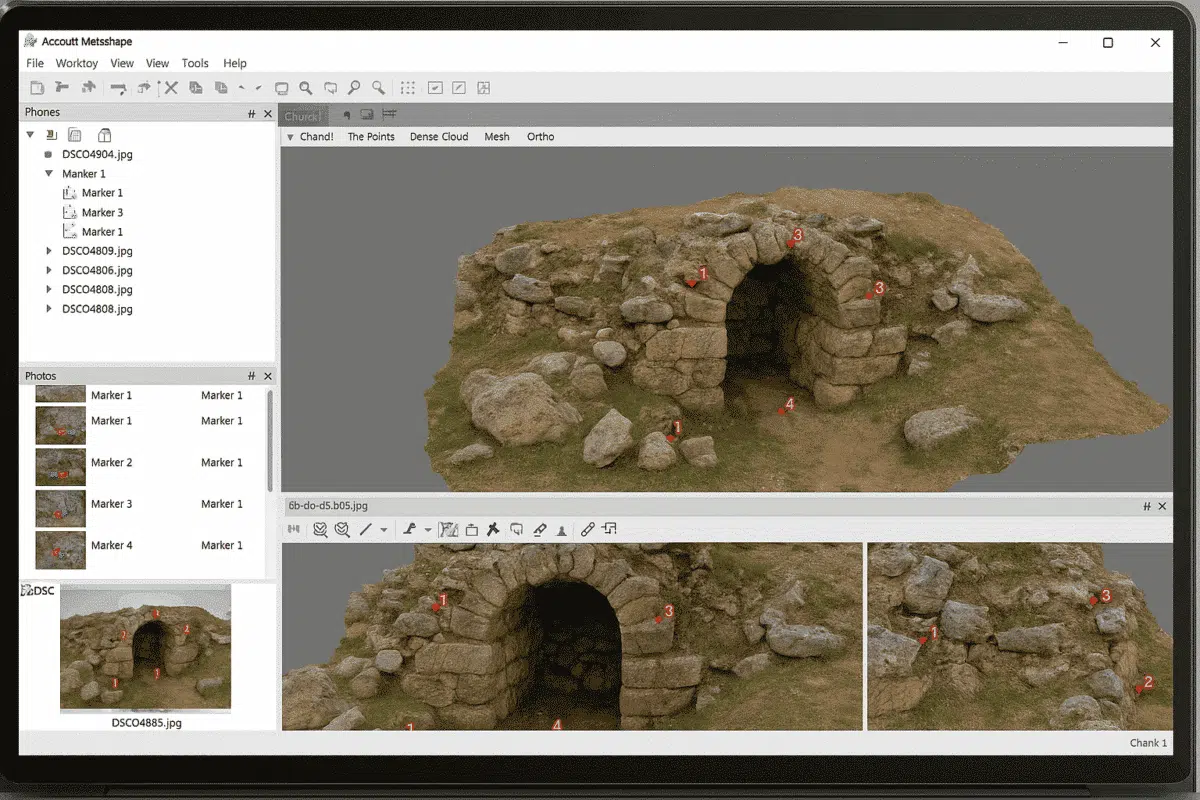
Agisoft Metashape is one of the most widely used photogrammetry tools for creating 3D models, orthophotos, and digital elevation models from images. One of the key elements in achieving accurate results is the use of markers. Markers help align images, improve scaling, and provide a reference system for your 3D model. In this guide, we […]
Author Archives: admin
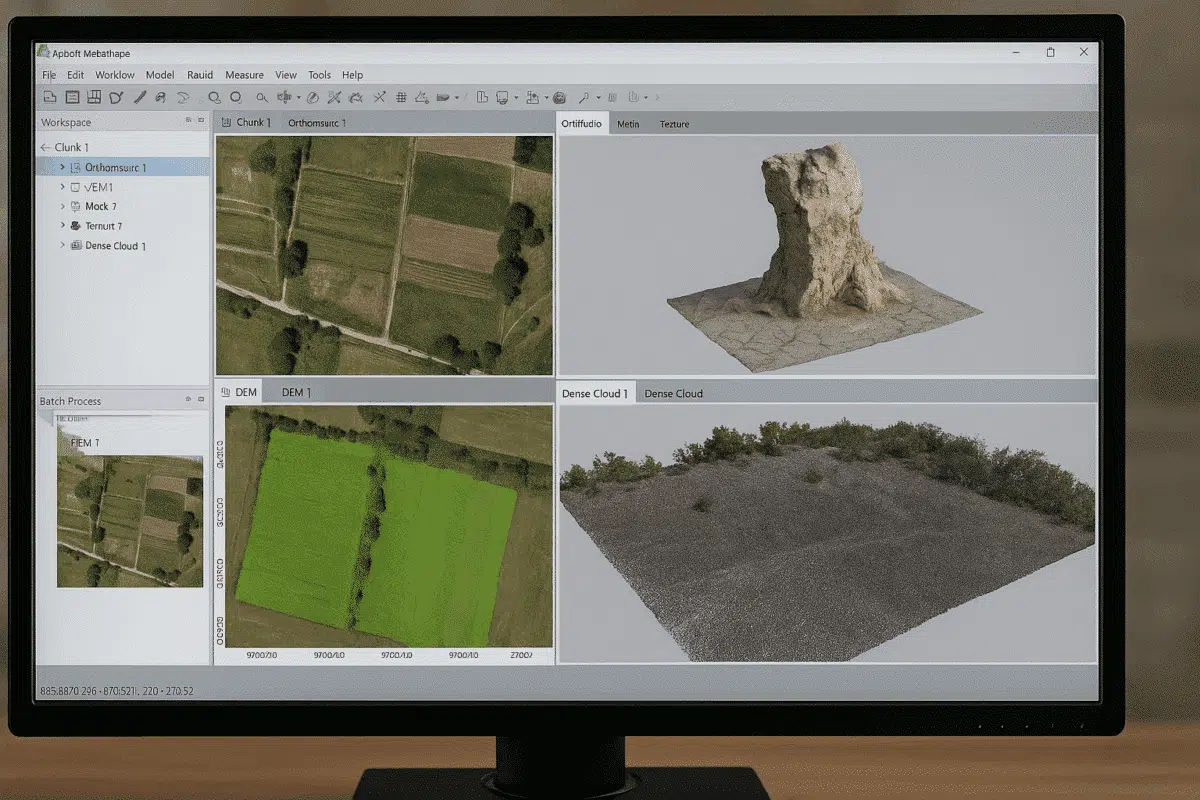
Agisoft Metashape is one of the most powerful photogrammetry tools available today, widely used for 3D modeling, mapping, and surveying. A frequent question among new users is: what file formats does Agisoft Metashape support? Understanding supported formats is essential for a smooth workflow, whether you are importing drone images, laser scans, or exporting 3D models […]
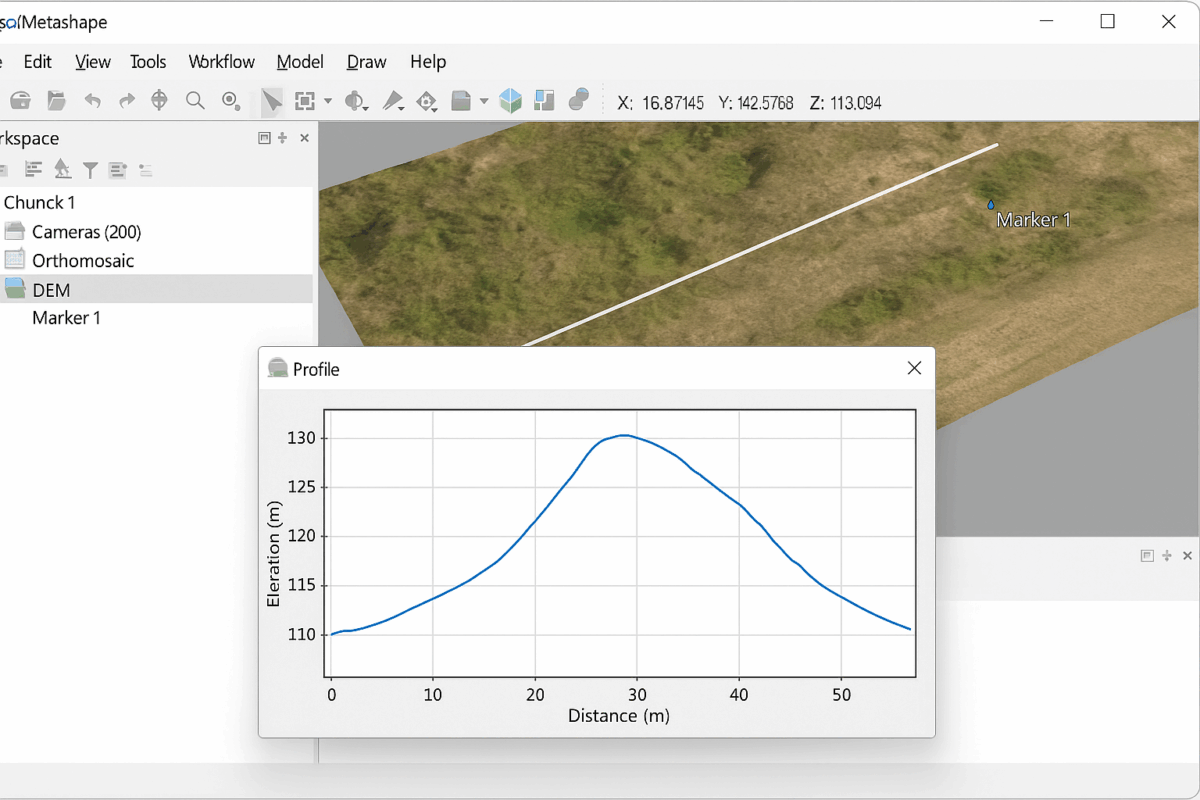
One of the most powerful features of Agisoft Metashape is the ability to generate profiles and cross-sections from your 3D data. Whether you are working with a digital elevation model (DEM), a dense point cloud, or a mesh, creating sections is an essential task for surveying, construction, mining, archaeology, and environmental studies. This guide will […]
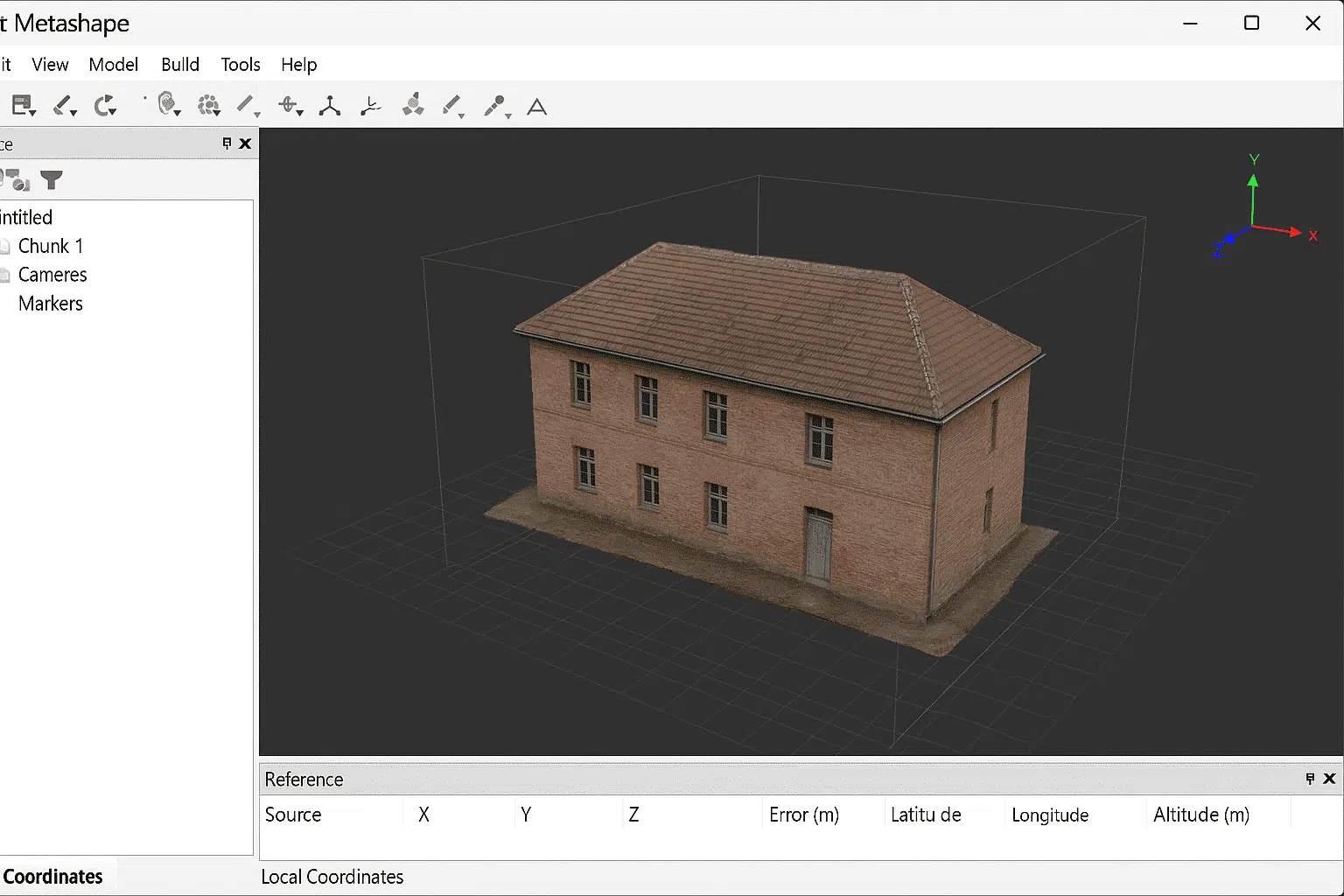
Working with local coordinates in Agisoft Metashape can be extremely useful for projects that do not require a global reference system. While many photogrammetry workflows use standardized coordinate reference systems (CRS) such as WGS84 or UTM, there are situations where it is more efficient and practical to work in a local coordinate framework. This guide […]
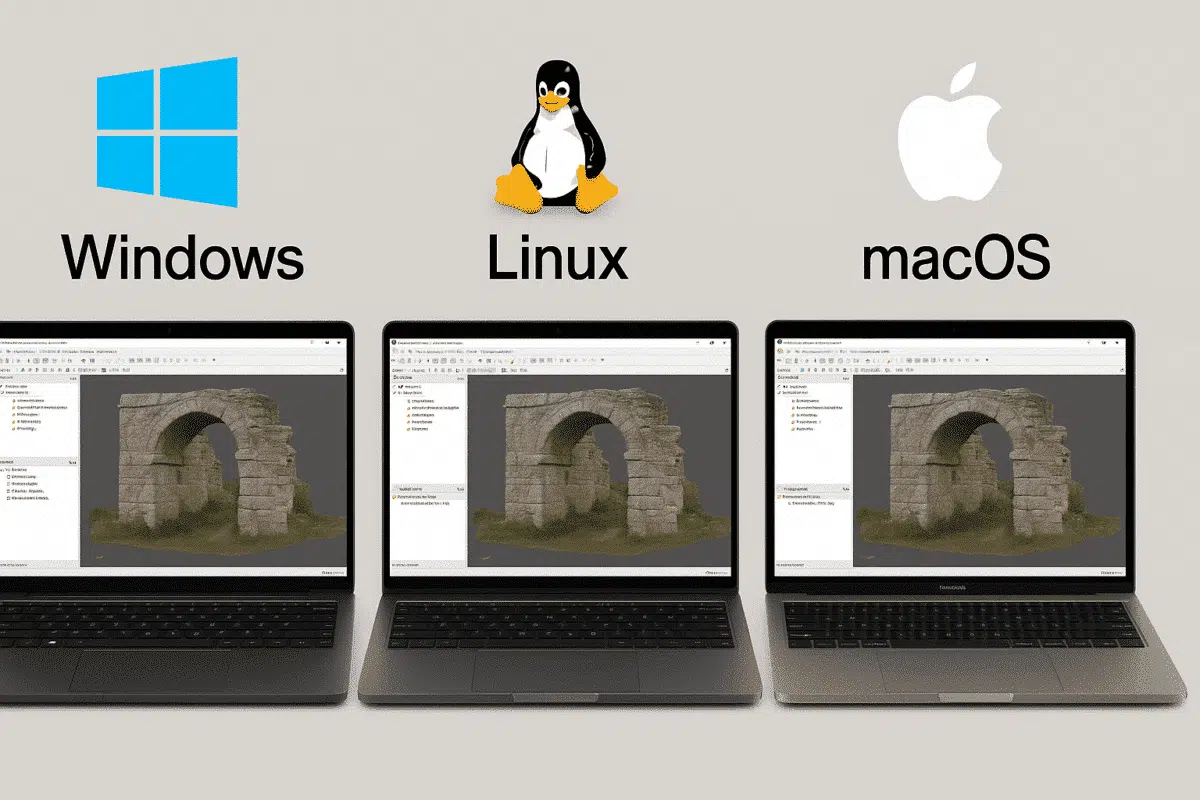
When testing professional photogrammetry software such as Agisoft Metashape, many users begin their 30-day free trial on one operating system, often Windows. Later, some realize they would prefer to run the software on Linux or Mac, especially for performance or workflow reasons. This raises an important question: does the trial transfer between operating systems? Let’s […]

Agisoft Metashape is one of the most powerful photogrammetry tools used in surveying, and when paired with GNSS and RTK workflows, it becomes a precision-grade solution. This article explains how GNSS and RTK work with Metashape, what accuracy you can realistically expect, and how to set up a reliable workflow for land surveying in 2025. […]
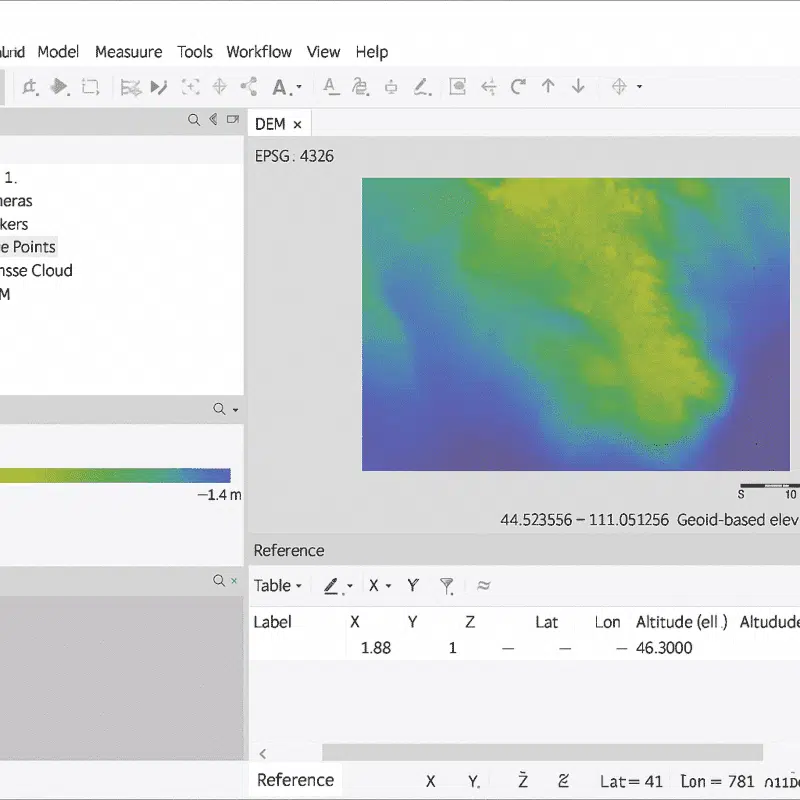
Working with geoids in Agisoft Metashape is essential for anyone who needs accurate elevation data in their photogrammetry projects. By default, drone data often provides altitudes in relation to an ellipsoid model, which can lead to discrepancies when compared to real-world ground heights. Geoids help bridge this gap by converting ellipsoidal heights into orthometric heights, […]
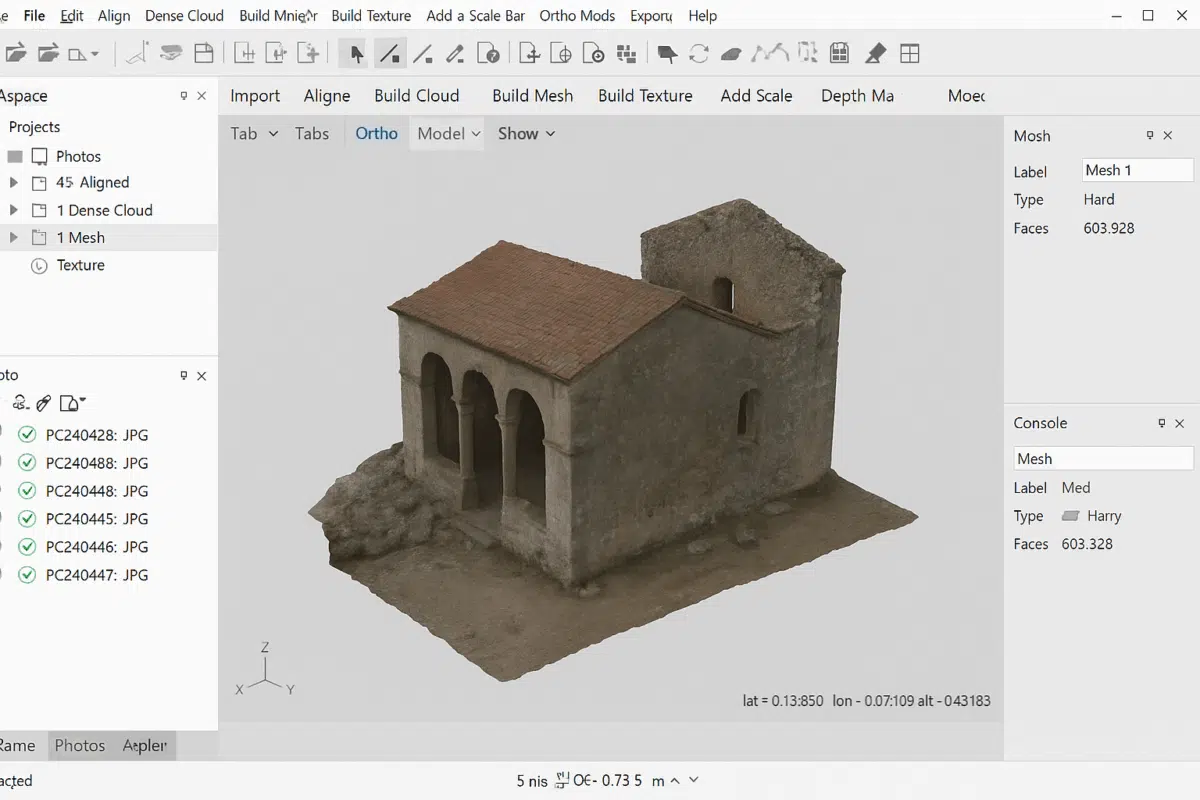
Creating a 3D mesh in Agisoft Metashape is one of the most important steps in any photogrammetry workflow. A mesh transforms your aligned images and dense point cloud into a surface that can be textured, measured, and exported for further use. Whether you are working on archaeology, architecture, surveying, or creative projects, understanding how to […]
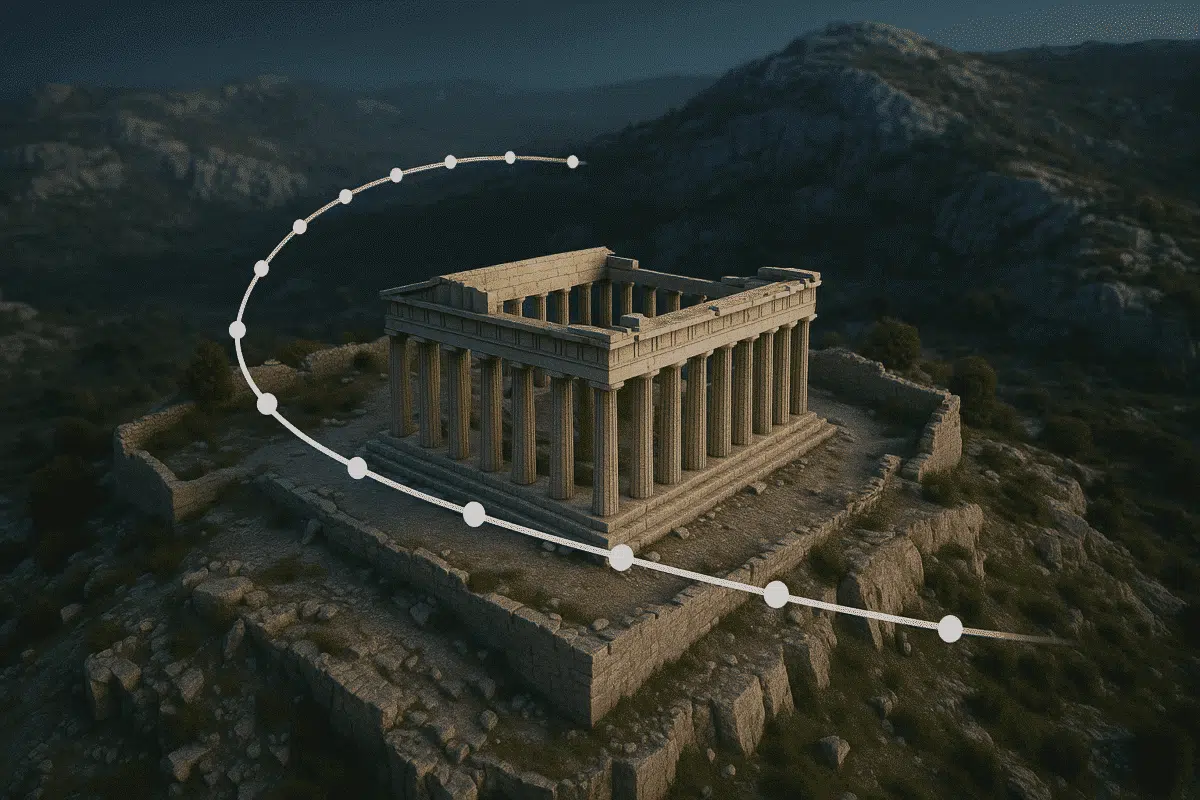
Agisoft Metashape is widely known for its photogrammetry capabilities, but many users don’t realize it also includes basic animation tools. With the camera track feature, you can create professional-looking flythrough animations directly within Metashape, ideal for presentations, reports, or online showcases. Why Create 3D Flythroughs? Animated flythroughs add life to your 3D models. Whether you’re […]
Agisoft Metashape 2.2.2 has officially been released by Agisoft, delivering numerous enhancements in LiDAR data handling, orthomosaic processing, precision display, batch operations, the Agisoft Viewer, and enhanced cloud-based team control. Below is a comprehensive overview of what is new and improved in version 2.2.2. 1. Advanced LiDAR & Point Cloud Processing Enhancements Metashape 2.2.2 builds […]
