

 Italiano
 Français
 Deutsch
 Español
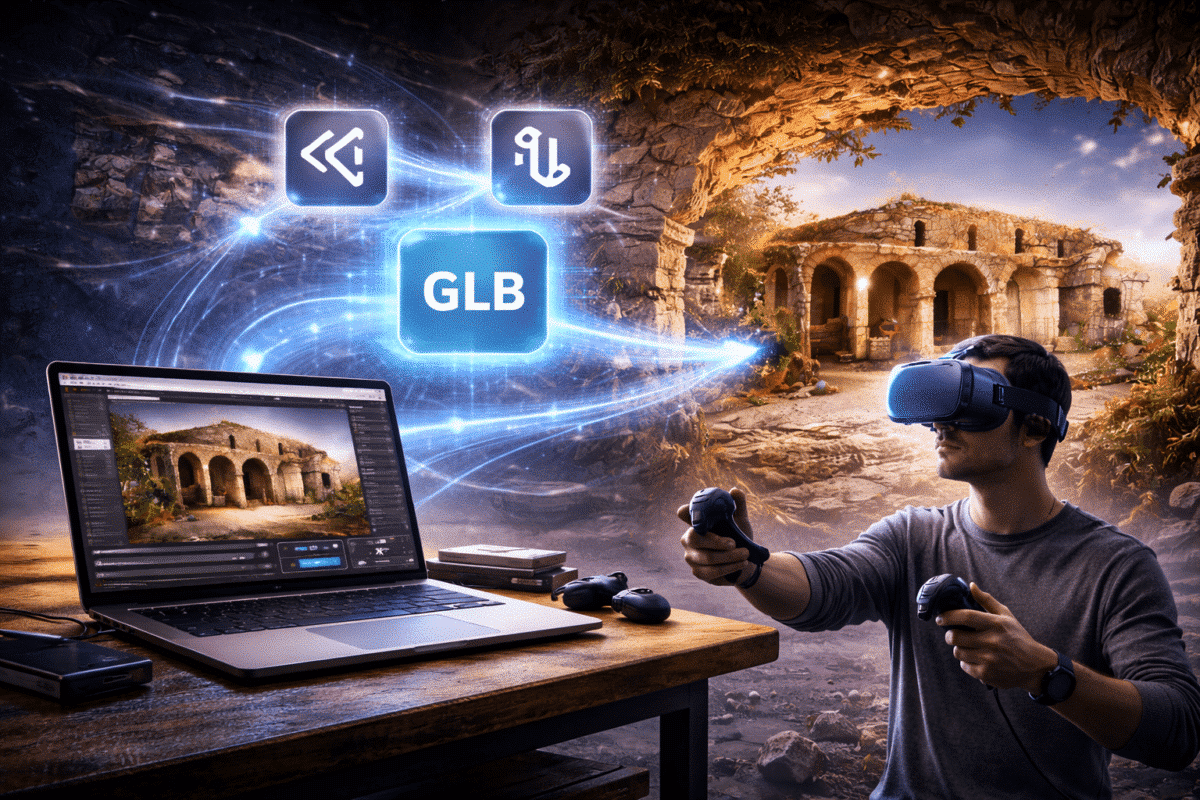
Photogrammetry has revolutionized the way we capture and reconstruct real-world environments. Using software such as Agisoft Metashape, professionals can generate highly detailed 3D models from photographs taken by drones, cameras, or smartphones.
While these models are often used for surveying, documentation, and research, they can also be transformed into immersive virtual reality (VR) experiences. VR technology allows users to explore photogrammetry environments as if they were physically present inside the reconstructed scene.
By combining Metashape models with modern game engines and VR platforms, it is possible to create interactive digital environments for education, tourism, cultural heritage, and simulation.
In this guide, we explain how to convert Metashape models into VR-ready assets and integrate them into interactive virtual reality experiences.
Why Use Photogrammetry for Virtual Reality?
Virtual reality applications traditionally rely on manually created 3D environments built by artists. However, photogrammetry provides a powerful alternative by capturing real-world environments with extreme realism.
Using photogrammetry models in VR offers several advantages:
- Highly realistic environments based on real-world data
- Accurate representation of architecture and landscapes
- Fast capture of complex scenes
- Reduced need for manual 3D modeling
- Authentic historical or archaeological reconstruction
These benefits make photogrammetry ideal for immersive storytelling, digital heritage preservation, virtual tourism, and training simulations.
Preparing the Metashape Model
Before using a photogrammetry model in a VR environment, the model must be optimized. Raw Metashape outputs can contain millions of polygons and extremely high-resolution textures, which may be too heavy for real-time rendering.
The first step is reducing the mesh complexity.
In Agisoft Metashape, this can be done using the Decimate Mesh tool.
For VR applications, recommended polygon ranges typically include:
- 100k – 500k polygons for smaller objects
- 500k – 2M polygons for large environments
This reduction maintains the overall structure of the model while improving real-time rendering performance.
Optimizing Textures
Textures are essential for visual realism in photogrammetry models, but extremely large textures can negatively affect VR performance.
Metashape often generates textures up to 8K or even 16K resolution. While these textures contain incredible detail, they may not be necessary for real-time VR applications.
Recommended texture sizes for VR include:
- 2K textures for smaller assets
- 4K textures for large environments
Reducing texture resolution significantly improves performance while maintaining visual quality.
Exporting the Model from Metashape
Once the model has been optimized, it must be exported in a format compatible with game engines used for VR development.
Common export formats include:
- OBJ
- FBX
- GLTF / GLB
FBX is one of the most widely supported formats for importing photogrammetry models into game engines such as Unity and Unreal Engine.
During export, ensure that textures are correctly included and referenced.
Using Unity for VR Experiences
Unity is one of the most popular game engines for creating virtual reality applications.
After exporting the photogrammetry model from Metashape, the next step is importing it into Unity.
The typical workflow includes:
- Create a new Unity project
- Import the exported model file
- Configure materials and textures
- Add lighting and environment settings
- Enable VR support
Unity supports several VR platforms including:
- Meta Quest
- HTC Vive
- Valve Index
- Windows Mixed Reality
Once VR support is enabled, users can explore the photogrammetry model in an immersive environment.
Using Unreal Engine for High-End VR
Another powerful platform for creating VR experiences is Unreal Engine.
Unreal Engine is known for its advanced rendering capabilities and is widely used in film production, architectural visualization, and high-end interactive experiences.
The workflow for Unreal Engine typically includes:
- Import the Metashape model into the project
- Configure materials and lighting
- Set up collision geometry
- Enable VR rendering
Unreal Engine provides powerful tools such as real-time global illumination and high-quality shading, which can dramatically improve the realism of photogrammetry environments.
Adding Interactivity
One of the key advantages of VR experiences is the ability to add interactivity.
Users can navigate the environment, interact with objects, and trigger events within the virtual space.
Common interactive features include:
- Teleport navigation systems
- Interactive information panels
- Guided tours
- Animated elements
These features can transform static photogrammetry models into engaging educational or entertainment experiences.
Optimizing VR Performance
Virtual reality applications require extremely smooth performance in order to provide a comfortable user experience.
Unlike traditional rendering, VR requires maintaining high frame rates, typically around 90 frames per second.
To achieve this, several optimization techniques should be applied:
- Reduce mesh complexity
- Use optimized textures
- Limit dynamic lighting
- Implement level-of-detail (LOD) models
- Use occlusion culling
These techniques help maintain stable performance while preserving visual realism.
Applications of Photogrammetry VR Experiences
Combining photogrammetry with VR opens many exciting possibilities across multiple industries.
Common applications include:
- Virtual tourism experiences
- Museum exhibitions
- Archaeological reconstructions
- Architecture and real estate visualization
- Training simulations
For example, a historic site captured using drone photogrammetry can be transformed into a virtual environment where users explore the location from anywhere in the world.
The Future of Photogrammetry in VR
The combination of photogrammetry and virtual reality is still evolving rapidly. Advances in hardware, real-time rendering, and AI-assisted optimization are making it easier to integrate large photogrammetry datasets into immersive experiences.
Future developments may include:
- AI-based model compression
- Real-time photogrammetry streaming
- Cloud-rendered VR environments
- Integration with augmented reality systems
These technologies will continue to expand the possibilities of immersive 3D visualization.
Conclusion
Agisoft Metashape enables the creation of highly detailed photogrammetry models that can be used far beyond traditional mapping applications.
By optimizing geometry, reducing texture sizes, and importing models into game engines such as Unity or Unreal Engine, it is possible to transform photogrammetry datasets into fully immersive VR experiences.
These workflows allow users to explore real-world environments in virtual reality, opening new opportunities for education, tourism, cultural heritage, and interactive storytelling.
As VR technology continues to evolve, photogrammetry models will play an increasingly important role in creating realistic and engaging digital environments.
