

 Italiano
 Français
 Deutsch
 Español

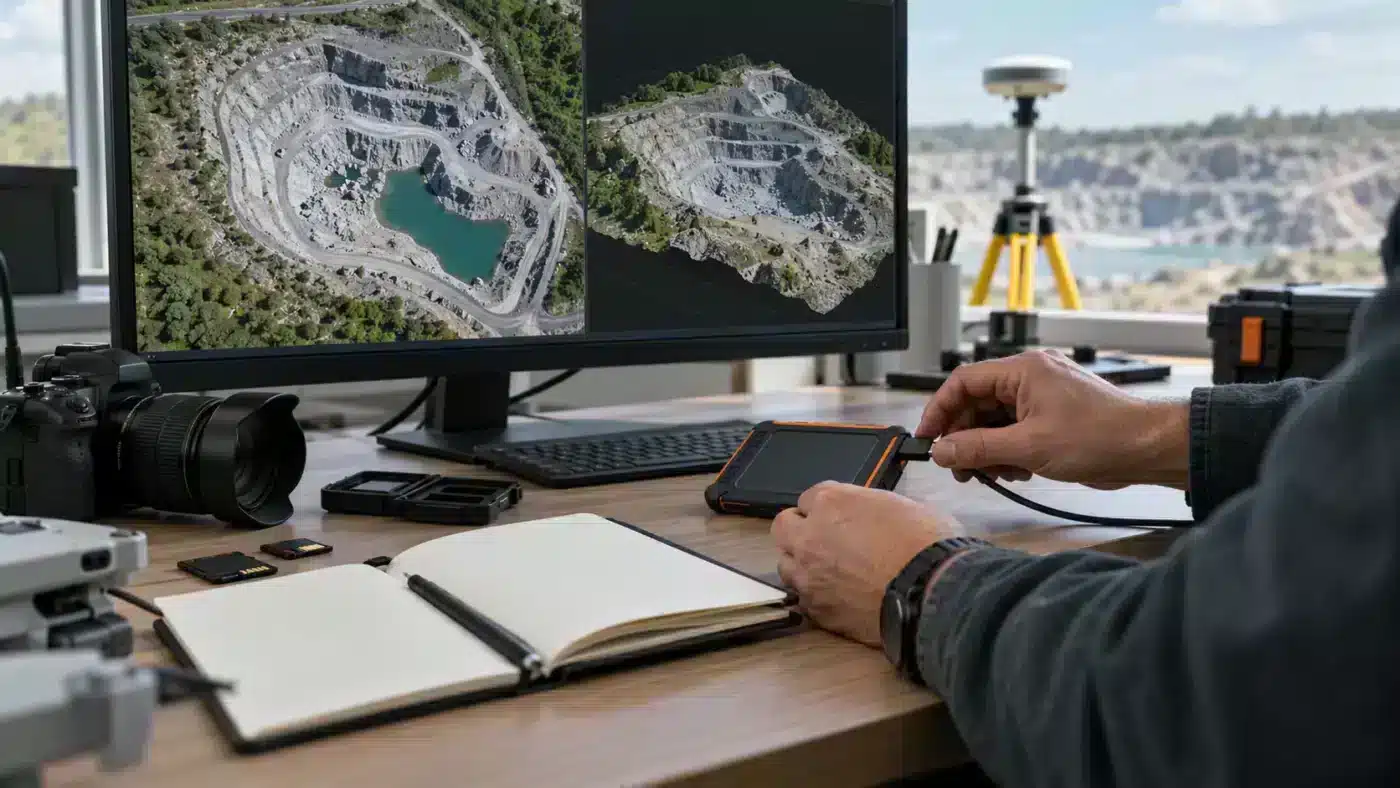
A Metashape project can open perfectly on its creator’s workstation and fail when a colleague receives only the project file. Professional handoff requires the project structure, original photographs, reference data and a concise record of how the deliverables were produced. The format distinction between PSX and PSZ is central to that workflow.
Understand the two project formats
Agisoft describes PSX as a project file linked to an accompanying .files folder containing processing results. Copy both items together. Agisoft states that DEM, orthomosaic, panorama and tiled-model generation require a project saved in PSX format. A PSZ archive can contain project structure, alignment, masks, depth maps, point cloud, model and markers, but it stores references to source image paths; it is not a guarantee that the original photographs are embedded. See Agisoft’s project-format explanation.
Build a delivery folder that someone else can use
| Item | Include or verify |
|---|---|
| Working project | The .psx file and matching .files folder, or an agreed .psz archive |
| Source data | Original photographs, scan files, calibration and relevant metadata |
| Reference | GCP/check-point coordinates, units, CRS, geoid model and survey method |
| Outputs | Named orthomosaic, DEM, point cloud or model in agreed formats |
| Readme | Metashape version, processing choices, limitations and recipient instructions |
Preserve source images as separate files and keep their filenames stable. If an image path changes, relink it in a copy of the project rather than assuming the archive will find it. Include any external geoid or supporting data required to reproduce the coordinate transformation, after checking the project’s own saved settings.
Write a small but useful provenance record
At minimum, note the date and version of Metashape, the camera and dataset IDs, coordinate system and vertical datum, which surveyed points were used as control versus independent checks, camera calibration groups, major build settings and any manual edits. If you patched an orthomosaic or deleted cloud points, retain the unedited project or record the edited regions. A screenshot of a clean model is not a substitute for these details.
Our processing report article explains which statistics can accompany a delivery; the coordinate-system article helps document the reference frame. Link the readme to the actual files and report, not merely to a verbal claim of accuracy.
Test the handoff before sending it
- Copy the complete delivery package to a separate directory or test workstation.
- Open the project from that copied location and check that photographs, masks and processing results load.
- Inspect one image, one reference point and each promised output. Confirm coordinate units and export extents.
- Compare file counts and checksums where a regulated or long-term archive requires integrity verification.
- State any components excluded intentionally, such as raw video, intermediate depth maps or external software dependencies.
For large projects, this test is often cheaper than reconstructing a missing .files directory after the original workstation has been retired. It also makes it easier for a client or researcher to distinguish a finished GIS deliverable from the editable Metashape source project.
A useful readme can be brief and exact
A one-page handoff note might state: “Project built in Metashape Professional [version]; original images in /source_images/; project file in /metashape/; coordinate reference system [identifier]; heights [datum and geoid]; control file [name]; independent check file [name]; final orthomosaic [name, pixel size]; known incomplete areas [locations].” Replace the brackets with actual project facts. This record is more useful than saying “survey-grade accuracy” without a method or measured result.
For reproducibility, distinguish input data, editable project and exported products. A recipient who only needs a GIS raster may not need the complete processing archive, while an independent auditor or a team continuing the work usually does. State who is expected to reopen and edit the Metashape project before deciding what to transfer.
Common handoff failures
- Only the .psx arrives: request the matching .files folder and verify the project opens.
- Images are missing: transfer the originals, preserve filenames and test relinking from the recipient’s directory structure.
- Heights do not agree: check both horizontal CRS and vertical datum or geoid, including the reference survey.
- The raster looks correct but has no reliable georeferencing: inspect its coordinate system, pixel size, bounds and a known check location in the target GIS.
- A patched output is the only copy: deliver the original alongside the edited derivative and document which area changed.
Reopening is the decisive test
A directory listing proves that files exist, not that they work together. After copying, open the project from the recipient-style folder without relying on the original workstation paths. Click a photograph and a marker, display the point cloud, then export or inspect the product most important to the recipient. If the actual recipient uses a different Metashape version, confirm compatibility before declaring the handoff complete. Where a full second workstation is unavailable, at least reopen the copy after temporarily disconnecting the original source directory.
For a long-lived archive, a manifest with filenames, byte sizes and checksums helps detect accidental changes during transfer. Record the date and person who performed the reopening test. These simple steps turn the handoff from an unverified folder transfer into a repeatable delivery procedure.
Frequently asked questions
Is the .psx file alone enough?
No. Agisoft specifies that the associated .files folder contains the project data and must be copied with the .psx file.
Does .psz automatically include all original images?
No. Agisoft describes reference paths to the loaded photographs in the archive. Supply the originals separately and test relinking.
Which format should I use for ongoing professional work?
PSX is required for several large-product generation options documented by Agisoft. Choose the final handoff format according to the recipient’s tasks and verify it in a separate location.
Technical basis: Agisoft’s PSX and PSZ project documentation and Metashape Professional user manual.