

 Italiano
 Français
 Deutsch
 Español

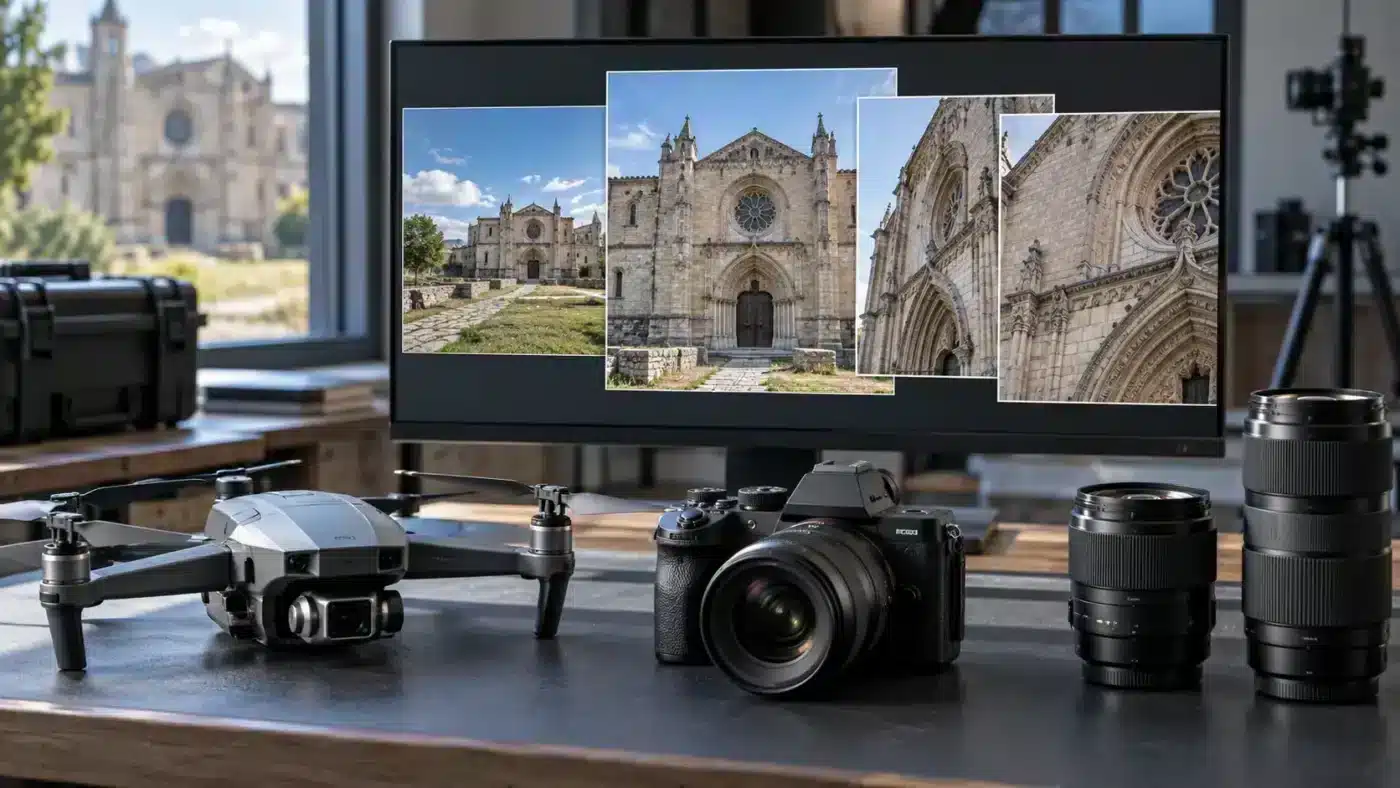
A single Agisoft Metashape project may contain drone photographs, ground-level images and frames from a second camera. Alignment can still succeed, but camera calibration must describe how each image was actually taken. Calibration groups determine which photographs share a set of interior camera parameters. Incorrect grouping can hide a changed lens setting inside an apparently tidy model.
Separate image organization from calibration
A folder or image group helps organize photographs by flight, date or operator. A calibration group tells Metashape which images share camera parameters such as focal length and distortion. The software generally separates different cameras automatically, but images from one camera can also need different groups after a change in focal setting or capture session. Agisoft’s calibration group guide explicitly recommends reviewing these cases and forming groups before alignment.
Decide which images can share a model
| Dataset situation | Grouping question |
|---|---|
| Two cameras or different image resolutions | Has Metashape already separated their calibration groups correctly? |
| Zoom lens changed during capture | Are all distinct focal settings identified in EXIF and separated? |
| Same body used weeks apart | Was focus, lens or sensor configuration changed between sessions? |
| Drone and handheld camera in one block | Is each camera modeled separately while images still overlap in the scene? |
| Precalibrated or fixed camera rig | Are the supplied parameters applicable to this capture configuration? |
Avoid mechanically creating one calibration group per photograph: the adjustment then has too little shared information to estimate stable parameters. The grouping should correspond to a defensible camera state, and the image network must constrain it. Agisoft recommends fixed focal length for terrestrial zoom-lens work in its combined aerial and terrestrial workflow.
A practical pre-alignment workflow
- Inventory camera body, lens, focal length, sensor mode, image dimensions, focus changes and capture dates. Retain original files and metadata.
- Load photographs and open Tools > Camera Calibration. Inspect the groups Metashape created automatically and compare their membership with the inventory.
- Where a known camera state differs, select its images and use Create Group from the calibration group context menu, or Split Groups for a suitable image-group arrangement.
- Check initial focal length and sensor information. Missing or unreliable EXIF warrants manual review before alignment; Agisoft’s capture guidance explains why.
- Align images and inspect each group’s adjusted values, residual patterns and the spatial connection between camera subsets.
Validate the model, not just the group names
A successful alignment is only the start. Compare the adjusted calibration of each group with its expected capture state, inspect the distortion plot and check whether the mixed-camera bridge has enough common views. Independent check points or measured scale bars are especially useful when the final model supports dimensions. Our existing articles explain what adjusted calibration means and how aerial and terrestrial images connect.
Two grouping mistakes and their symptoms
Different camera states forced into one group
Suppose a zoom lens is changed halfway through a facade session but the metadata reports one focal length. A shared calibration must compromise between two optical configurations. You might see inconsistent residuals, unstable distortion or systematic differences between image subsets. Check original filenames and acquisition notes; split the known states and align again before adjusting an arbitrary parameter to hide the mismatch.
Too many groups for the available geometry
The reverse mistake is to give each small image set its own free calibration without enough convergent views or reference. More independent unknowns can make the problem harder to constrain. Combine states that are genuinely identical, preserve accurate prior calibration where available, or capture additional views. Group count should reflect physical camera states and the strength of the image network.
What to record for a mixed-camera delivery
List each calibration group, camera and lens, image dimensions, focal setting and image count. Note whether calibration was estimated, loaded or held fixed. Keep a small sample of image IDs from each group. This makes the project reviewable months later and helps distinguish a real physical camera change from an accidental EXIF or import problem. For photogrammetric accuracy, compare the final model to independent measurements rather than judging the group structure only by visual appearance.
Practical example: drone, DSLR and changed zoom
Suppose a facade was photographed by a drone at one fixed focal setting and by a DSLR at two focal settings. Start by checking whether Metashape produced three suitable calibration groups. Each group can remain in the same chunk so overlapping roof and wall features connect the scene. If the DSLR’s two settings have identical or incorrect EXIF values, split them manually using the capture log. Then inspect alignment across the drone-to-ground transition and verify the final scaled model against measured references.
The example also shows why “one camera equals one group” is only a shortcut. One physical DSLR can represent two optical states. Conversely, many image folders from one unchanged camera do not necessarily need separate parameter sets. The goal is an optical model supported by the photographs, not a folder structure that merely looks orderly.
Frequently asked questions
Does using two cameras require two chunks?
No. Multiple camera calibration groups can coexist in a single chunk, provided the images have sufficient shared scene content and compatible scaling or reference.
Should I split every flight line into its own calibration group?
Only if there is a defensible change in camera state or a tested adjustment benefit. Route-based splitting is a tool, not a default quality rule.
Can I fix a changed zoom setting after capture?
You can separate documented focal settings and rerun alignment, but inconsistent metadata and weak overlap may still limit the solution. Preserve the original photographs for investigation.
Technical basis: Agisoft calibration groups tutorial and Agisoft combined imagery tutorial.