


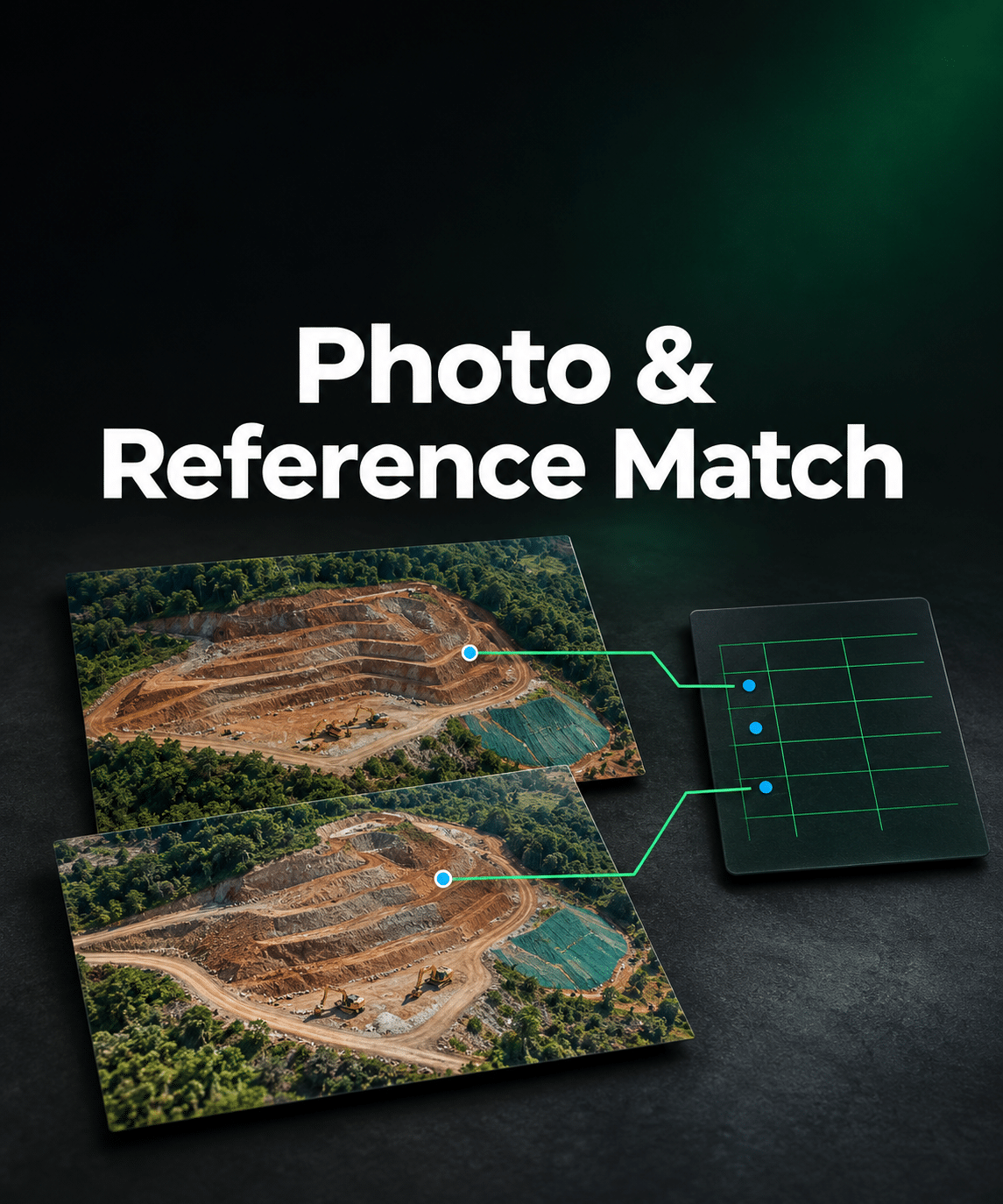


Two flights. Both have a photo called DJI_0001.JPG.
Which row belongs to which image? Check each flight against its own CSV and catch naming conflicts before joining your camera references.
See what matches before you import
Select the photos and coordinate file for each flight. Choose the label, X, Y and Z columns. Photo & Reference Match shows which photos have one valid reference row and which records need your attention.
- Duplicate names — find repeated camera labels across flights before using a combined reference file.
- Missing matches — see photos without a CSV row and CSV rows without a photo.
- Unclear references — identify labels that match more than one photo, repeated records and invalid coordinate values.
Get one CSV for the confirmed references
Download a combined camera CSV with Label, X, Y and Z and a separate list of issues grouped by flight. The combined file includes only unique camera labels with one valid match. Resolve naming conflicts before importing the affected photos.
$15 USD excl. tax · One-time purchase. Try the demo or preview your own matches for free. After payment, select Open Photo & Reference Match in the order confirmation or email. Keep that link to return for future jobs. Guest checkout is available.
Your files stay in your browser. Use one consistent coordinate system and height datum across flights. The tool matches labels and exports the selected position columns.