

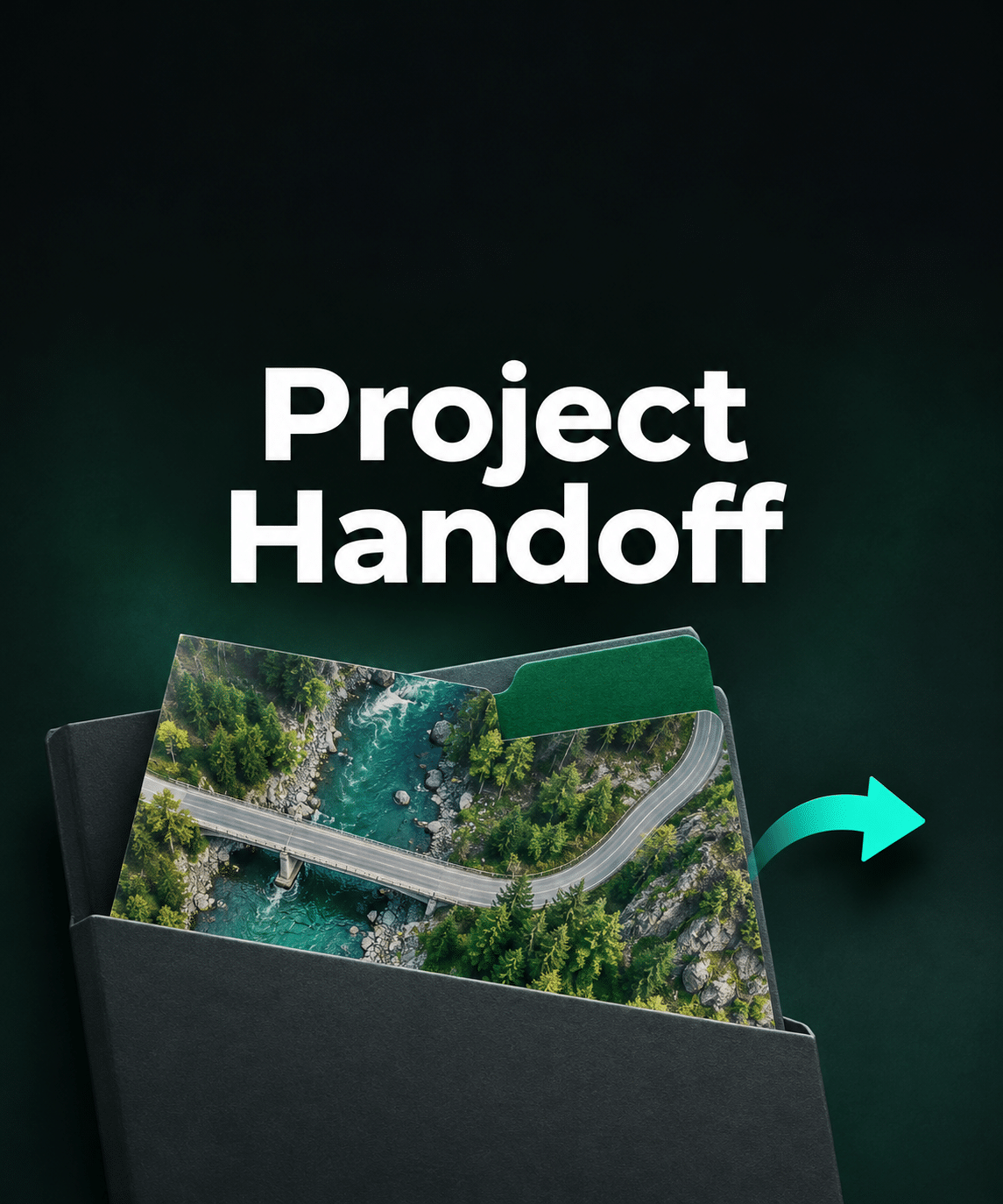

The transfer finished. Did every file make it across?
An original folder and its copy can contain the same number of files and still differ. Check what arrived before a client or colleague opens your Metashape project.
Find what to fix before the handoff
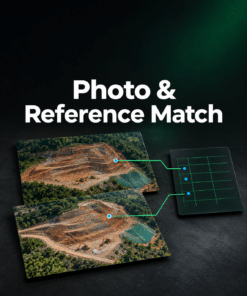
Select the original folder and the received copy at the same level. Project Handoff compares relative paths and byte sizes and highlights exactly which entries need review.
- Missing project files. See expected file paths that are absent and check whether the PSX has a matching
.filesfolder with files in it. - Possible path changes. Spot a file with the same name and size in another folder when there is one clear candidate.
- Size differences and extra files. See which paths contain a different-size file and which files appear only in the received copy.
Give the recipient a record they can use
- PDF summary with the comparison totals and examples to review.
- CSV of differences with every finding, relative paths and byte sizes.
- Original JSON inventory that a recipient can load for free to check their own copy without access to your original folder.
$29 USD excl. tax · One-time purchase. Try the demo or check your own copy for free. After payment, select Open Project Handoff in your order confirmation or email. Keep the link for future transfers and backups. Guest checkout is available.
The comparison runs in your browser. It checks the selected folder inventory by path and size. Open the received project in Metashape to confirm linked paths and test the project. PSZ files are compared as single files.