

 Italiano
 Français
 Deutsch
 Español
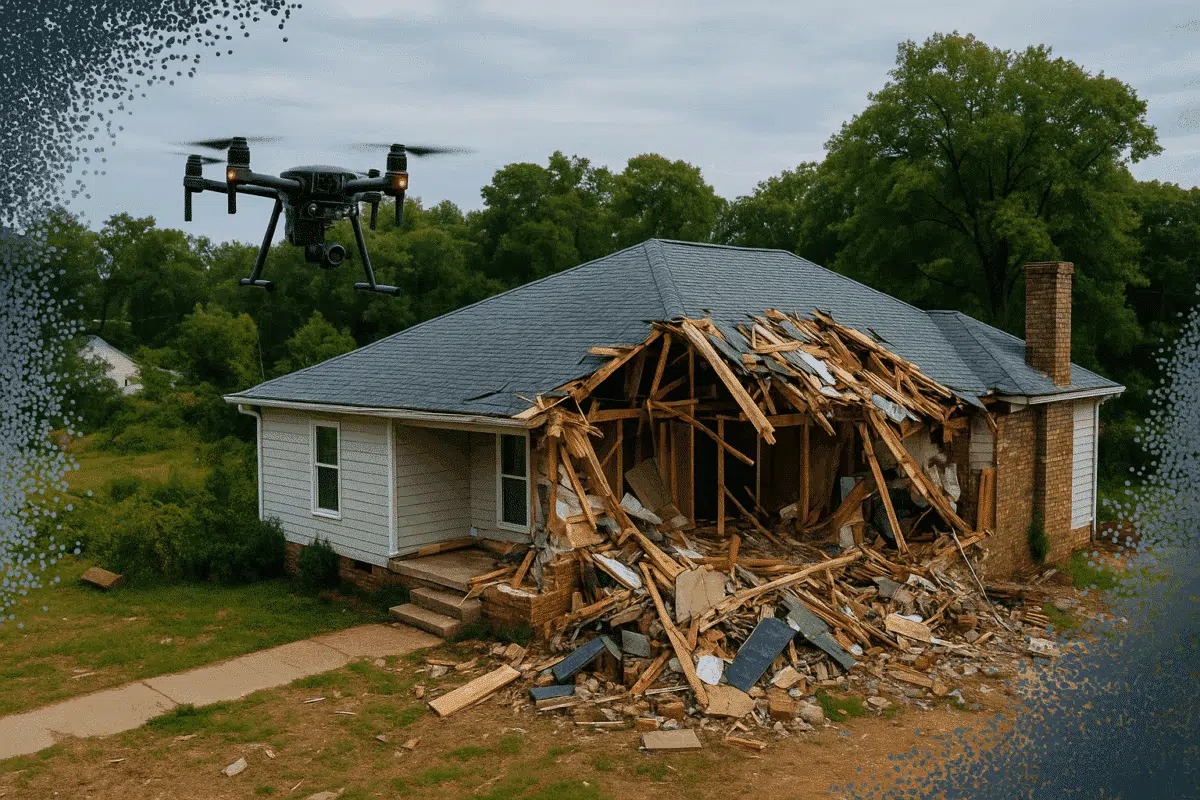
Photogrammetry is rapidly becoming a critical tool in the insurance industry for documenting damage and accelerating claims. Agisoft Metashape offers a precise, scalable way to generate 3D models and measurements from aerial and ground images, making it ideal for post-disaster assessment, accident reconstruction, and property claims. This article outlines a step-by-step workflow for using Metashape […]
Author Archives: admin
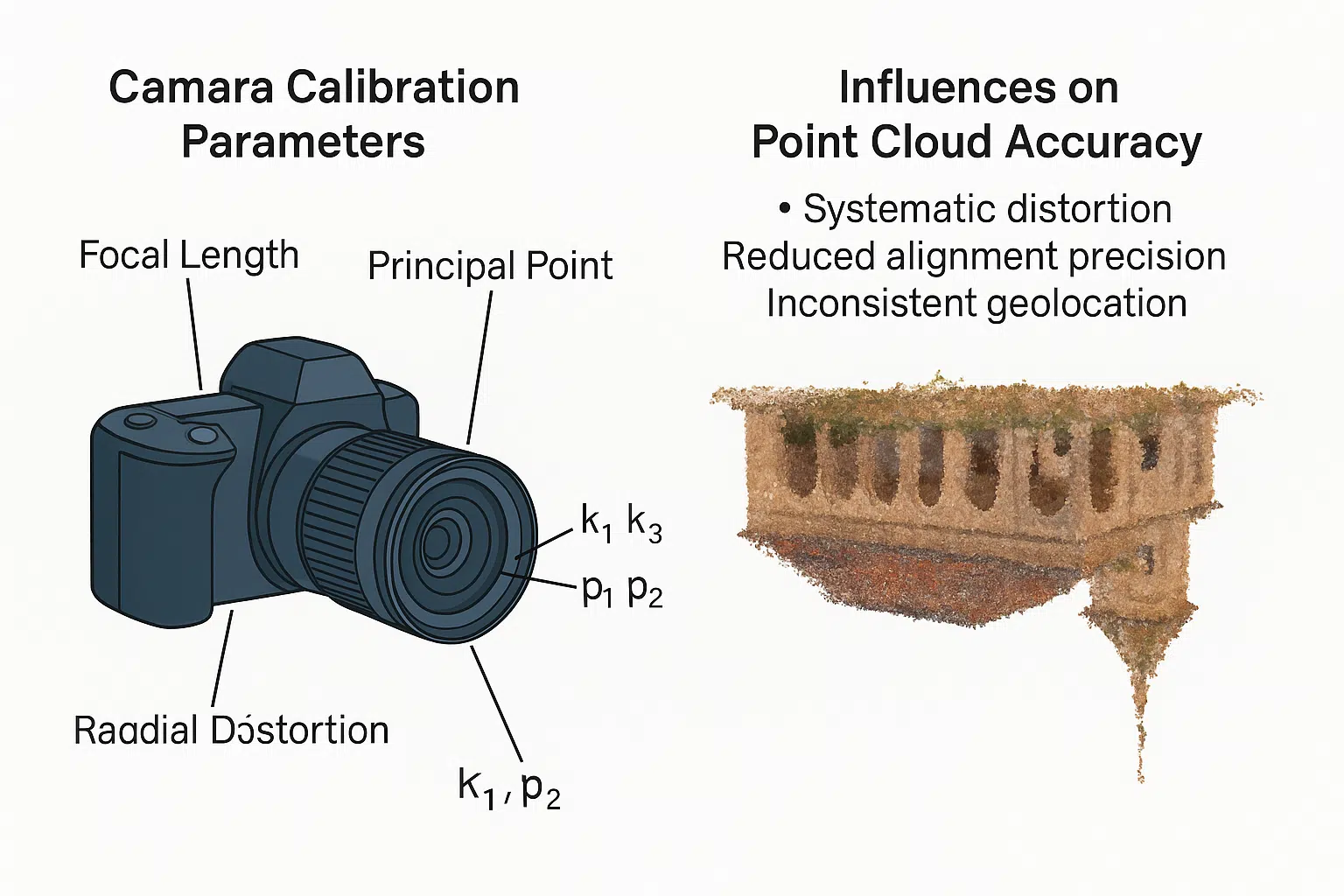
Agisoft Metashape delivers high-precision photogrammetry results, but the quality of your final point cloud heavily depends on one crucial factor: camera calibration. Inaccurate calibration parameters can lead to distorted models, poor alignment, and unreliable measurements. This article explores how calibration works in Metashape, which parameters matter, and how to optimize them for the best accuracy. […]
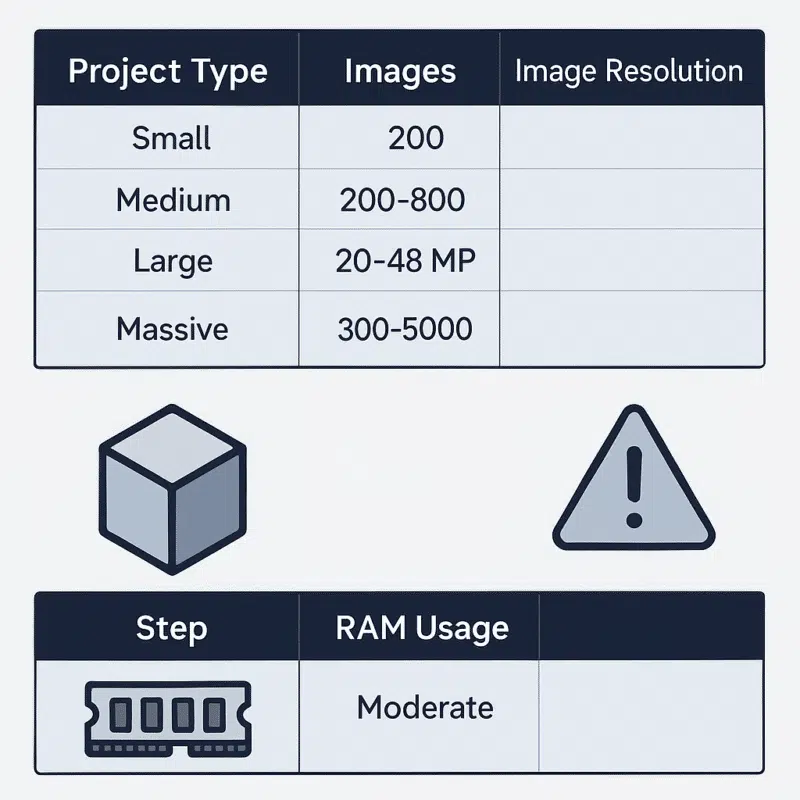
When working with photogrammetry software like Agisoft Metashape, hardware performance—especially RAM—plays a crucial role. This is even more true when handling large-scale projects or exporting complex deliverables like 3D PDFs. In this guide, we’ll help you understand how much RAM is required for different project sizes, how Metashape uses memory, and what to consider when […]
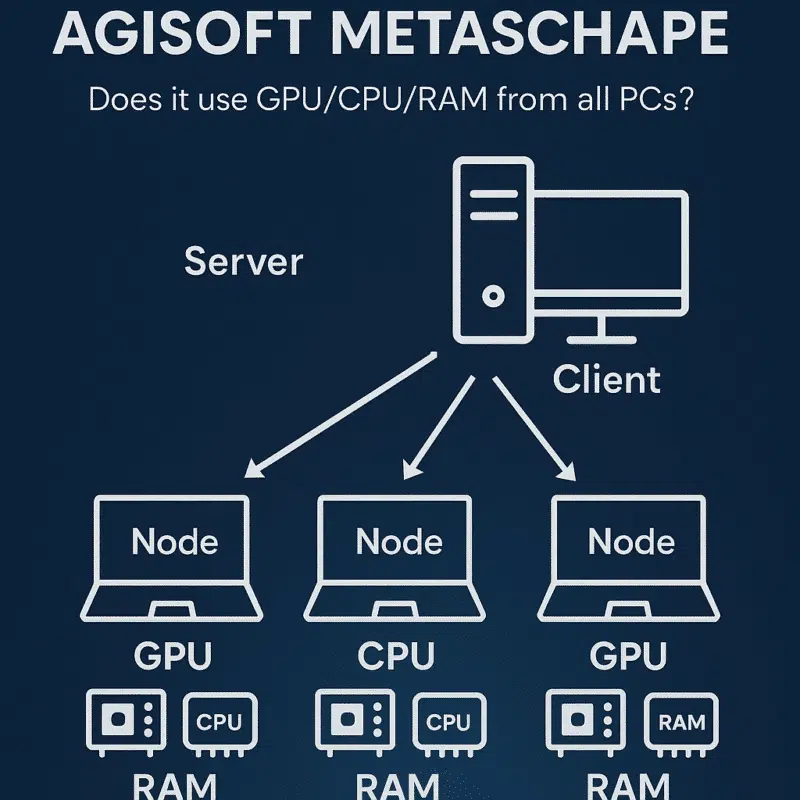
Agisoft Metashape is widely used in professional photogrammetry for processing large datasets and generating 3D models, orthomosaics, DEMs, and dense point clouds. As project sizes grow, many users ask: how does network processing work in Metashape? More specifically, does it truly leverage the GPU, CPU, and RAM of all connected nodes? What Is Network Processing […]
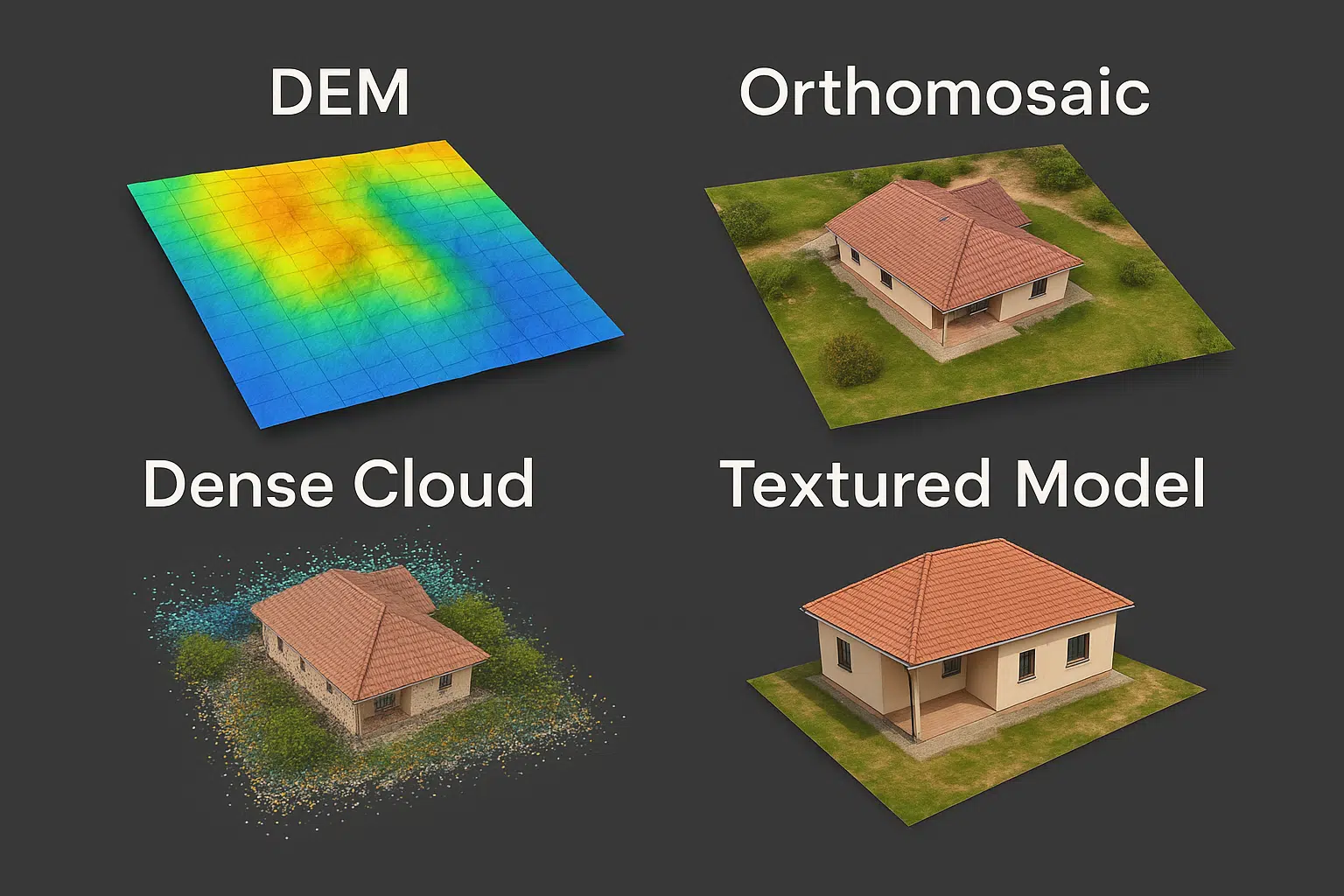
Agisoft Metashape is one of the most powerful and widely used photogrammetry tools in the world. From drone mapping to architectural 3D modeling, its features support a wide range of industries. In this guide, we’ll explore Metashape’s most important capabilities—including dense cloud creation, digital elevation models (DEM), orthomosaics, and more—explaining what each does and when […]
Agisoft Metashape isn’t just a graphical interface for 3D model creation—it’s also a powerful automation engine. With Python scripting, users can run Metashape in headless mode (i.e., without a GUI), ideal for server-based processing, batch workflows, and integration into cloud pipelines. In this article, we explore how to use Metashape’s Python API in headless mode, […]
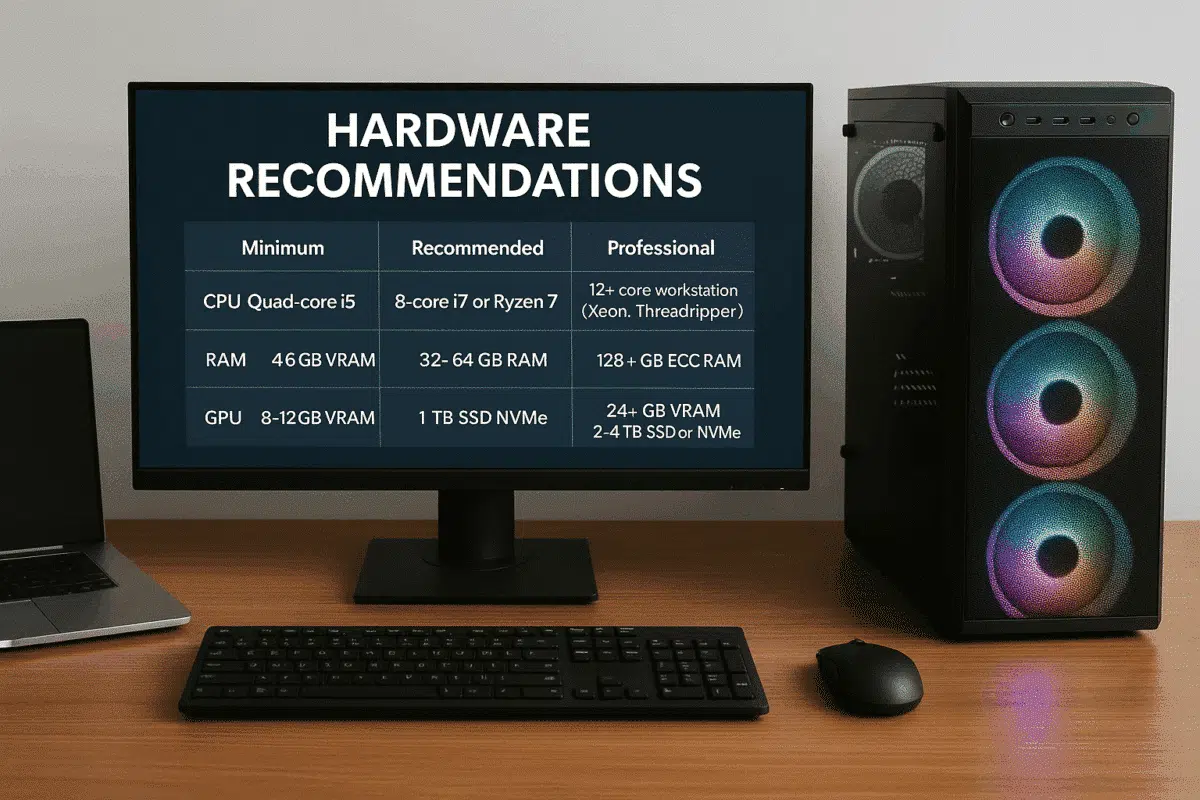
Whether you’re new to photogrammetry or looking to upgrade your workstation, knowing the right hardware specifications for Agisoft Metashape is essential. RAM, CPU, GPU, and storage all play important roles in the speed, quality, and stability of 3D reconstruction workflows. In this article, we break down Metashape’s memory requirements and provide updated hardware recommendations for […]
With Apple’s transition from Intel to its own ARM-based silicon chips like the M1, M1 Pro/Max, and M2, many users have wondered: Does Agisoft Metashape work on Apple Silicon Macs? The answer is yes—with some important caveats. In this article, we’ll explore the current compatibility status, performance expectations, and best practices for running Metashape on […]
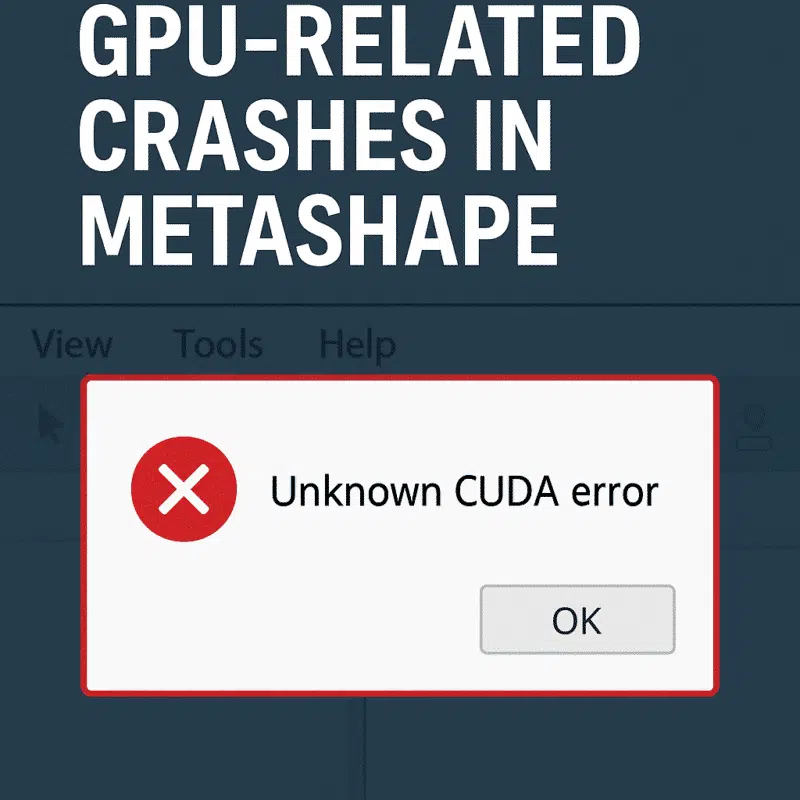
Agisoft Metashape is a powerful photogrammetry tool, but when it crashes during GPU-intensive tasks like dense cloud generation or mesh building, it can be incredibly frustrating. Many users encounter GPU-related crashes—particularly on machines with dedicated graphics cards. This article explains why Metashape might crash during GPU processing, and how to troubleshoot and fix the issue […]
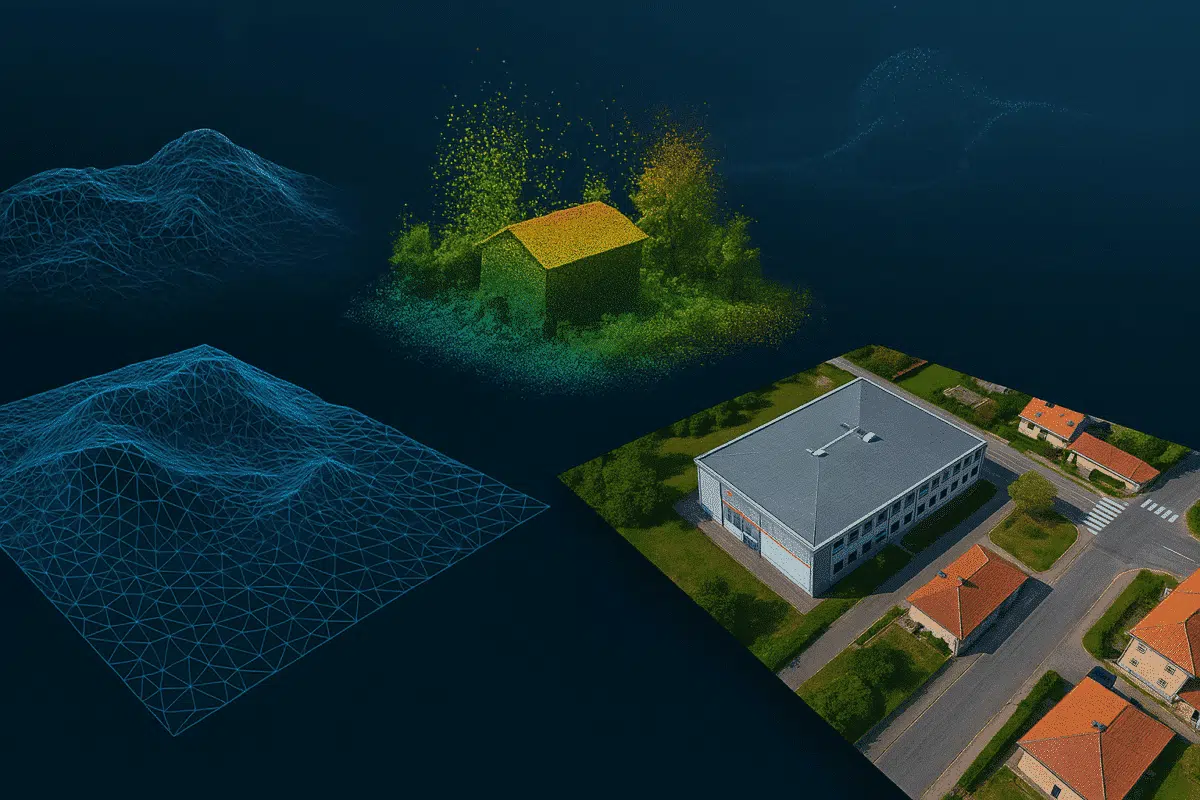
With release 2.2.x, Agisoft Metashape raises the bar in professional photogrammetry by integrating aerial LiDAR processing, AI‑driven workflows, and enhanced orthomosaic quality. From seamless boresight calibration to intelligent background removal and geoid embedding, Metashape 2.2.x empowers you to deliver pinpoint‑accurate results faster and with greater flexibility. Aerial LiDAR & Point Cloud Enhancements Boresight Calibration: Achieve […]
