

 Italiano
 Français
 Deutsch
 Español
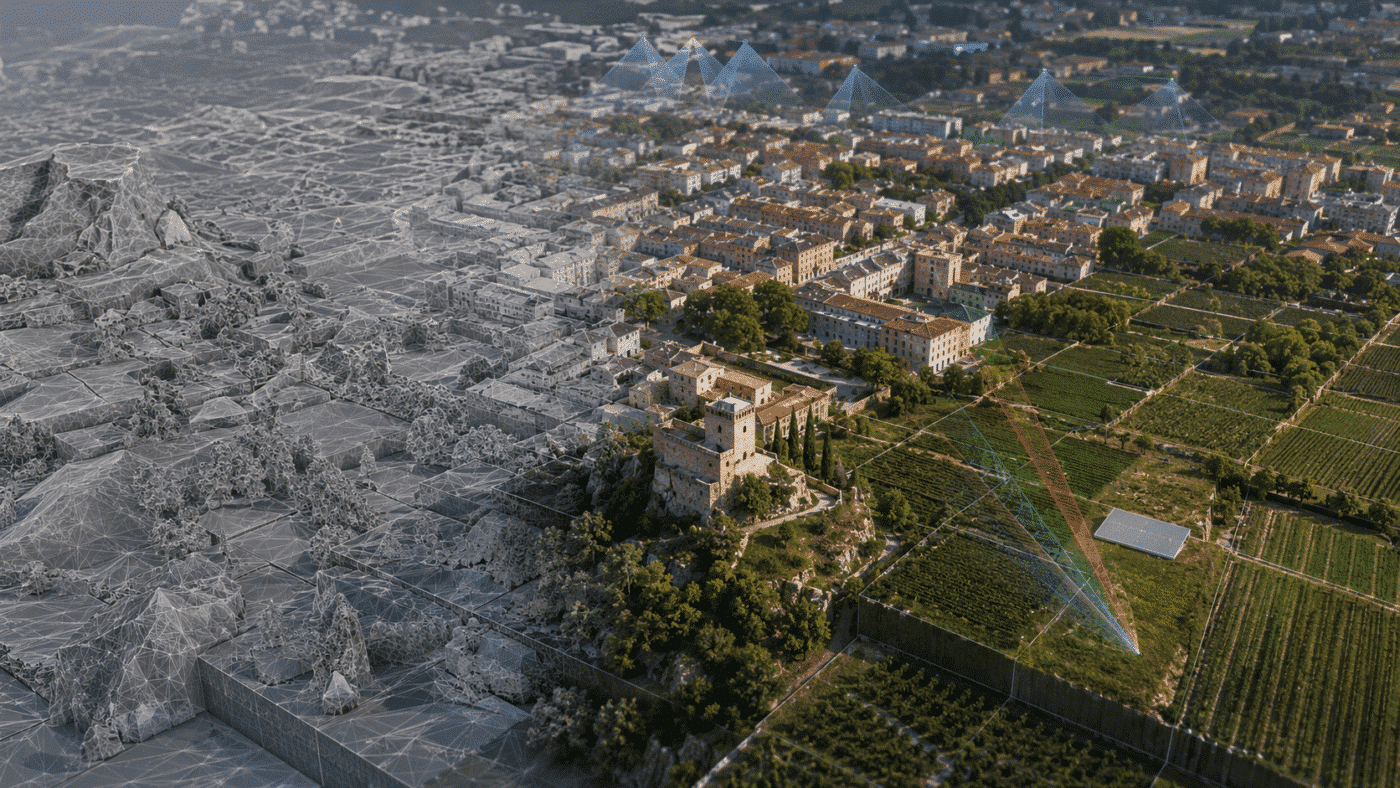
Agisoft Metashape 2.3.2 is now available as build 22956, released on August 25, 2026. This maintenance update focuses on faster Natural texturing, workflow improvements for large block models, expanded multispectral calibration support and better interoperability with recent Trimble Inpho projects.
Compared with Metashape 2.3.1, the list of changes is concise, but several additions are particularly relevant to users working with photorealistic 3D models, large-area reconstruction, precision agriculture and established aerial triangulation workflows.
Below is a detailed look at what is new in Agisoft Metashape 2.3.2, which features are available in the Standard and Professional editions, and whether you should update from version 2.3.1.
Agisoft Metashape 2.3.2 at a glance
| Change in version 2.3.2 | Edition | Practical relevance |
|---|---|---|
| Improved Natural texturing performance | Standard and Professional | Potentially shorter processing times when building textures with the Natural blending mode |
| Bug fixes | Standard and Professional | General stability and reliability improvements; individual fixes are not itemized in the public changelog |
| Colorize Vertices command for block models | Professional only | Extends vertex-color generation to models divided into blocks for large-scale projects |
| Sentera Type 3 reflectance panel support | Professional only | Improves the radiometric calibration workflow for compatible multispectral datasets |
| Inpho project file version 9 and later support | Professional only | Simplifies the import of camera data from newer Trimble Inpho projects |
Faster Natural texturing in Standard and Professional
The most broadly relevant improvement in Agisoft Metashape 2.3.2 is the optimized performance of Natural texturing. This change applies to both the Standard and Professional editions.
The Natural blending mode was introduced during the Metashape 2.3 development cycle. Unlike a simple averaging method, it automatically evaluates the available photographs and selects an appropriate source image for each triangle of the 3D model. The selection considers factors such as image resolution, camera distance, viewing angle, sharpness and the presence of moving objects that could cause ghosting. Image frequencies are then blended to preserve fine detail while reducing abrupt brightness transitions.
This approach is especially useful for close-range photogrammetry, cultural heritage recording, product digitization, architecture, visual effects and any workflow in which texture sharpness and visual consistency are important.
Agisoft states that Natural texturing performance has been improved in version 2.3.2. The company has not published a universal speed multiplier or benchmark, so the actual gain may vary according to the dataset, image resolution, model complexity, selected downscale factor and computer hardware. Nevertheless, users who regularly spend significant time in the Build Texture stage have the clearest reason to test the update on a representative project.
Colorize Vertices for block models in Metashape Professional
Agisoft Metashape Professional 2.3.2 adds the Colorize Vertices command for block models. Vertex coloring was already available for conventional polygonal models; this release extends the operation to the block-model workflow.
A block model divides a large reconstruction into blocks of a specified size. This structure is designed for extensive projects that would be less convenient to manage as one monolithic mesh, including city models, large industrial sites, infrastructure corridors and wide-area aerial surveys.
Vertex colors associate color information directly with the vertices of the geometry. In a standard model workflow, Metashape can derive those colors from source images, an orthomosaic, tie points or a point cloud. Adding the command to block models makes color generation more consistent across large, segmented reconstructions and can provide a useful colored representation without relying exclusively on a conventional texture atlas.
This does not make vertex colors identical to a high-resolution texture. The visual result still depends on mesh density, and downstream support depends on the chosen export format and viewing software. However, the new command is a valuable addition for large-scale visualization, quality control and data exchange workflows where per-vertex color is preferred or required.
Support for Sentera Type 3 reflectance calibration panels
The second Professional-only addition is support for the Sentera Type 3 reflectance calibration panel. Sentera has produced multiple panel types with distinct reflectance coefficients, so correctly identifying the panel model is important when converting multispectral image intensity values into more consistent reflectance data.
Reflectance panels provide a surface with known spectral properties. Images of the panel captured as part of a drone survey can be used by Metashape’s Calibrate Reflectance workflow, together with available sun-sensor metadata, to normalize multispectral data for changing illumination conditions.
The new Type 3 support is therefore particularly relevant to precision agriculture, forestry, environmental monitoring and scientific remote-sensing projects. It can help users working with compatible Sentera panels incorporate the correct calibration information directly into the Metashape workflow before creating multispectral orthomosaics or calculating indices such as NDVI and NDRE.
As always, software support cannot compensate for poor field acquisition. Panel images should be correctly exposed, the calibration surface should be clean and evenly illuminated, and the relevant calibration images should be included with the main dataset.
Import of Inpho project files version 9 and later
Agisoft Metashape Professional 2.3.2 also updates the Import Cameras command to support Inpho project files created with version 9 and later.
Metashape can use an Inpho project file to import camera orientation data into a photogrammetric project. The expanded compatibility is useful for organizations that use Trimble Inpho for aerial triangulation or production management while relying on Metashape for additional reconstruction, dense data generation, 3D modeling or other downstream processing.
For users who previously encountered compatibility limitations with newer Inpho project files, version 2.3.2 should reduce the need for intermediate conversions and make mixed-software workflows more direct. Because coordinate systems, camera calibration and orientation conventions remain critical when transferring a project between applications, imported data should still be checked carefully before production processing begins.
Bug fixes and stability improvements
The official changelog also lists general bug fixes for both editions. Agisoft has not published an itemized list of the corrected issues, so it would be inaccurate to attribute a specific fix to version 2.3.2 unless it has been separately confirmed by Agisoft Support.
For production users, the maintenance nature of the release is still significant. Photogrammetric workflows can run for many hours or days, and even small reliability improvements may reduce interruptions. If you have an open support case or a reproducible issue in 2.3.1, verify with Agisoft whether build 22956 addresses that particular problem before changing a validated production environment.
Metashape 2.3.2 vs 2.3.1: what is the difference?
Metashape 2.3.1, build 22416, was released on April 28, 2026. It delivered a broader set of workflow additions: CPU-based Natural texturing on macOS, automatic color enhancement in major processing steps and support for importing Summit Evolution camera data. The Professional edition also gained a Time view mode for point clouds.
Metashape 2.3.2 builds on that foundation. It does not replace or remove the features introduced in 2.3.1. Instead, it improves the performance of Natural texturing and adds three focused Professional capabilities for block models, Sentera calibration and Inpho interoperability.
- Choose 2.3.2 for Natural texturing: the updated build is the logical version to test if texture-generation time is an important part of your workflow.
- Choose 2.3.2 for large block models: Professional users can now apply the Colorize Vertices command to this model type.
- Choose 2.3.2 for Sentera Type 3 panels: the new calibration-panel support directly targets compatible multispectral projects.
- Choose 2.3.2 for newer Inpho projects: camera import now supports Inpho project files from version 9 onward.
Should you update to Agisoft Metashape 2.3.2?
For most users already running Metashape 2.3.1, version 2.3.2 is a sensible maintenance update. It is especially relevant if you use Natural texturing or any of the three new Professional features. Agisoft’s official download page states that updates within Metashape 2.x are free of charge.
Before updating a workstation, render node or network-processing environment, use a cautious production workflow:
- Back up important project files and keep an untouched copy of active projects.
- Record the current Metashape build and processing settings.
- Test version 2.3.2 with a representative dataset before migrating time-critical projects.
- Confirm that custom Python scripts and external integrations behave as expected.
- Keep all network-processing components on a configuration validated for your environment.
The latest installers for Windows, macOS and Linux are available from the official Agisoft download page. The complete list of changes can be reviewed in the official Metashape changelog.
Frequently asked questions about Metashape 2.3.2
When was Agisoft Metashape 2.3.2 released?
Agisoft Metashape 2.3.2 build 22956 was released on August 25, 2026.
Is Natural texturing faster in Metashape 2.3.2?
Agisoft lists improved Natural texturing performance as a change in version 2.3.2. No universal benchmark is provided, so the improvement should be measured with your own datasets and hardware.
Are all Metashape 2.3.2 features available in the Standard edition?
No. Improved Natural texturing performance and general bug fixes apply to both Standard and Professional. Block-model vertex coloring, Sentera Type 3 panel support and Inpho 9+ project import are Professional-only features.
Is the update from Metashape 2.3.1 to 2.3.2 free?
Yes. According to Agisoft’s official installer page, updates within the Metashape 2.x product line are free of charge for licensed users.
Does version 2.3.2 include every feature introduced in 2.3.1?
Yes. Version 2.3.2 is the newer maintenance release in the same 2.3 generation and builds on the functionality introduced in 2.3.1.
Final assessment
Agisoft Metashape 2.3.2 is a focused release that prioritizes performance, compatibility and production usability. The Natural texturing improvement benefits both editions, while Professional users gain meaningful additions for large block models, multispectral calibration and Inpho-based photogrammetric workflows.
For commercial production, you can purchase a perpetual Agisoft Metashape Professional Edition license online.