

 Italiano
 Français
 Deutsch
 Español
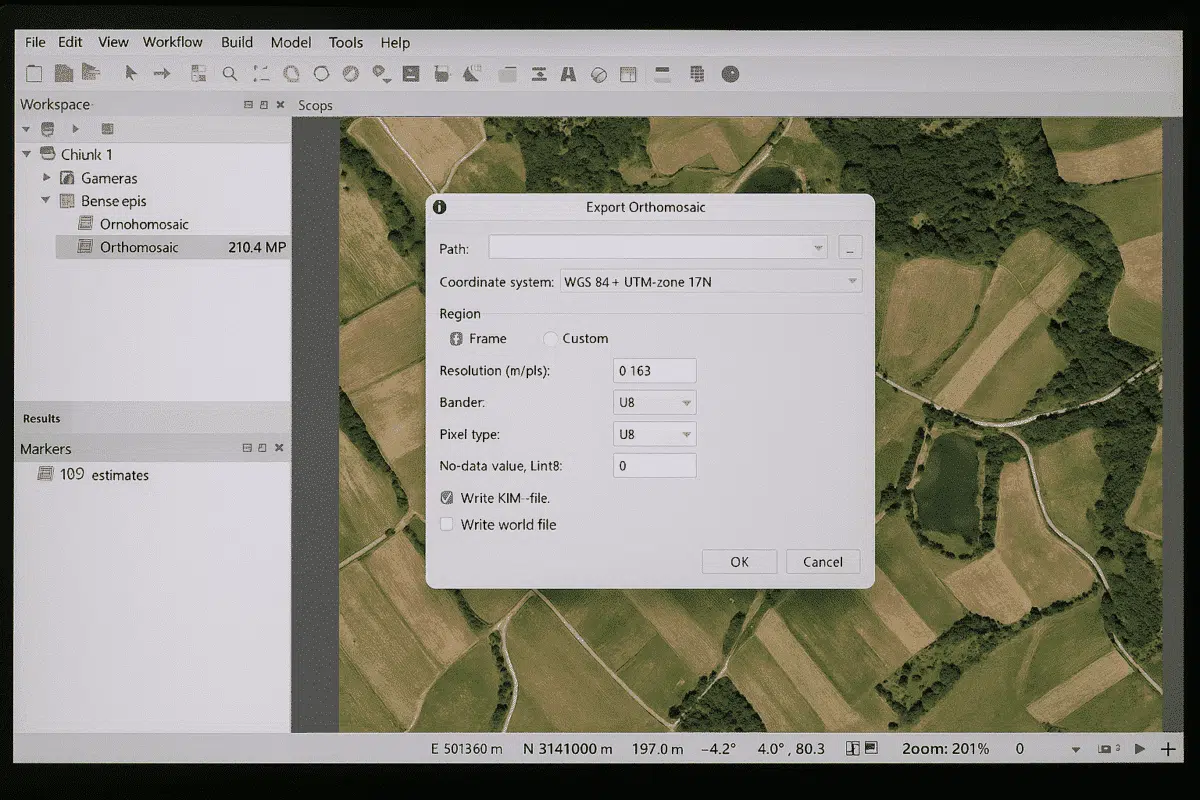
Agisoft Metashape is a powerful photogrammetry software that allows users to create 3D models, orthophotos, and digital elevation models from aerial and terrestrial imagery. Once your project is processed, one of the most important tasks is exporting an image from Agisoft Metashape. This can include exporting an orthophoto, a DEM, or even a textured model […]
Author Archives: admin
Agisoft Metashape is a leading photogrammetry software used by professionals in surveying, archaeology, construction, and many other industries. One of the most important steps in ensuring the accuracy of your 3D models is adding a scale bar. Scale bars allow you to define known distances within your project, making it possible to convert relative measurements […]
Agisoft Metashape is one of the most advanced photogrammetry tools available today, widely used for surveying, mapping, archaeology, mining, and construction. Beyond generating 3D models, orthophotos, and DEMs, Metashape provides powerful tools for measuring distances, areas, and volumes. Understanding how to measure correctly in Metashape is crucial for anyone working with spatial data. In this […]
When working with Agisoft Metashape, one of the most important settings you will encounter during the photo alignment stage is the Key Point Limit. Many new users ask: What is the key point limit, and how does it affect my project? Understanding this parameter is essential for balancing processing speed, accuracy, and memory usage in […]
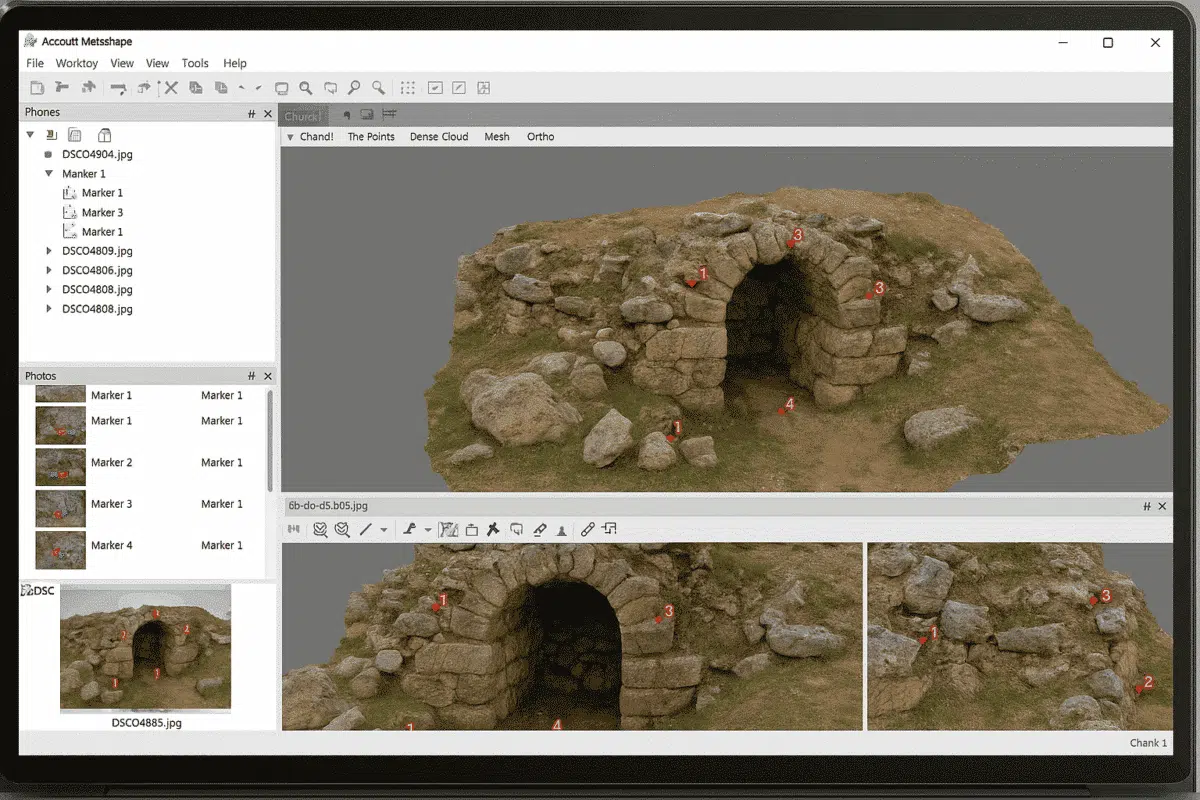
Agisoft Metashape is one of the most widely used photogrammetry tools for creating 3D models, orthophotos, and digital elevation models from images. One of the key elements in achieving accurate results is the use of markers. Markers help align images, improve scaling, and provide a reference system for your 3D model. In this guide, we […]
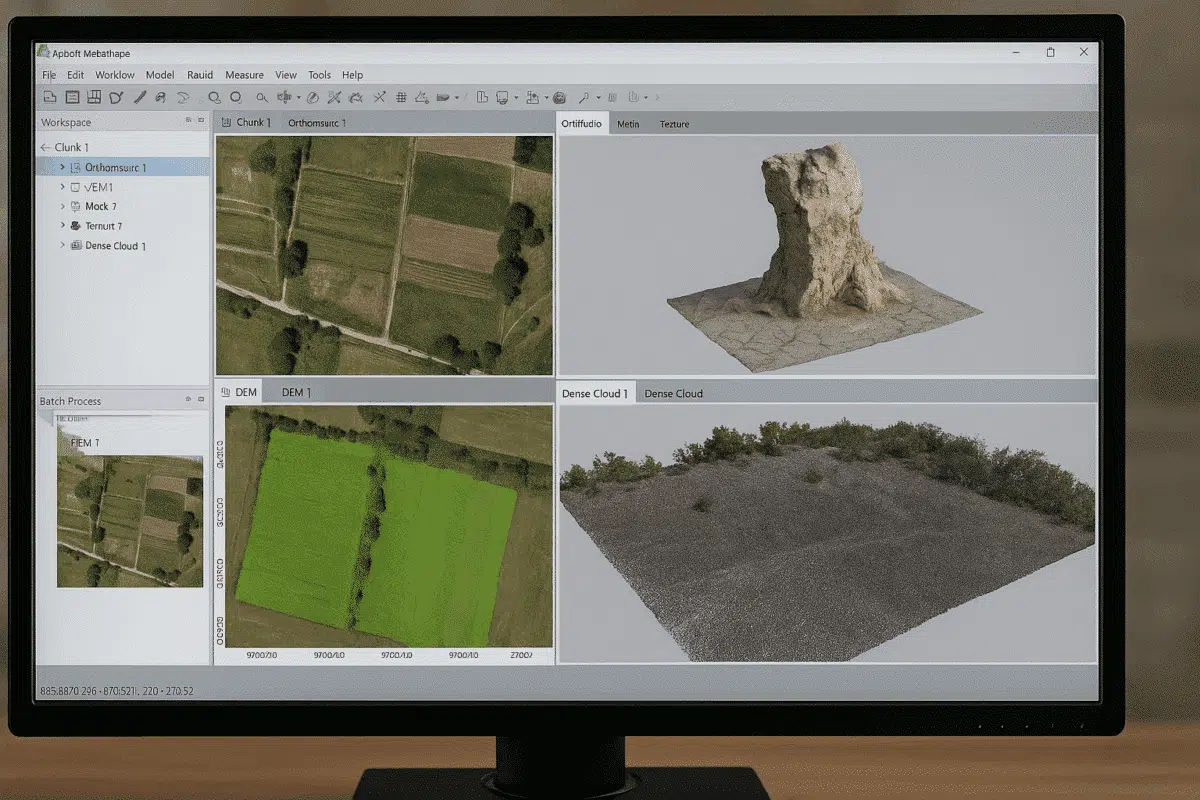
Agisoft Metashape is one of the most powerful photogrammetry tools available today, widely used for 3D modeling, mapping, and surveying. A frequent question among new users is: what file formats does Agisoft Metashape support? Understanding supported formats is essential for a smooth workflow, whether you are importing drone images, laser scans, or exporting 3D models […]
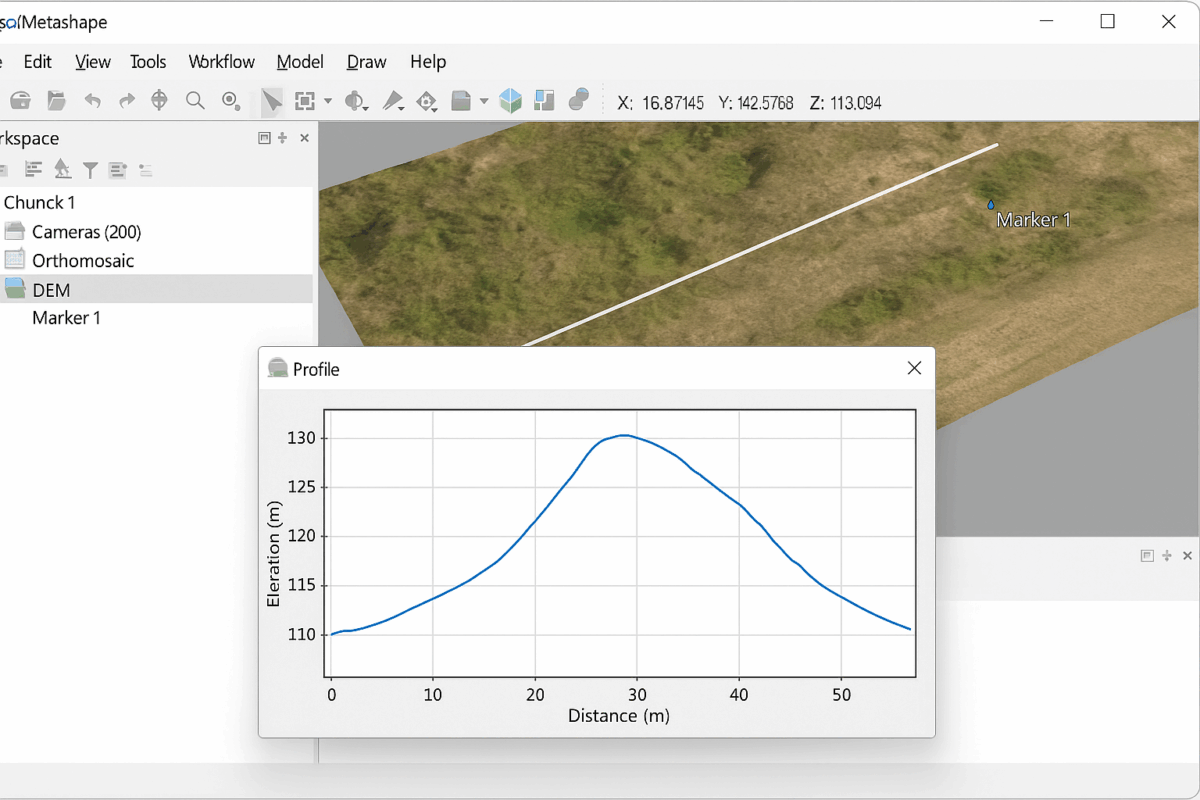
One of the most powerful features of Agisoft Metashape is the ability to generate profiles and cross-sections from your 3D data. Whether you are working with a digital elevation model (DEM), a dense point cloud, or a mesh, creating sections is an essential task for surveying, construction, mining, archaeology, and environmental studies. This guide will […]
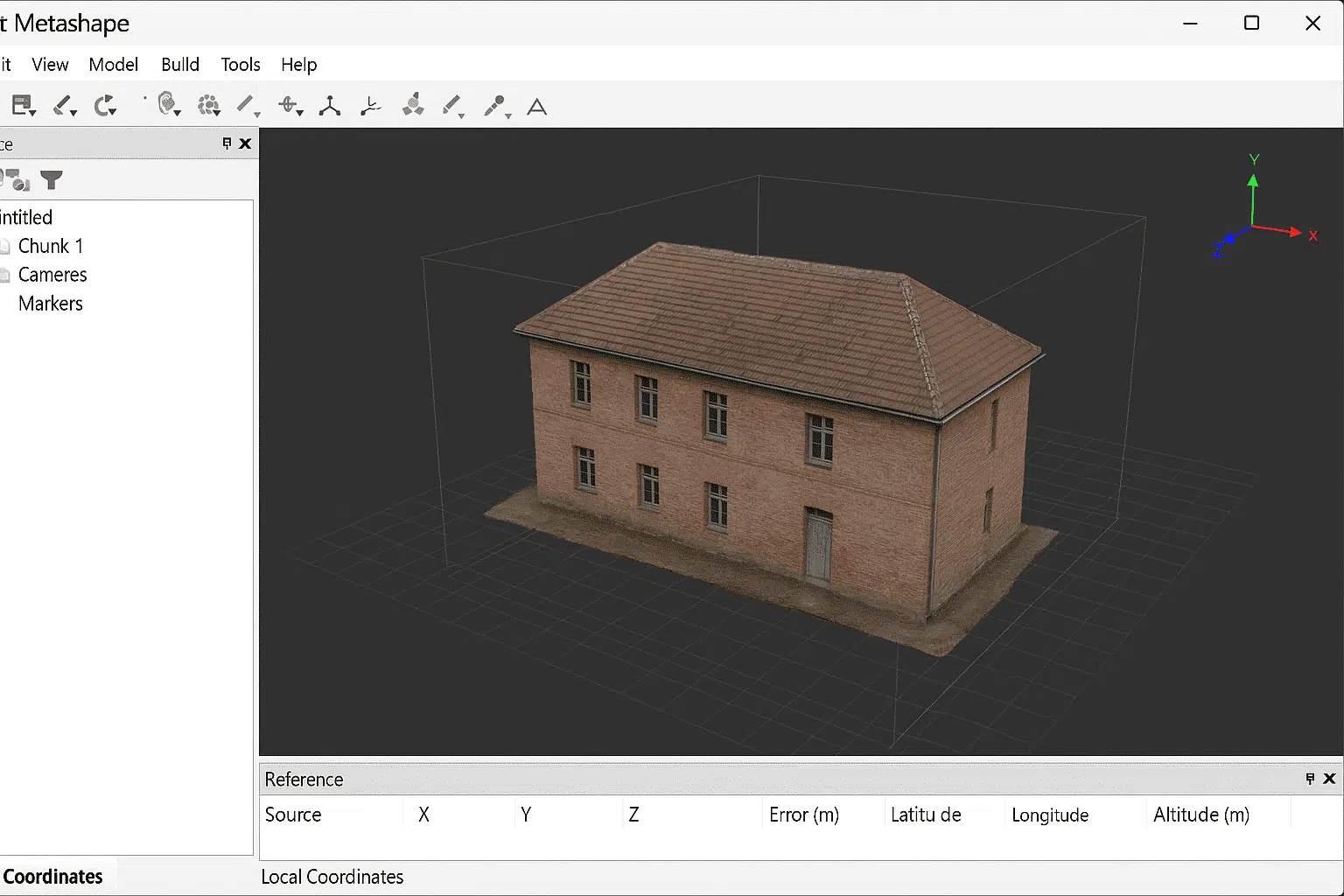
Working with local coordinates in Agisoft Metashape can be extremely useful for projects that do not require a global reference system. While many photogrammetry workflows use standardized coordinate reference systems (CRS) such as WGS84 or UTM, there are situations where it is more efficient and practical to work in a local coordinate framework. This guide […]
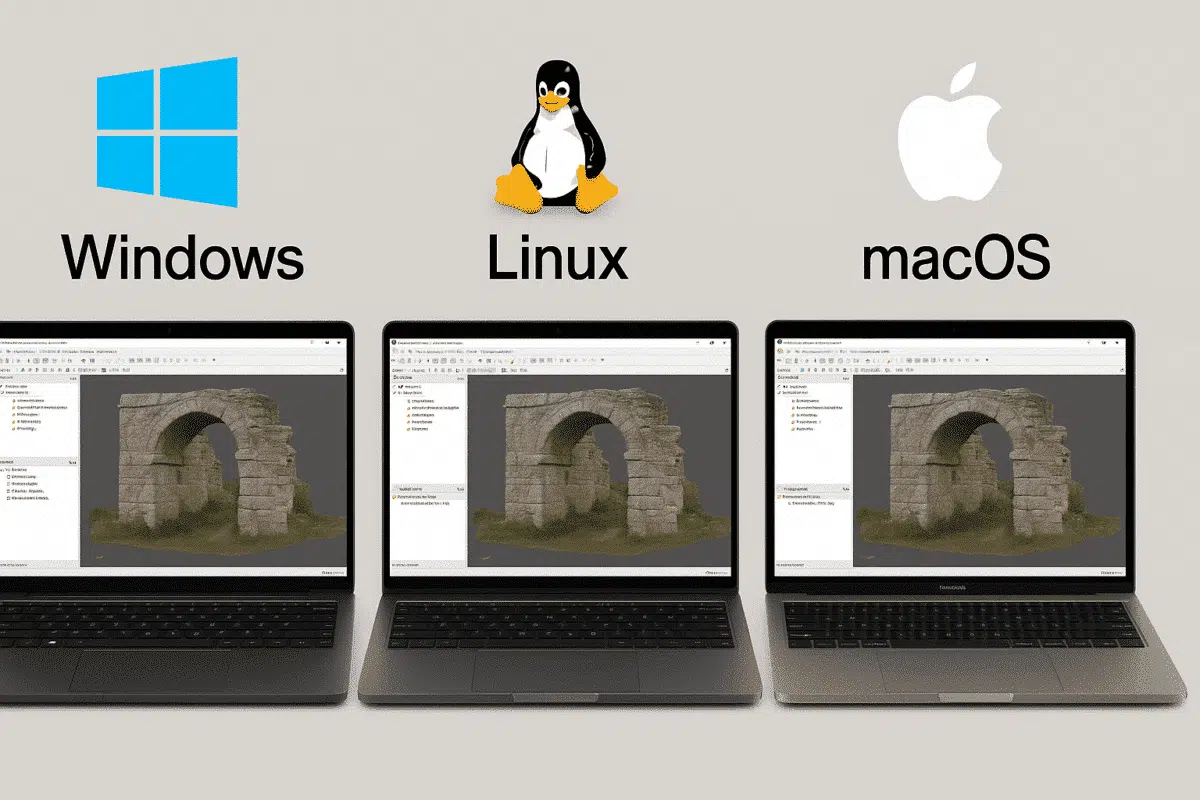
When testing professional photogrammetry software such as Agisoft Metashape, many users begin their 30-day free trial on one operating system, often Windows. Later, some realize they would prefer to run the software on Linux or Mac, especially for performance or workflow reasons. This raises an important question: does the trial transfer between operating systems? Let’s […]

Agisoft Metashape is one of the most powerful photogrammetry tools used in surveying, and when paired with GNSS and RTK workflows, it becomes a precision-grade solution. This article explains how GNSS and RTK work with Metashape, what accuracy you can realistically expect, and how to set up a reliable workflow for land surveying in 2025. […]
