

 Italiano
 Français
 Deutsch
 Español
Agisoft Metashape 2.3.0 build 21378 (preview release, 4 October 2025) introduces a focused set of improvements that target three main areas: more natural and detailed textures, better support for complex camera and fisheye setups, and advanced tools for LiDAR and laser scan workflows. While many changes are available in both the Standard and Professional editions, […]
Tag Archives: Agisoft Metashape
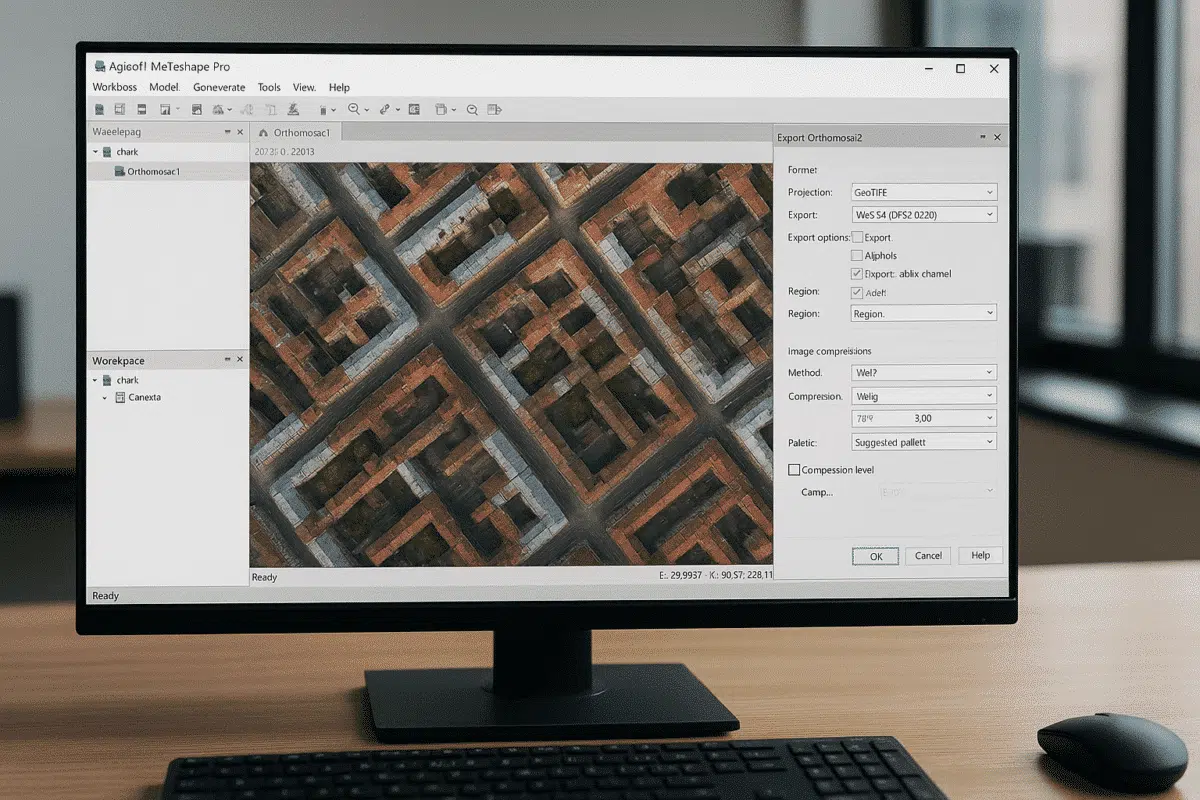
Agisoft Metashape 2.2.3 is the newest stable release of the well-known photogrammetry software, available in both Standard and Professional editions and downloadable directly from the official Agisoft website. This version represents the most recent update in the 2.2.x series and introduces a set of bug fixes along with several targeted enhancements for users working with […]
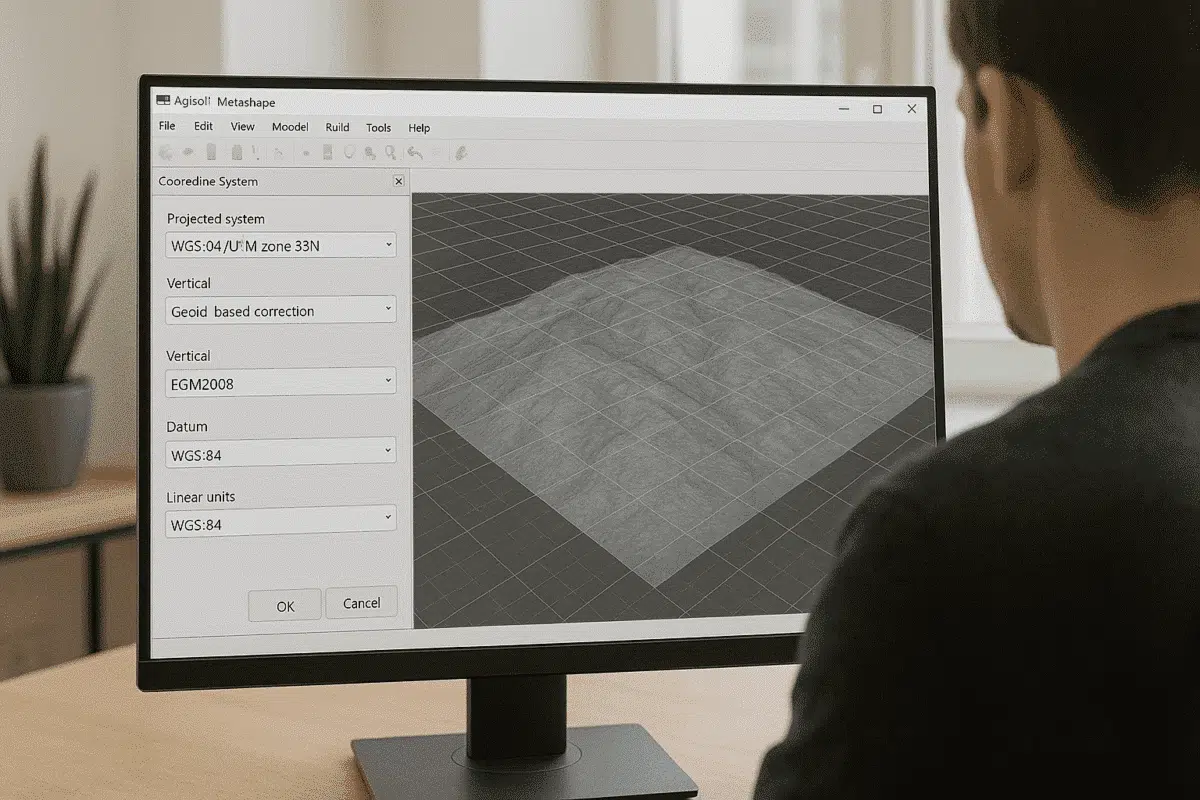
Agisoft Metashape Professional is widely used for photogrammetry, 3D modeling, topographic mapping, and geospatial analysis. One of the most important steps in processing georeferenced data is choosing and correctly converting between coordinate systems. Whether you work with drone RTK/PPK data, ground control points (GCPs), or GIS datasets, understanding how to manage coordinate systems in Metashape […]
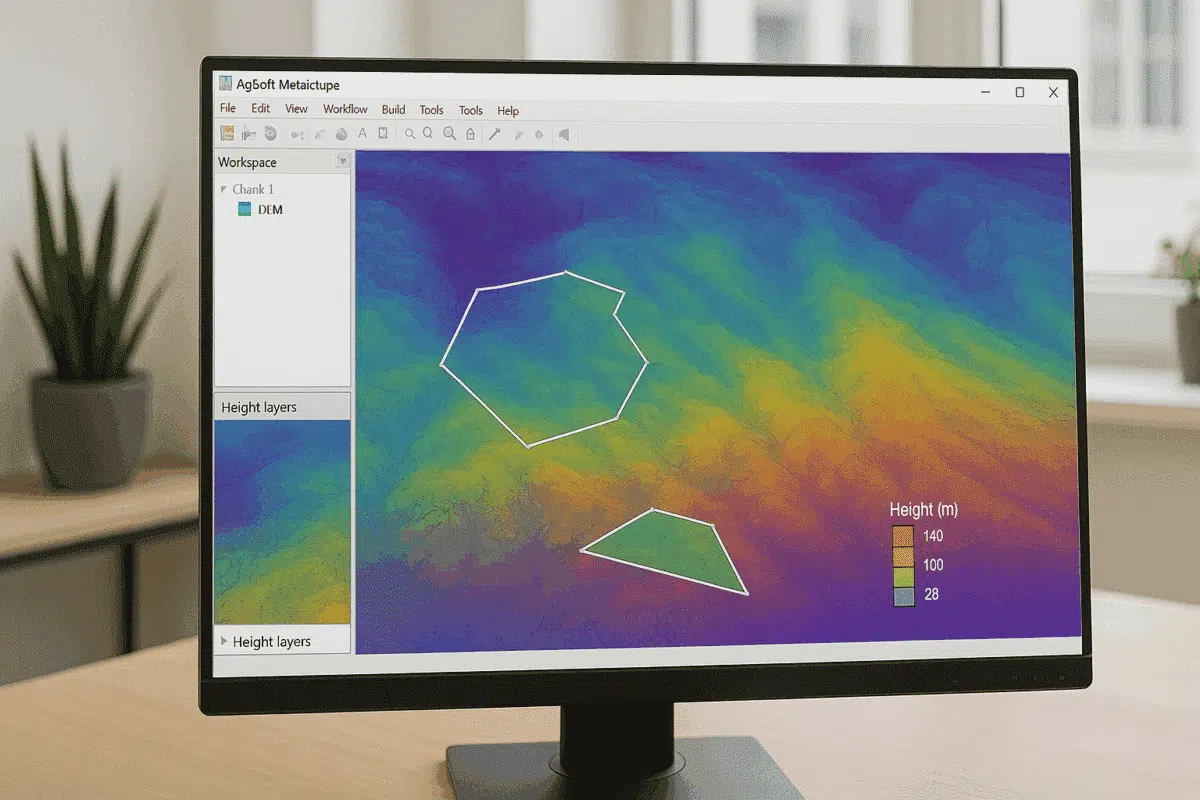
Agisoft Metashape Professional is a leading photogrammetry software used by surveyors, GIS specialists, and drone mapping professionals worldwide. One of its most powerful analytical features is the ability to perform DEM-based measurements — enabling users to calculate areas, volumes, elevation differences, and terrain profiles directly from Digital Elevation Models (DEMs) generated within the software. This […]
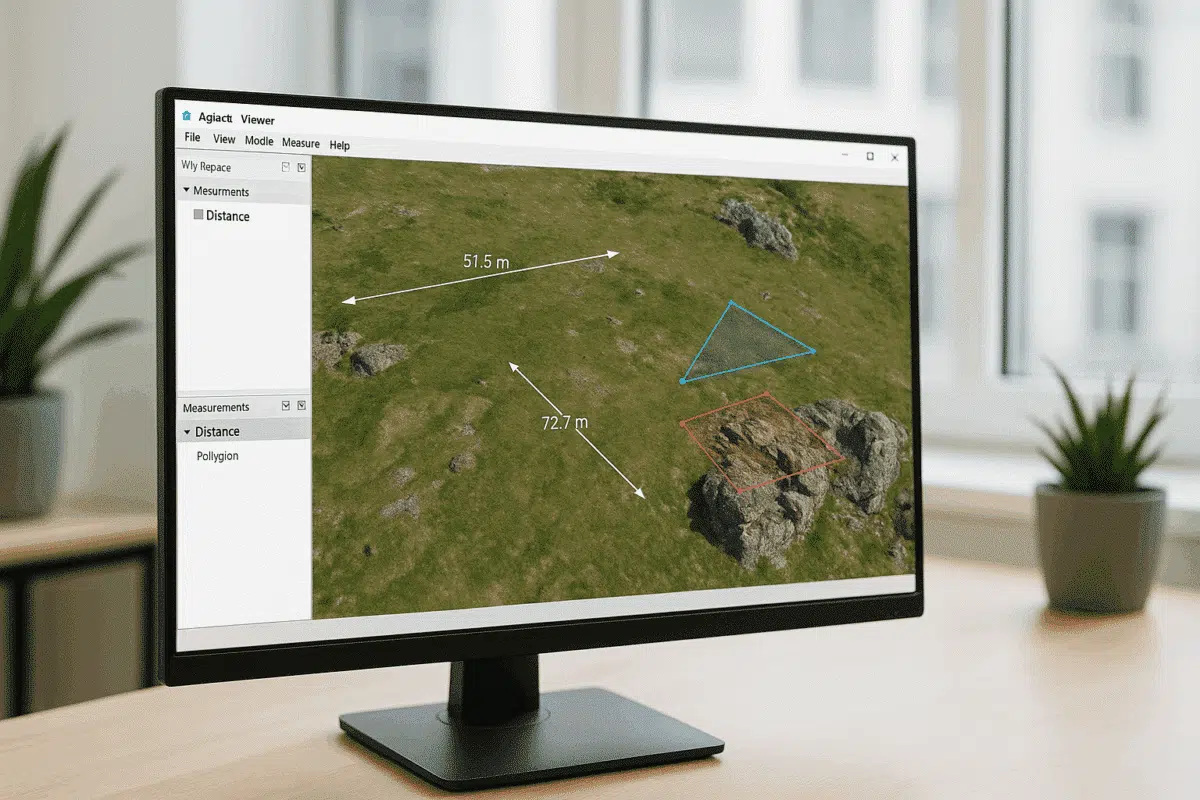
Agisoft Viewer is a lightweight, free application developed by Agisoft that allows users to view, explore, and analyze 3D models, orthomosaics, and digital elevation data created in Agisoft Metashape Professional. Among its most valuable features are the Measure and Drawing tools, which enable users to interact with spatial data, perform basic analysis, and make annotations […]
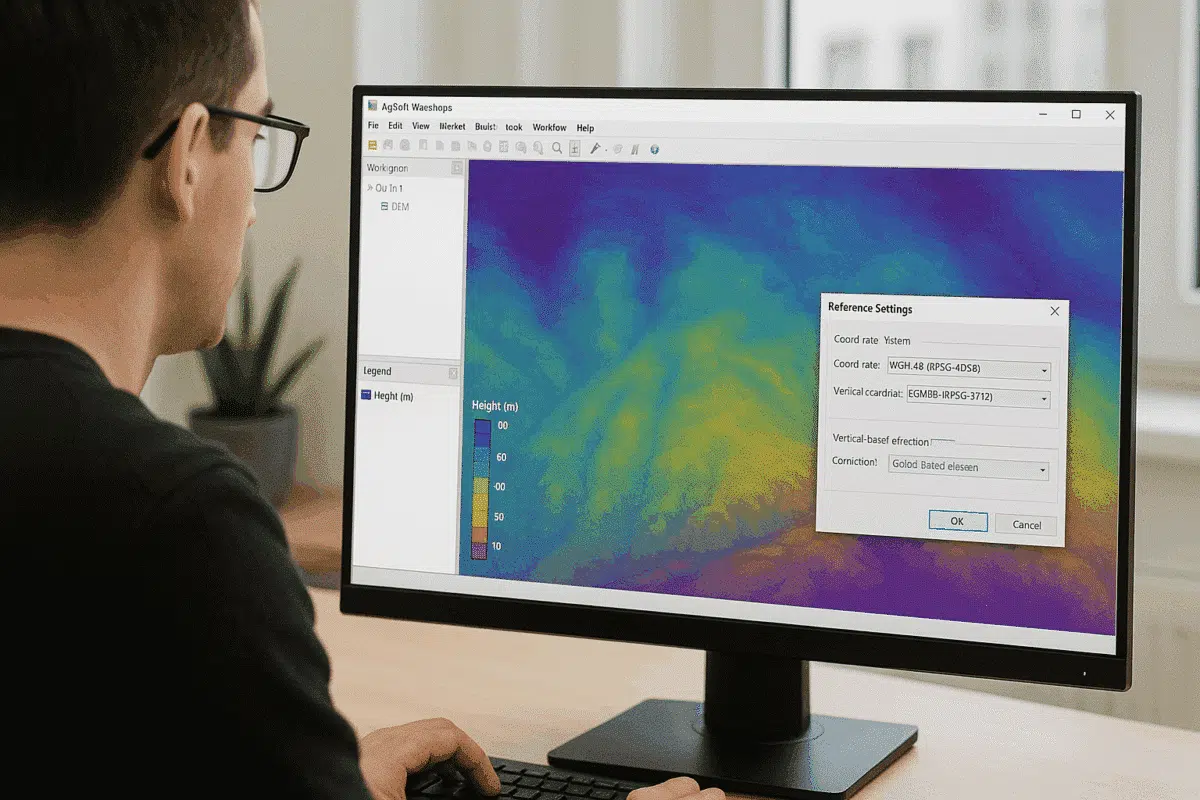
Agisoft Metashape Professional is one of the most advanced photogrammetry software solutions for processing aerial and terrestrial imagery into georeferenced 3D models, orthomosaics, and elevation maps. A key step in achieving accurate elevation results is understanding how to handle height above geoid within the project’s coordinate system. Without proper geoid configuration, elevation values may be […]
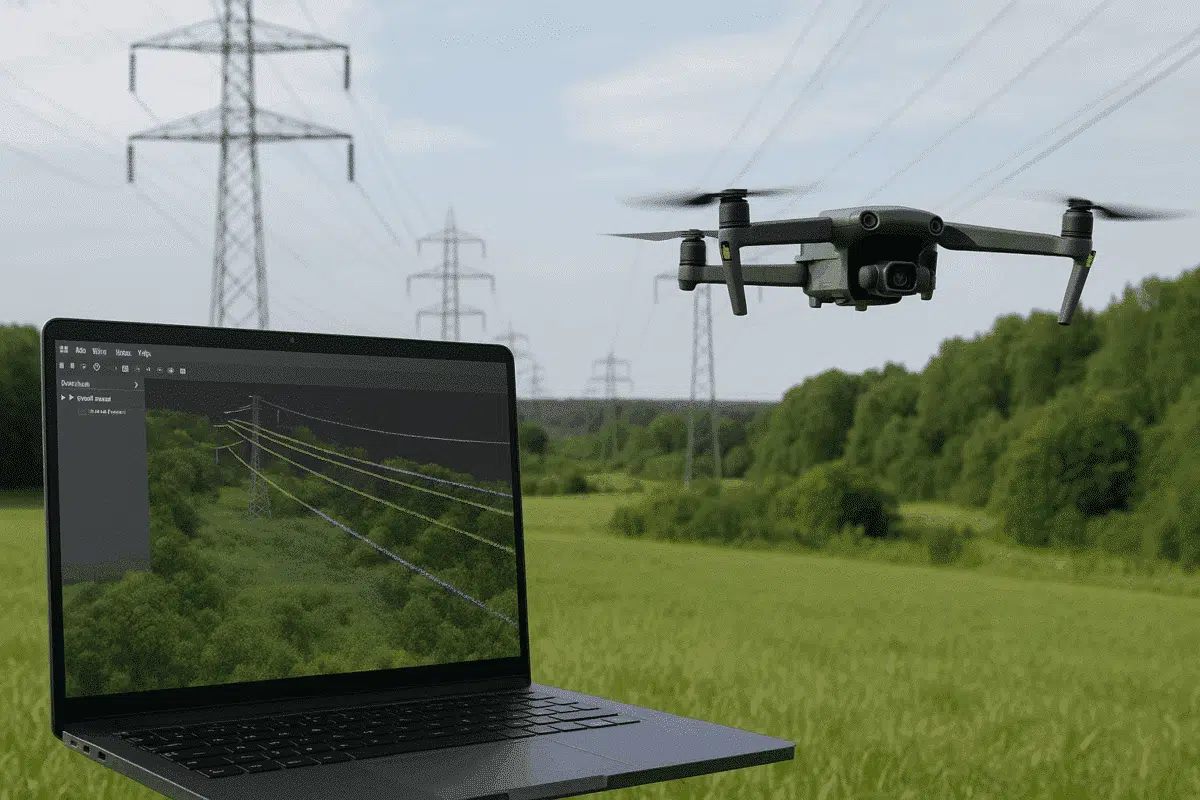
Agisoft Metashape Professional is one of the most versatile photogrammetry platforms for turning aerial imagery into accurate 3D data models. Beyond terrain mapping and orthomosaic creation, Metashape can also be used for specialized infrastructure applications — including powerline detection and analysis. By combining drone-based image acquisition with Metashape’s dense cloud classification tools, users can identify […]
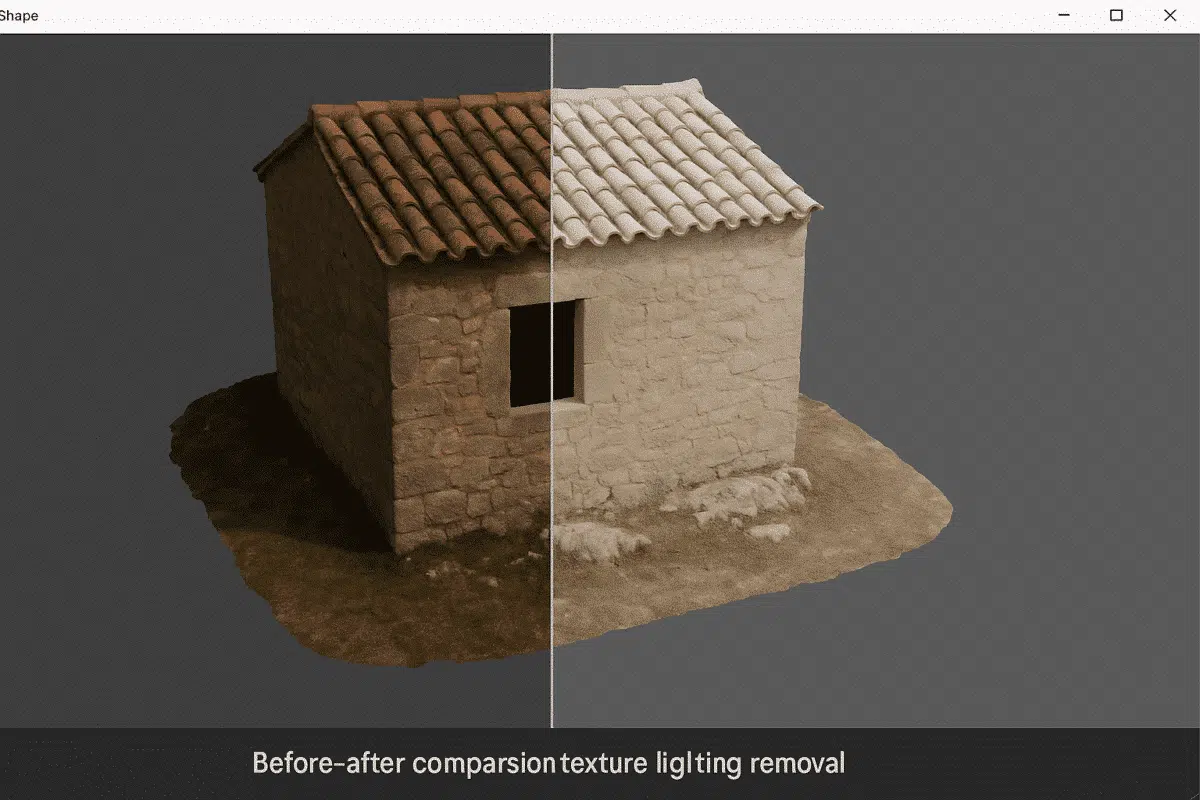
Agisoft Metashape Professional is a leading photogrammetry software used for creating high-quality 3D models and orthomosaics from images. One of the most common challenges in photogrammetry is dealing with uneven lighting or shadows baked into texture maps. These lighting effects can distort color accuracy, reduce realism, and complicate analytical or visual workflows. Fortunately, Metashape offers […]
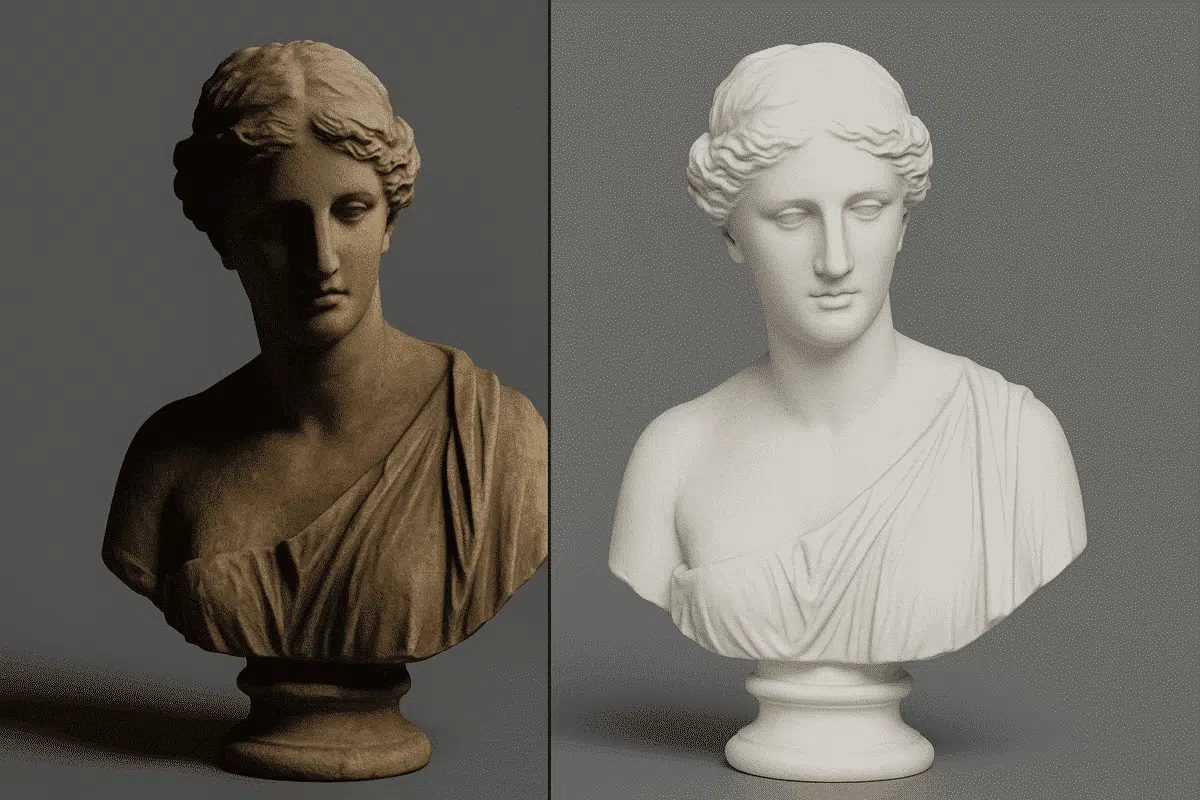
Agisoft Texture De-Lighter is a powerful post-processing tool designed to improve the visual quality of textured 3D models created with Agisoft Metashape. It allows users to remove shadows, highlights, and uneven illumination from texture maps, producing more consistent and realistic surface representations. Whether you’re working on digital twins, cultural heritage projects, or visual effects, mastering […]
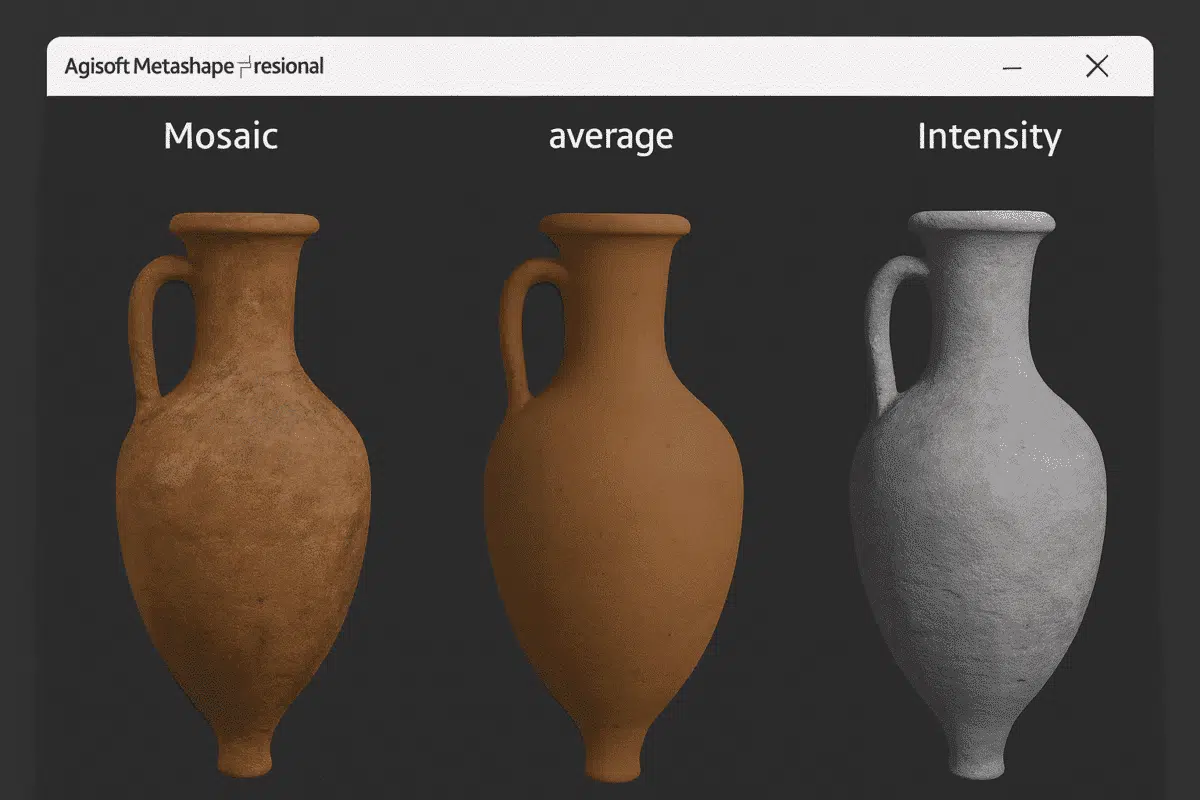
Agisoft Metashape is one of the most advanced photogrammetry platforms for turning aerial or terrestrial images into detailed 3D models. Beyond geometry and point clouds, what truly brings these models to life is their texture mapping — the process of applying color, light, and surface information onto a 3D mesh. Understanding the types of texture […]
