

 Italiano
 Français
 Deutsch
 Español

Creating orthomosaics is one of the most powerful features of Agisoft Metashape. An orthomosaic is a geometrically corrected image composed from multiple aerial photos, where distortions from camera angle and terrain have been removed. This tutorial walks beginners through the full workflow—from importing images to exporting the final orthophoto. What is an Orthomosaic? An orthomosaic […]
Author Archives: admin
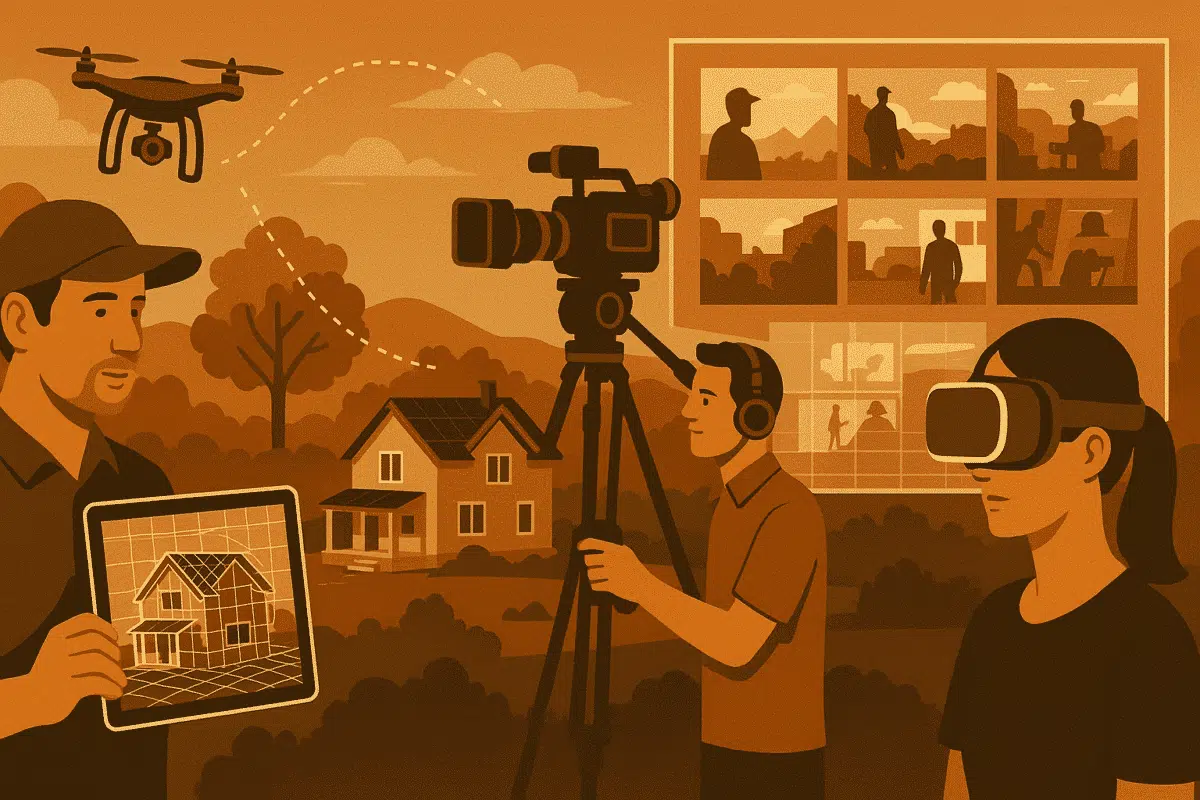
In 2025, film professionals are under increasing pressure to streamline pre‑production workflows, reduce on‑site logistics, and improve visual accuracy. Agisoft Metashape—an industry‑leading photogrammetry software—has emerged as a powerful tool for film location scouting and previz (previsualization). By converting an array of photographs into high‑fidelity 3D models, Metashape enables directors, production designers, and location managers to […]
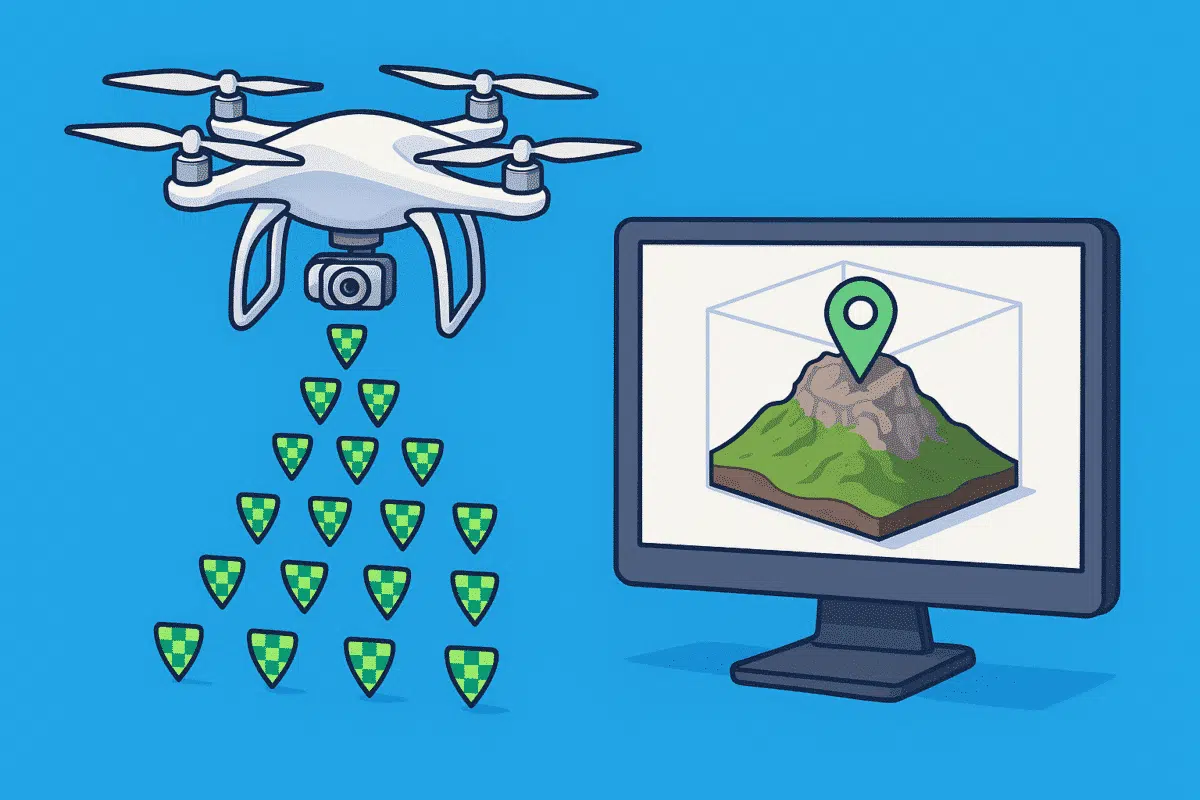
Agisoft Metashape is a powerful photogrammetry tool, and when combined with RTK (Real-Time Kinematic) or PPK (Post-Processed Kinematic) drones, it delivers centimeter-level accuracy in 3D models and orthomosaics. Whether you’re mapping for surveying, agriculture, or construction, integrating geotagged imagery properly is key. In this guide, you’ll learn how to import RTK/PPK photos into Metashape, fine-tune […]
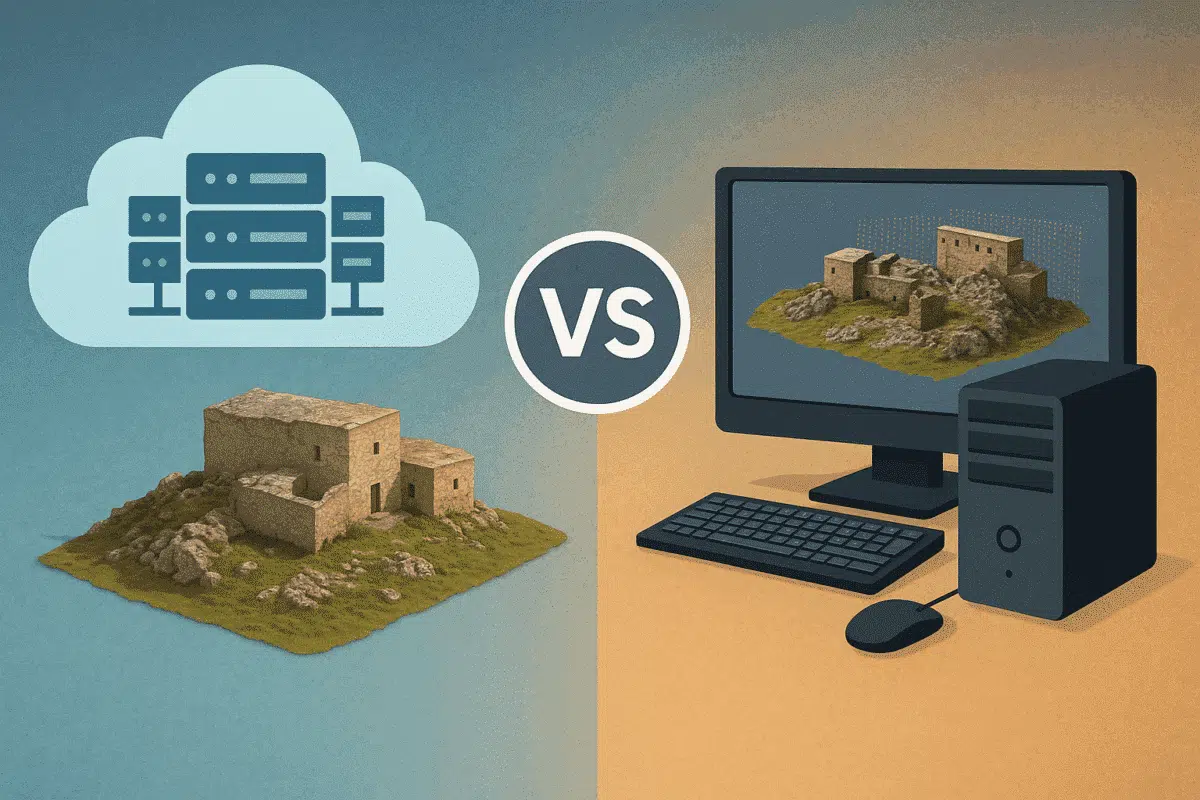
Agisoft Metashape is widely used for photogrammetry, 3D modeling, and drone mapping. But as datasets grow larger and processing times stretch into hours—or even days—many users ask: should I upgrade my local workstation or move to cloud processing? This article compares the two approaches across speed, performance, cost, and scalability to help you choose the […]
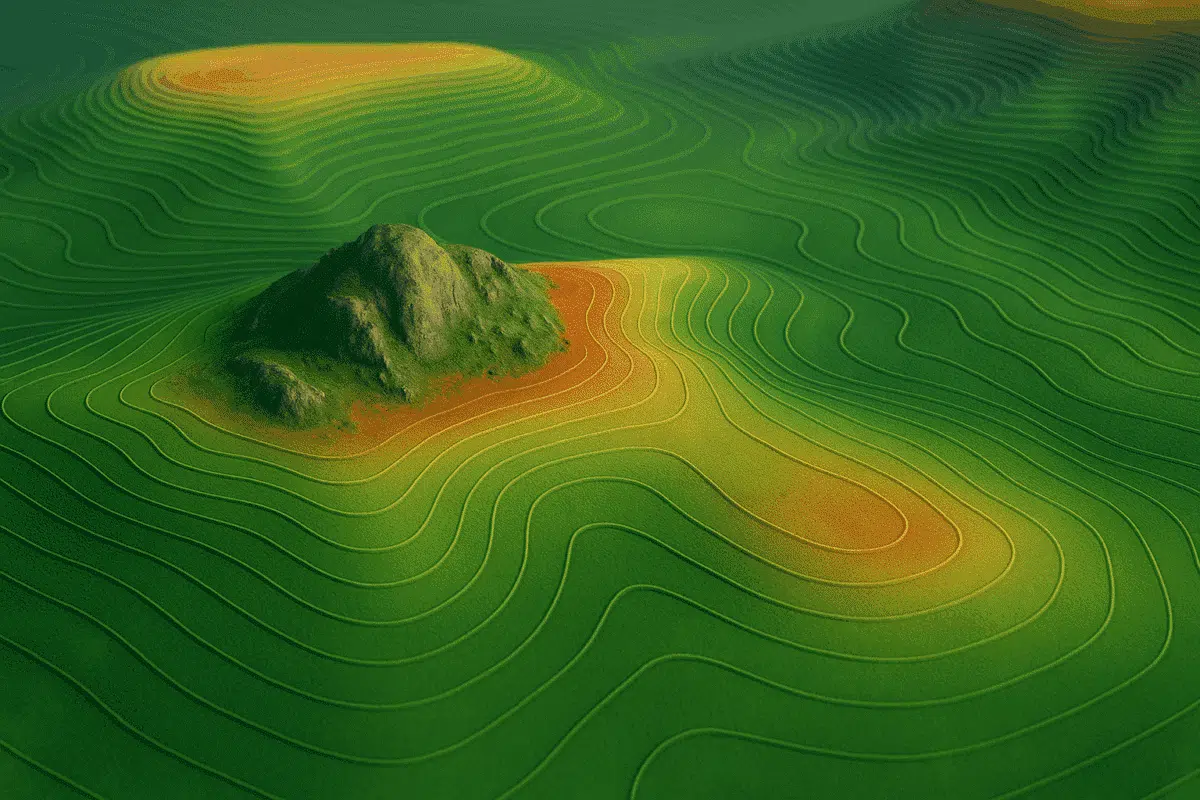
Agisoft Metashape offers a complete set of tools to generate Digital Elevation Models (DEMs) and extract contour lines from drone imagery or terrestrial photogrammetry. These outputs are essential for topographic mapping, land surveys, construction planning, and environmental monitoring. In this tutorial, we’ll walk through the full workflow to create custom DEMs and contours in Metashape, […]
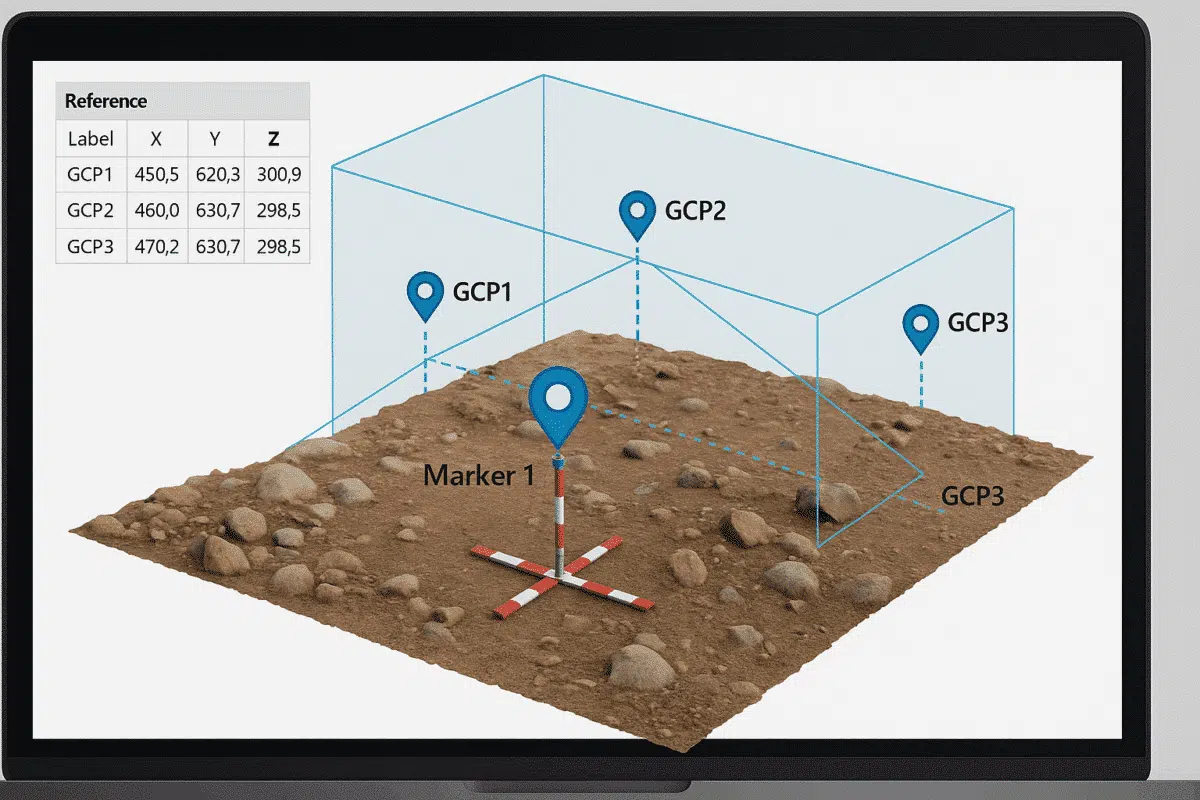
Working without GPS data doesn’t mean your 3D reconstruction has to be inaccurate. With Agisoft Metashape, you can manually georeference a model by using known distances, scale bars, and Ground Control Points (GCPs). Whether you’re digitizing historical photos, indoor scans, or archival data, this guide will walk you through the step-by-step process to create spatially […]
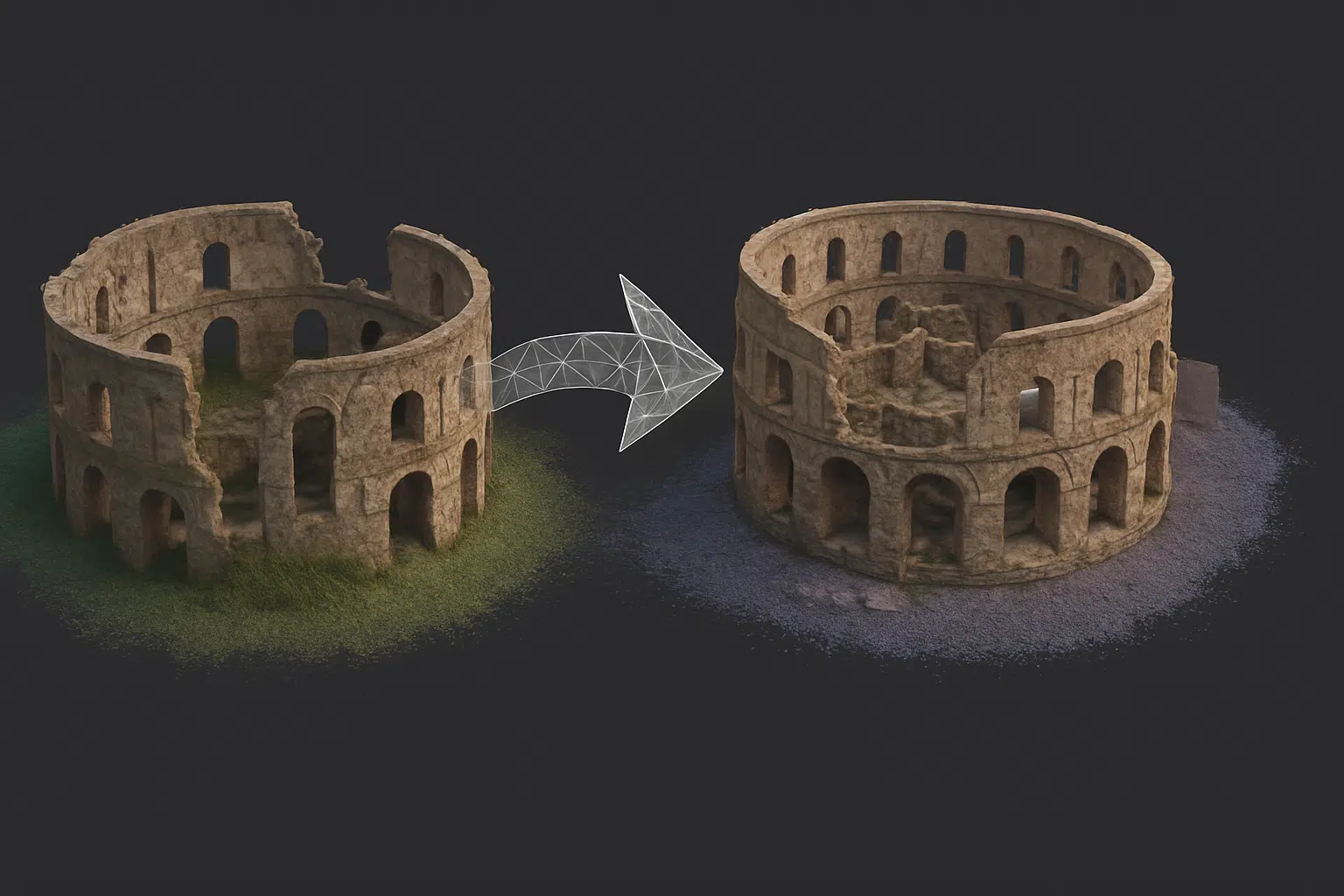
In complex photogrammetry projects, splitting a project into multiple chunks in Agisoft Metashape is often necessary—for example, when working with large datasets, separate flight missions, or different parts of a building. But to produce a seamless final model, you’ll need to correctly align and merge those chunks. This guide explains how to combine multiple chunks […]
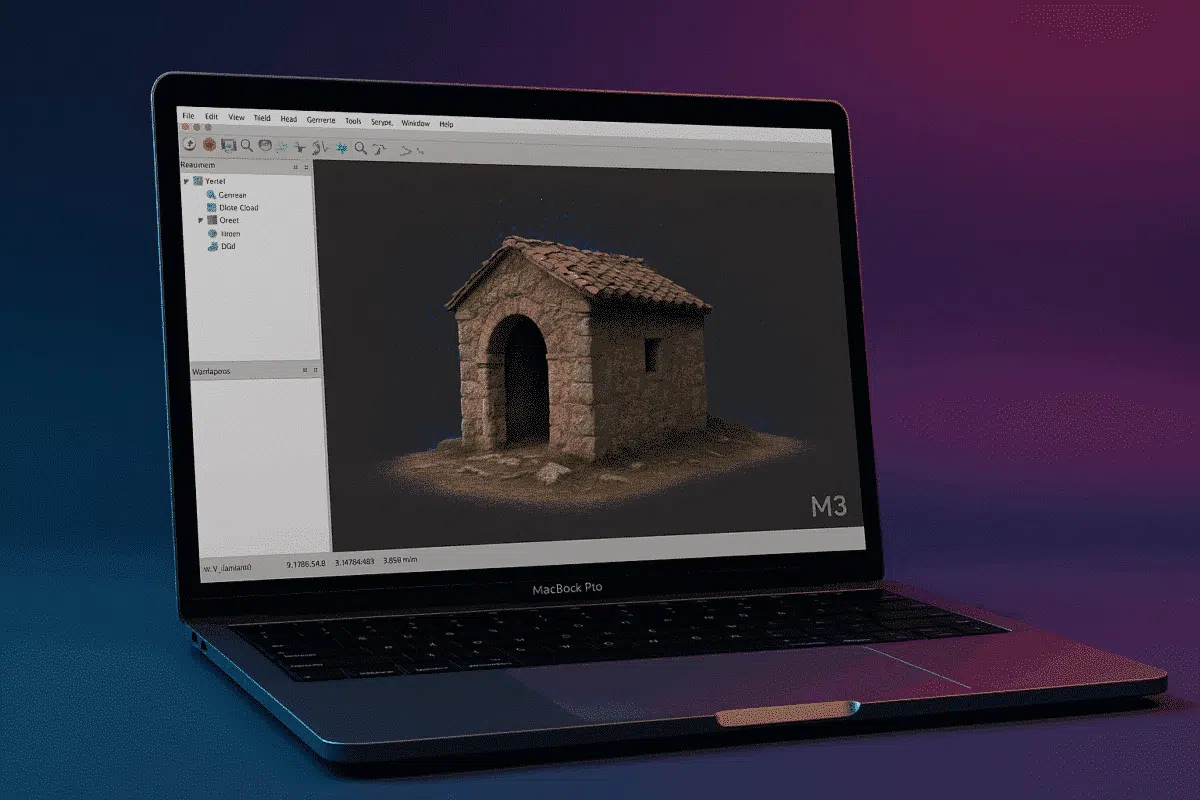
With Apple’s transition to ARM-based silicon well underway, users of Agisoft Metashape are increasingly asking whether the software runs efficiently on the new Mac M3 chips in 2025. This article explores performance benchmarks, compatibility insights, and workflow optimization tips for running Metashape on MacBook Air/Pro and Mac Studio models using M3, M3 Pro, and M3 […]
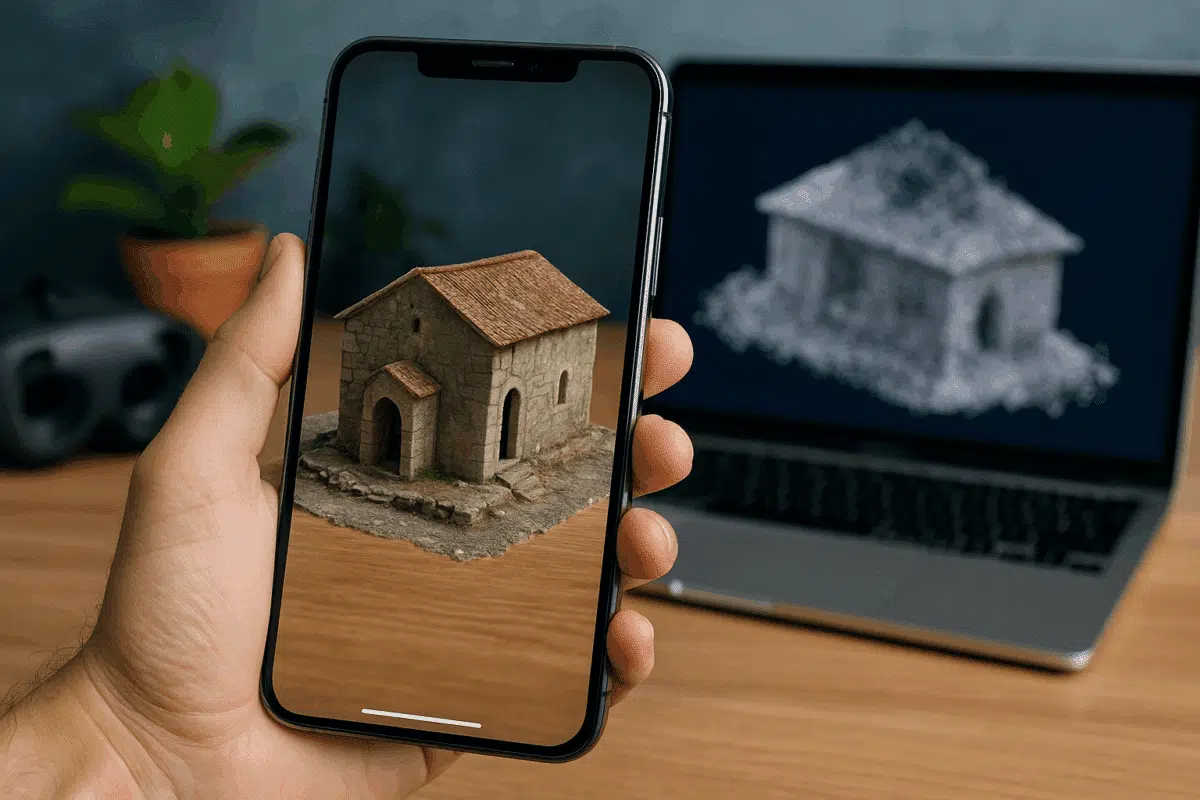
Sharing 3D models online has never been easier thanks to modern formats like GLB, USDZ, and Cesium. Whether you want to publish models for WebAR (Web-based Augmented Reality), mobile viewing, or immersive web maps, Agisoft Metashape offers the tools to export in formats compatible with popular platforms. This guide walks you through how to prepare […]
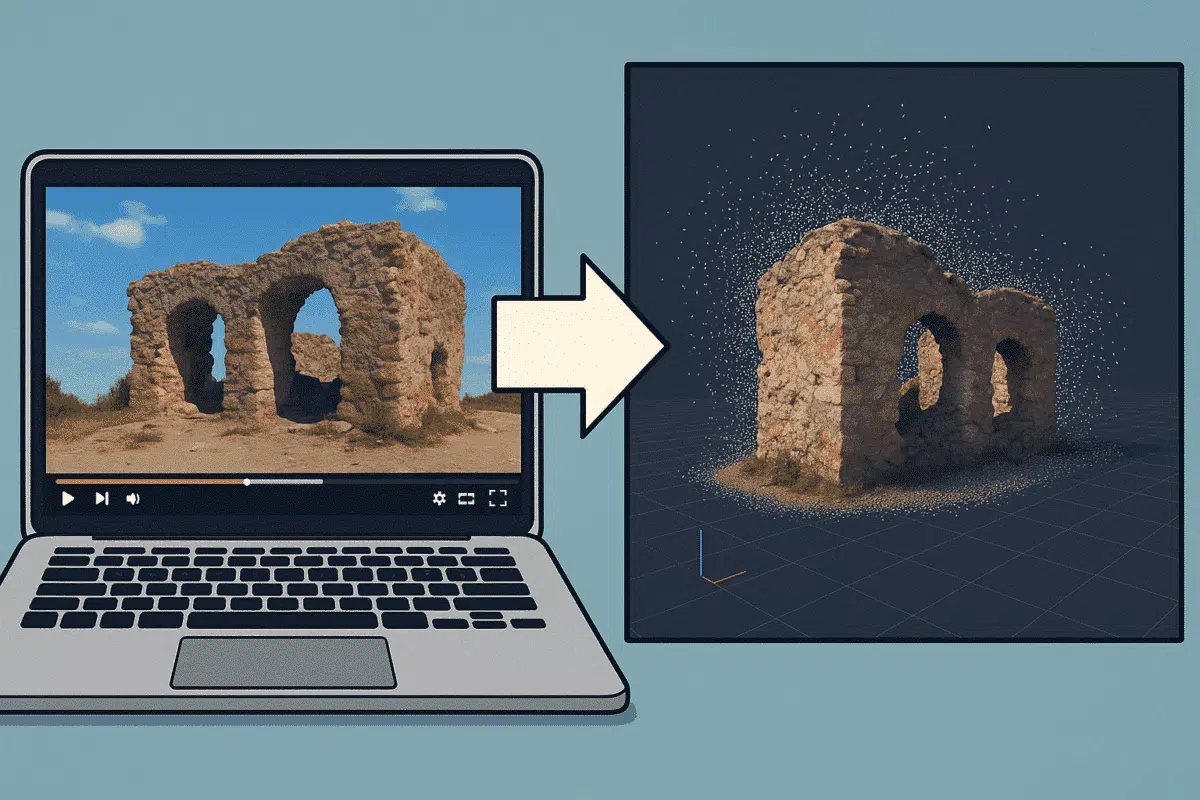
Did you know that you can use video footage to create 3D models in Agisoft Metashape? Even without a DSLR or drone, videos from smartphones or action cameras can be used for photogrammetry by extracting still frames. This guide shows you how to convert a video into a photogrammetric dataset and reconstruct a 3D scene […]
