

 Italiano
 Français
 Deutsch
 Español
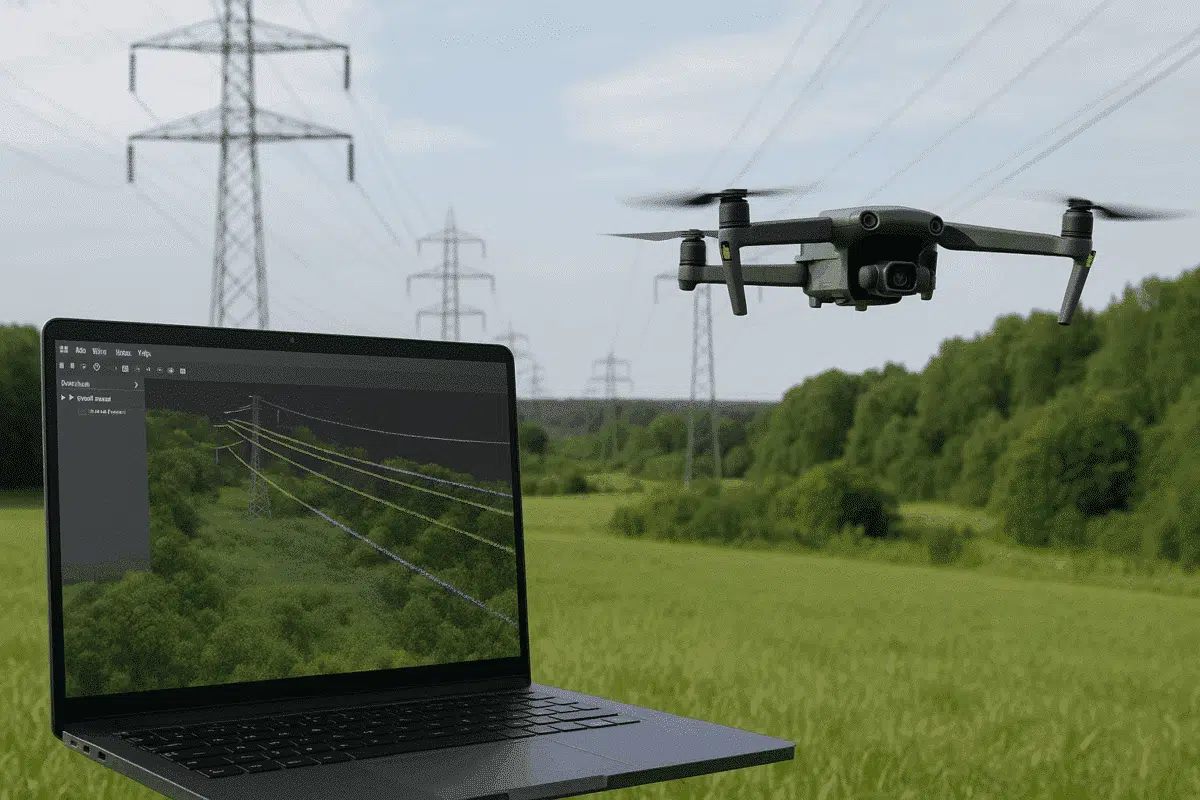
Agisoft Metashape Professional is one of the most versatile photogrammetry platforms for turning aerial imagery into accurate 3D data models. Beyond terrain mapping and orthomosaic creation, Metashape can also be used for specialized infrastructure applications — including powerline detection and analysis. By combining drone-based image acquisition with Metashape’s dense cloud classification tools, users can identify […]
Author Archives: admin
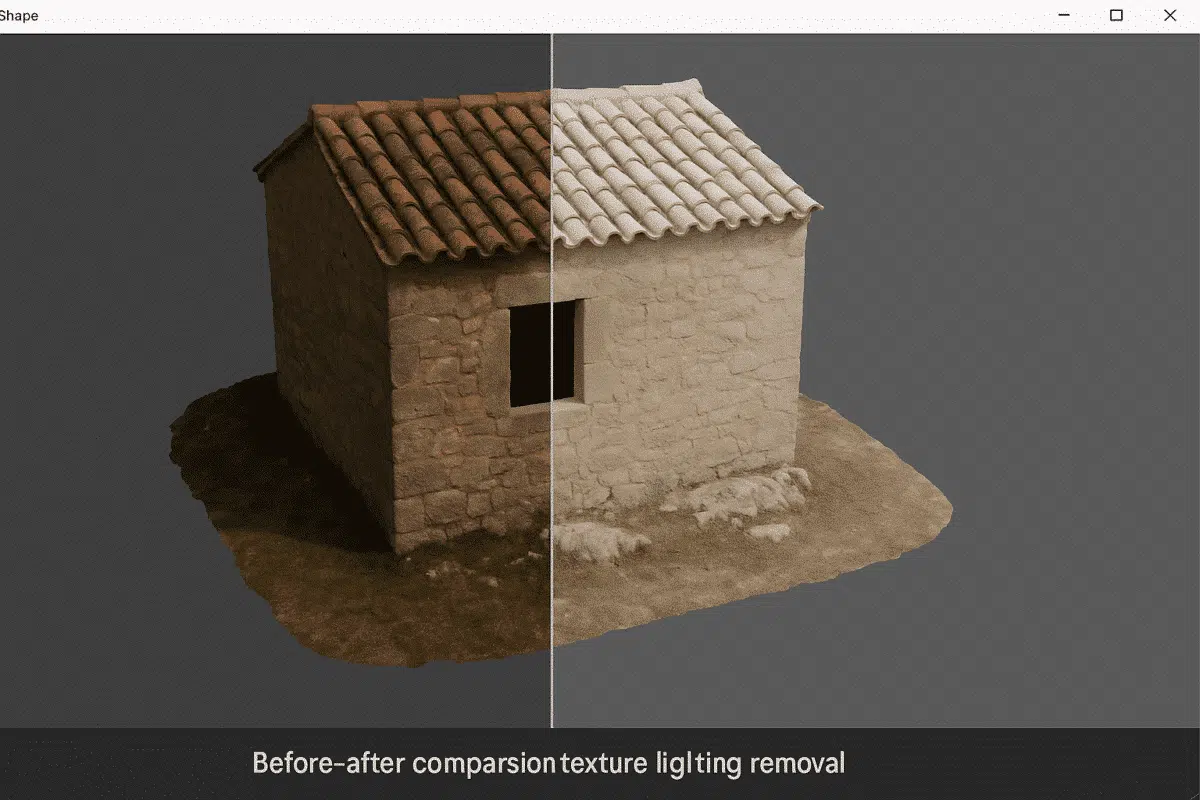
Agisoft Metashape Professional is a leading photogrammetry software used for creating high-quality 3D models and orthomosaics from images. One of the most common challenges in photogrammetry is dealing with uneven lighting or shadows baked into texture maps. These lighting effects can distort color accuracy, reduce realism, and complicate analytical or visual workflows. Fortunately, Metashape offers […]
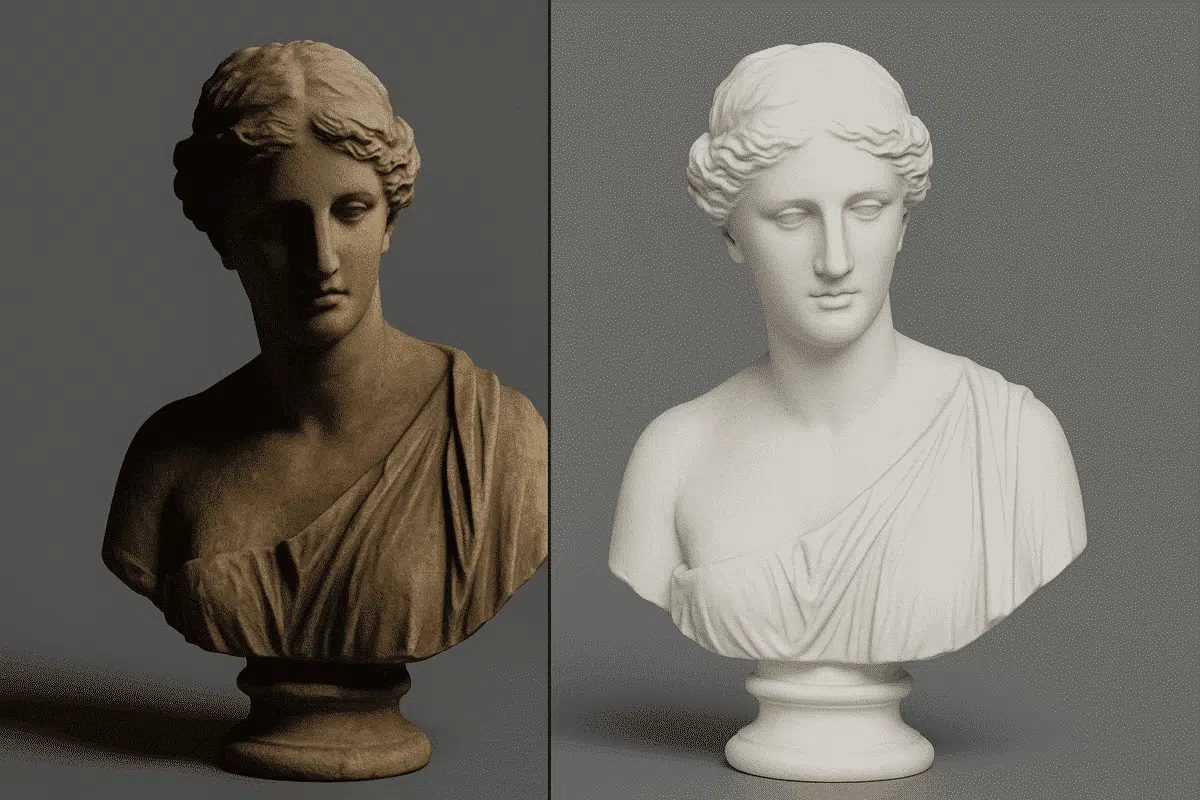
Agisoft Texture De-Lighter is a powerful post-processing tool designed to improve the visual quality of textured 3D models created with Agisoft Metashape. It allows users to remove shadows, highlights, and uneven illumination from texture maps, producing more consistent and realistic surface representations. Whether you’re working on digital twins, cultural heritage projects, or visual effects, mastering […]
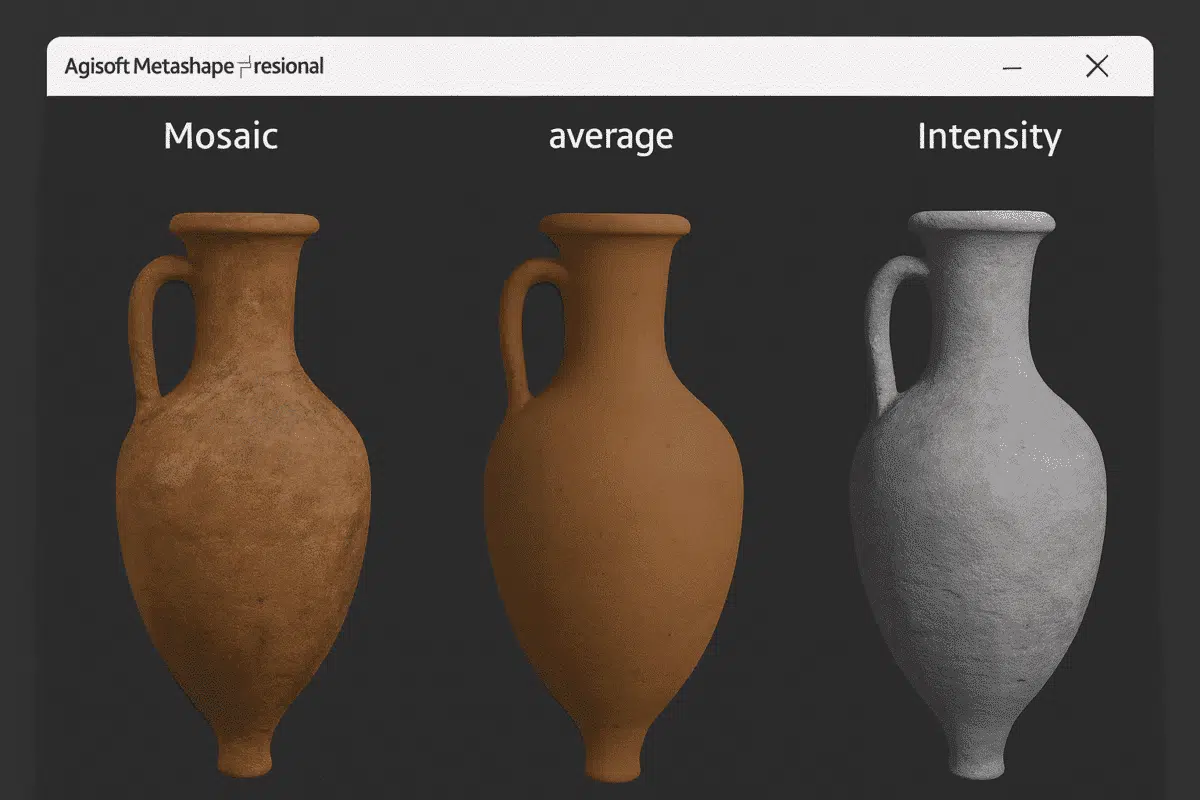
Agisoft Metashape is one of the most advanced photogrammetry platforms for turning aerial or terrestrial images into detailed 3D models. Beyond geometry and point clouds, what truly brings these models to life is their texture mapping — the process of applying color, light, and surface information onto a 3D mesh. Understanding the types of texture […]
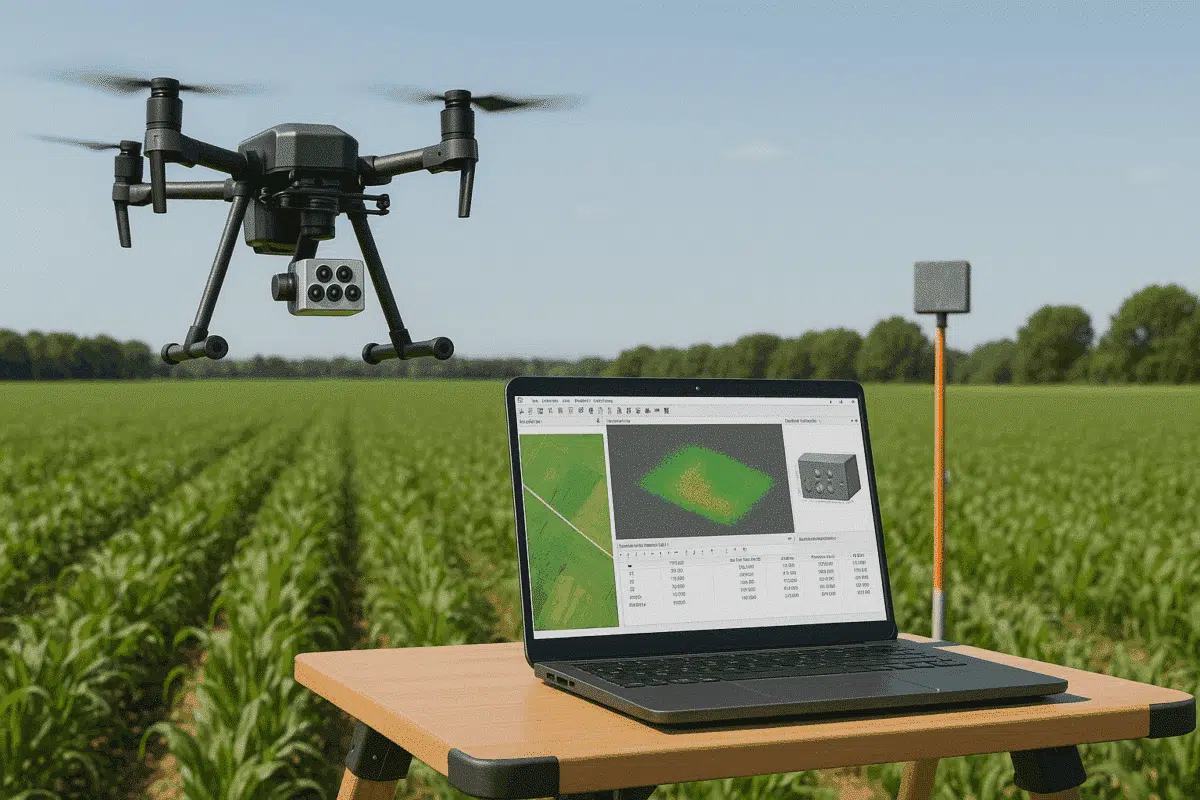
Agisoft Metashape Professional is one of the most powerful photogrammetry tools for processing aerial imagery, allowing users to create accurate 3D models, orthomosaics, and reflectance maps. When paired with advanced sensors like the MicaSense Altum, Metashape enables precise multispectral and thermal data processing — ideal for applications in agriculture, forestry, environmental monitoring, and research. This […]
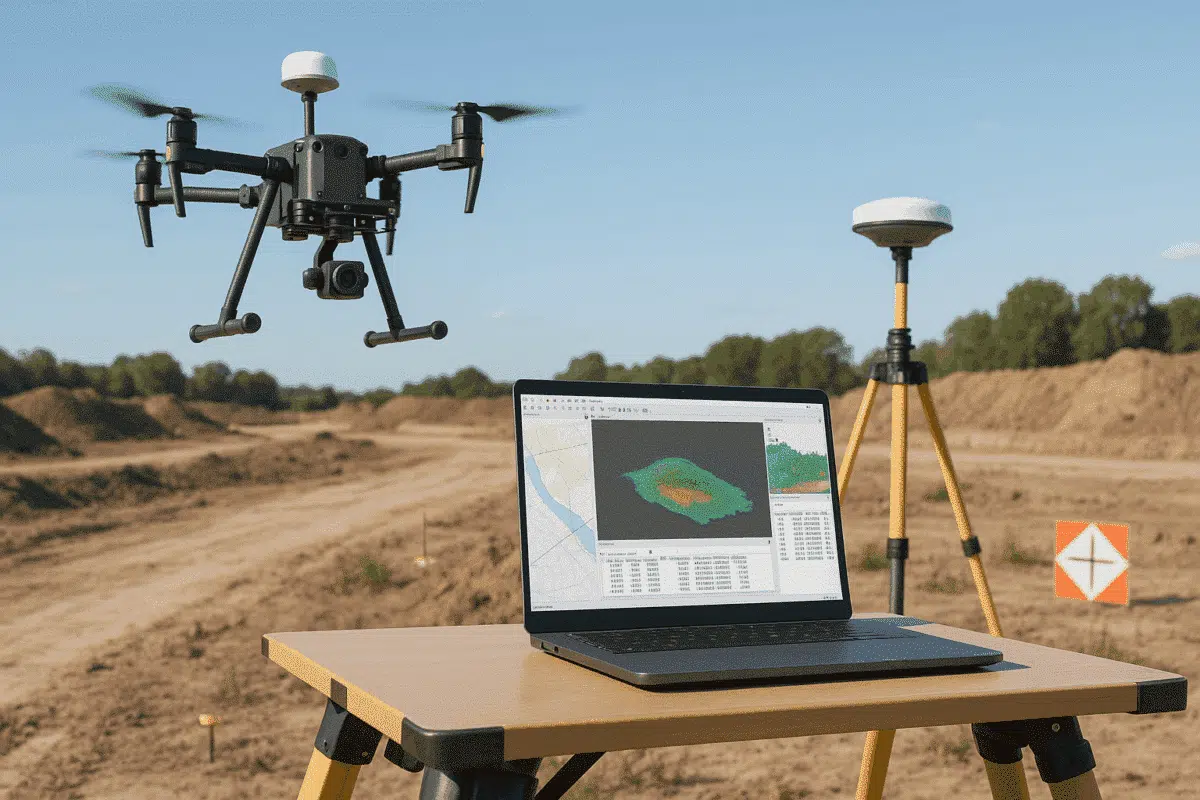
Agisoft Metashape has become the go-to software for professionals who want to transform drone imagery into accurate 3D models, orthomosaics, and geospatial datasets. When combined with drones equipped with Real-Time Kinematic (RTK) positioning systems — such as the DJI Phantom 4 RTK, Mavic 3 Enterprise, Matrice 350 RTK or DJI Matrice 400 — the results […]
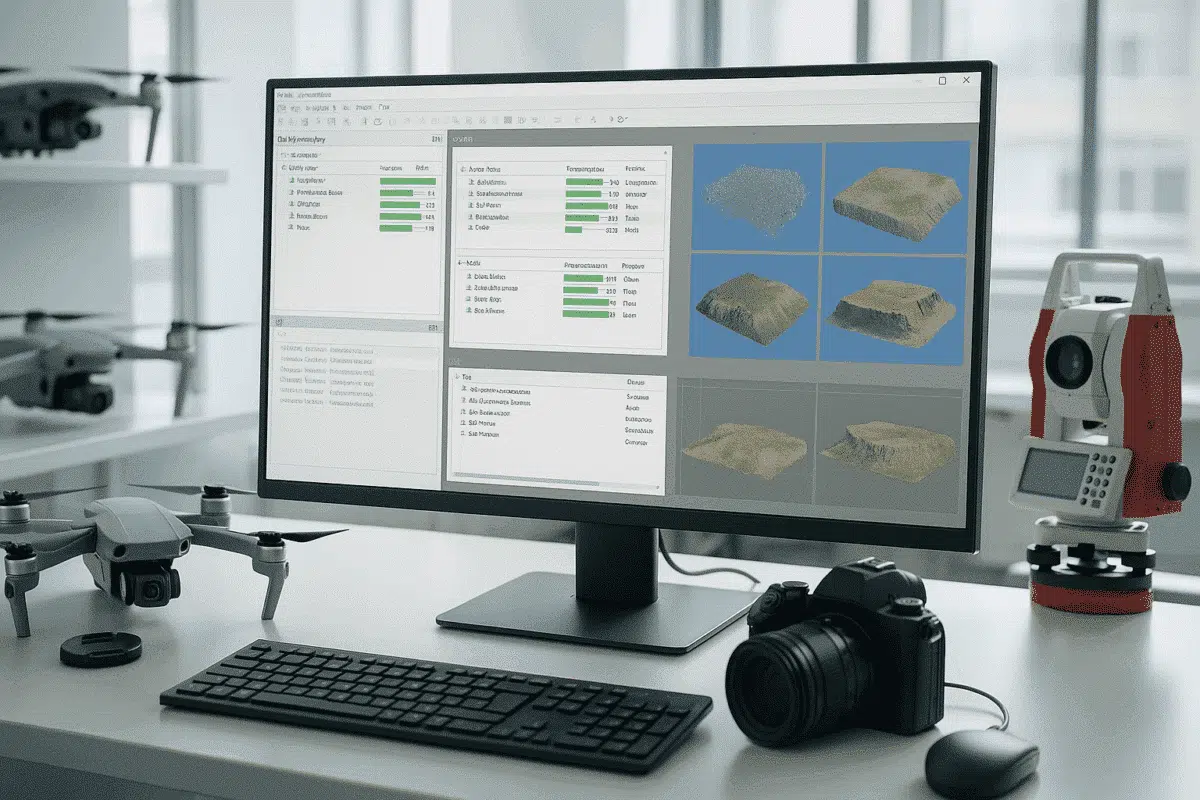
Agisoft Metashape is an industry-standard software for photogrammetry, allowing users to turn aerial and terrestrial imagery into accurate 3D models, orthomosaics, and digital elevation models (DEMs). When working on large projects with multiple datasets — such as different flight missions or scanning sessions — it’s common to divide work into chunks. Managing each chunk manually […]
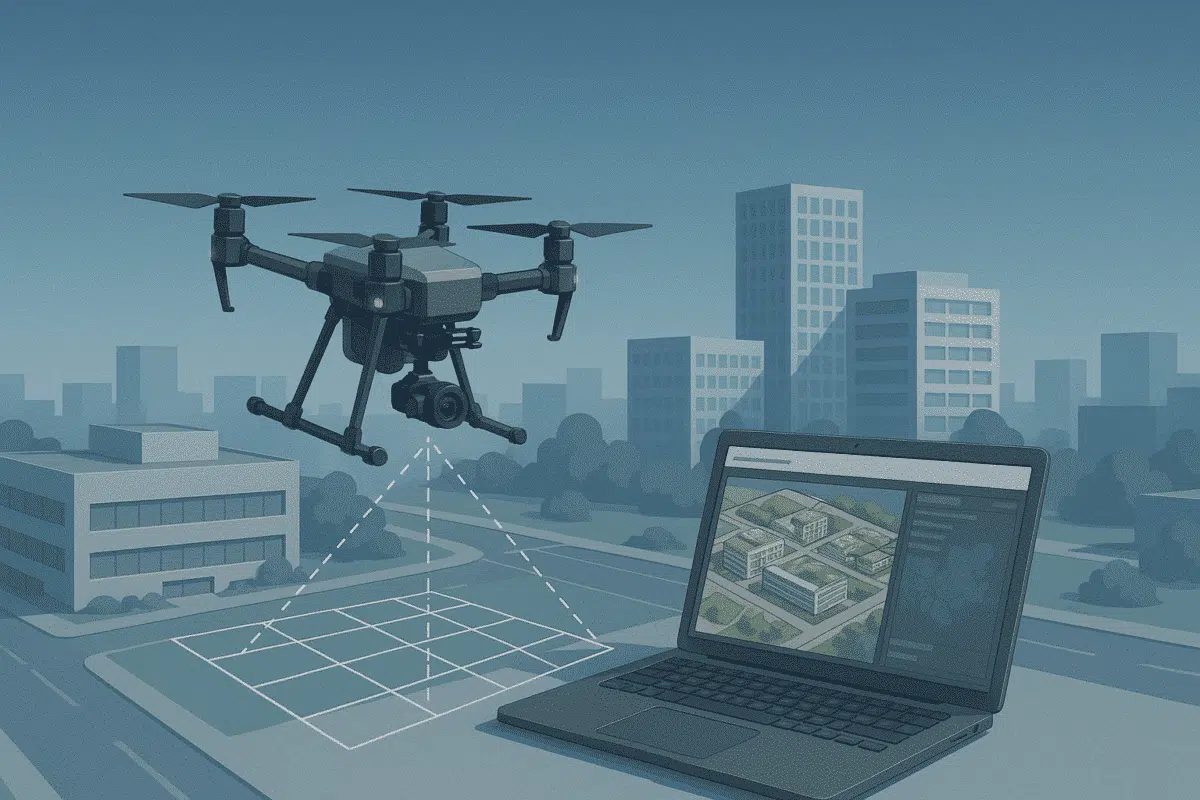
Agisoft Metashape is one of the most powerful photogrammetry platforms available today, capable of turning aerial imagery into detailed 3D models, orthomosaics, and geospatial data products. Its versatility and precision make it the go-to choice for professionals in mapping, construction, agriculture, archaeology, and environmental monitoring. However, the quality of your outputs depends heavily on how […]
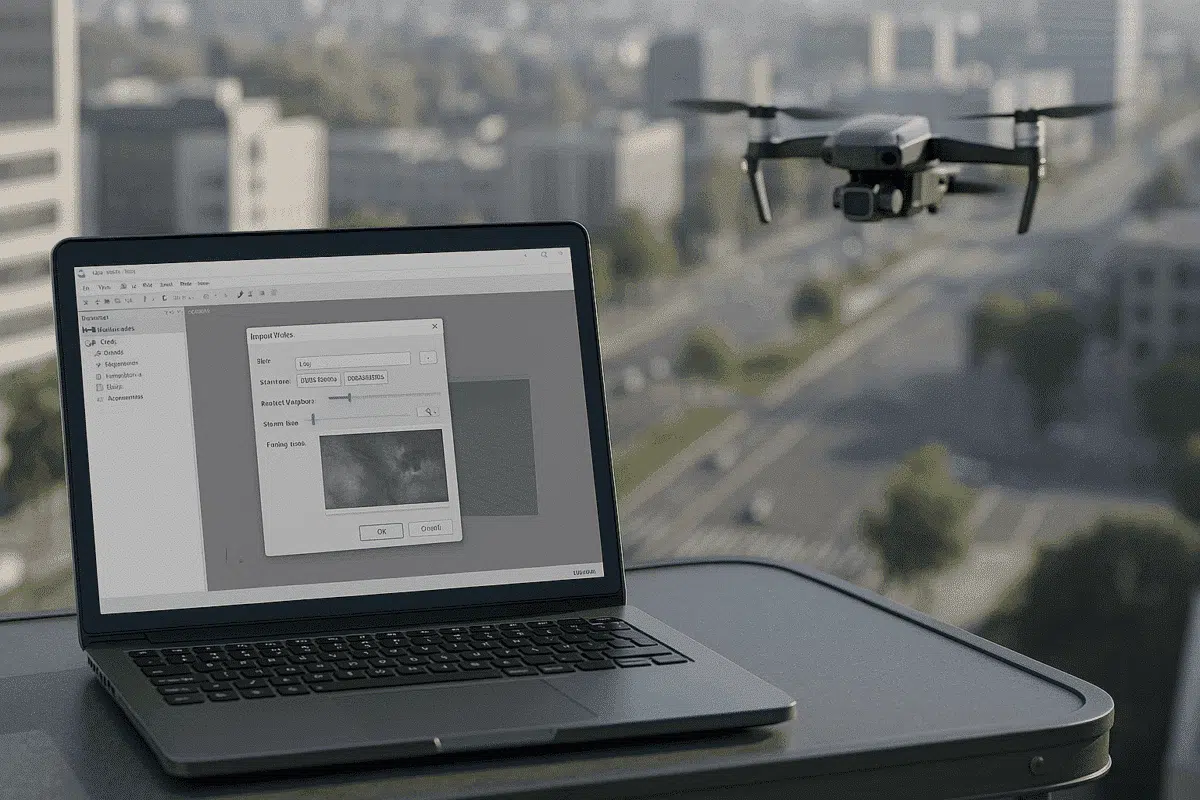
Agisoft Metashape is a leading photogrammetry software used to transform images into accurate 3D models, orthomosaics, and geospatial datasets. While most workflows rely on still photographs captured by drones or cameras, many professionals also use video footage as a source for frame extraction. This approach is especially useful when dealing with continuous flight paths, handheld […]
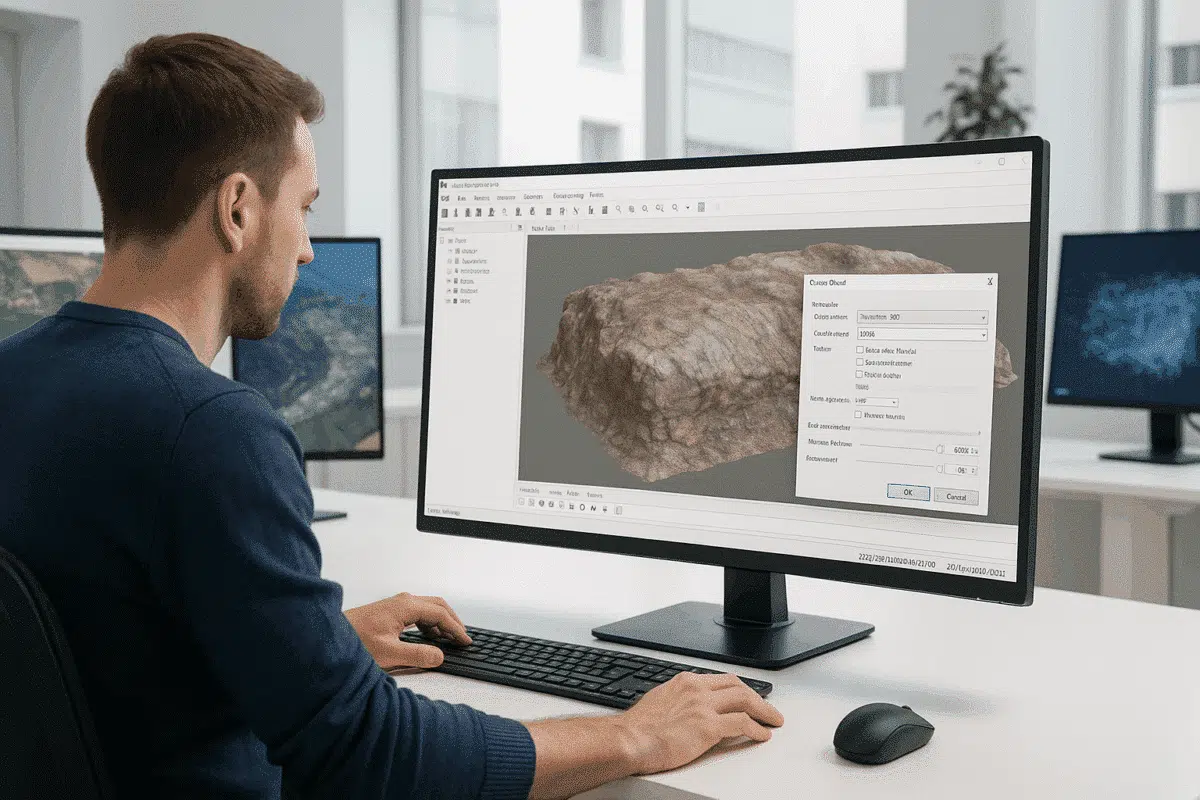
Agisoft Metashape is one of the most powerful photogrammetry tools available for transforming 2D images into accurate 3D models. From archaeology and architecture to mining and film production, professionals rely on Metashape for precise, detailed reconstructions. However, one common frustration arises when an exported model looks noticeably worse than it did inside the software — […]
