

 Italiano
 Français
 Deutsch
 Español
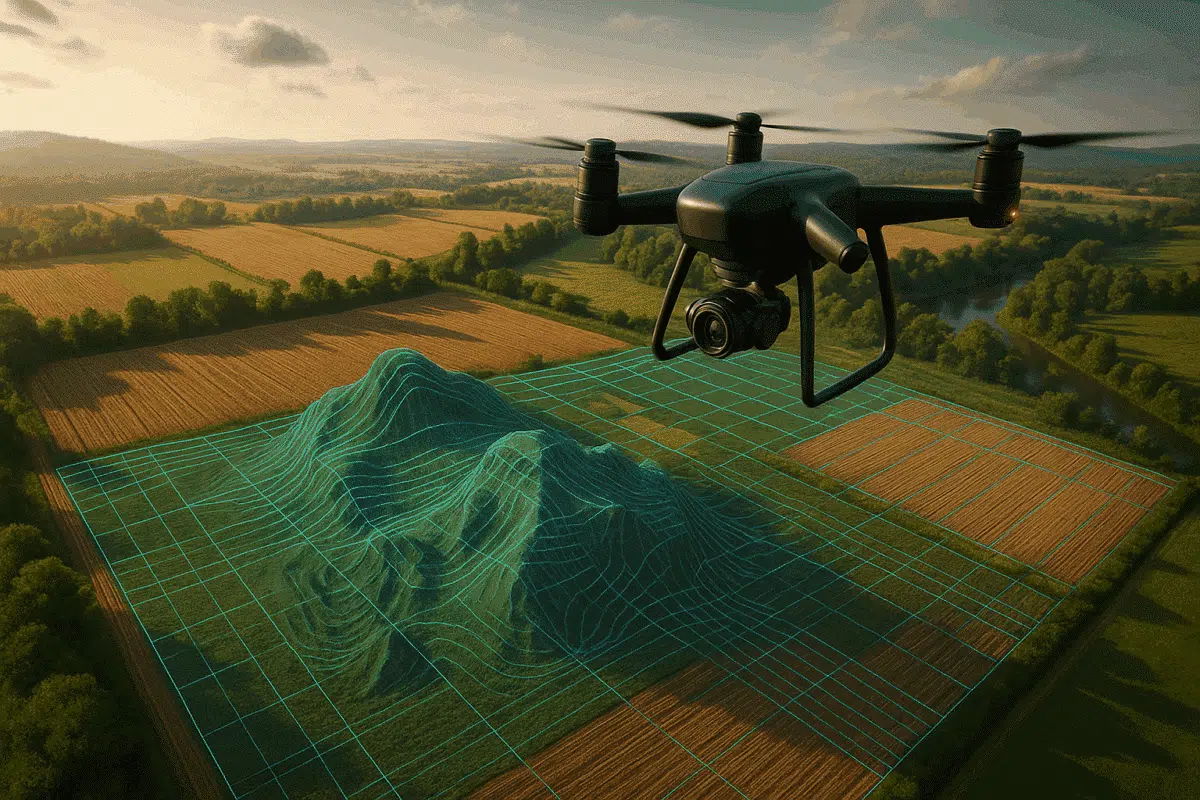
Drone surveying has become one of the most efficient ways to collect geospatial data, and when combined with Agisoft Metashape, it becomes a powerful workflow for producing accurate 3D maps, digital elevation models (DEMs), orthophotos, and point clouds. This comprehensive guide explores how to use drones with Metashape, including flight planning, data processing, and real-world use cases in industries like construction, agriculture, and environmental monitoring.
Why Use Drones with Agisoft Metashape?
Drones allow for rapid, repeatable, and cost-effective data collection over large areas. Metashape takes these aerial images and transforms them into high-resolution 2D and 3D outputs using photogrammetry. The result? Highly accurate models for decision-making, planning, inspection, and measurement.
- Fast data capture over construction sites, farms, forests, and cities
- High accuracy with ground control points (GCPs)
- 3D models with rich spatial and visual information
- Integration with GIS and CAD tools
Step-by-Step Workflow
1. Plan the Drone Mission
Use drone flight planning software like DJI GS Pro, Pix4D Capture, or DroneDeploy to define the mission area.
- Ensure at least 75–85% front and side overlap
- Fly at a consistent altitude (e.g., 50–120 meters)
- Use Nadir (straight-down) images for mapping
- Capture oblique angles if needed for 3D reconstructions
2. Collect Ground Control Points (Optional but Recommended)
To improve geospatial accuracy, use GCPs—targets with known coordinates measured with RTK/PPK GNSS.
- Distribute GCPs evenly across the site
- Use at least 5–10 points for small to medium areas
- Record GCPs in a CSV file with name, X, Y, Z coordinates
3. Import Photos into Metashape
Launch Agisoft Metashape and create a new project:
- Go to Workflow > Add Photos and select all images
- Organize chunks if you have separate flights or sites
4. Align Photos
This step estimates the camera positions and creates a sparse point cloud:
- Accuracy: High
- Preselection: Enable Generic and Reference (if EXIF GPS is available)
- Key point limit: 40,000 | Tie point limit: 10,000
5. Import GCPs (if used)
Under the Reference pane, import your GCP CSV and manually mark them on at least 3–4 images each. Then, go to Tools > Optimize Cameras.
6. Build Dense Cloud
- Quality: Medium or High
- Depth filtering: Moderate
The dense cloud provides the depth data required for the 3D model and terrain extraction.
7. Build Mesh or DEM
Depending on your use case, choose one:
- Mesh: For 3D visualizations and inspections
- DEM (Digital Elevation Model): For elevation analysis and mapping
Use the dense cloud as the source data.
8. Build Orthomosaic
The orthomosaic is a distortion-free, georeferenced 2D image of the area:
- Surface: DEM
- Blending mode: Mosaic
- Projection: EPSG code (e.g., 32633 for UTM Zone 33N)
Exporting Your Results
Once processing is complete, Metashape allows you to export:
- Orthomosaic: GeoTIFF with world file
- DEM: GeoTIFF, XYZ
- Point Cloud: LAS, LAZ, PLY
- Mesh: OBJ, FBX
Real-World Applications
1. Construction and Infrastructure
Drones and Metashape are used for site planning, volumetric analysis, and progress tracking on construction sites. Accurate 3D models help project managers make faster, data-driven decisions.
2. Agriculture
Generate NDVI maps by combining RGB and multispectral drone imagery processed through Metashape. Monitor crop health, plan irrigation, and detect anomalies early.
3. Environmental Monitoring
Survey forests, rivers, coastlines, and wetlands to track erosion, deforestation, or habitat change. Repeat missions over time to create chronological models.
4. Mining and Earthworks
Use drones to measure stockpile volumes and monitor excavation sites. Orthophotos and DEMs help calculate cut-and-fill quantities accurately.
5. Cultural Heritage
Document archaeological sites and monuments from above. Combine aerial and terrestrial images for complete 3D reconstructions using Metashape.
Tips for Optimal Results
- Use RTK drones (e.g., DJI Phantom 4 RTK, Mavic 3 Enterprise) for better GPS accuracy
- Plan flights on clear days to avoid motion blur and changing light
- Calibrate your camera using Metashape’s built-in tools if no metadata is available
- Use Ground Control Points for sub-centimeter accuracy in geospatial projects
Conclusion
Combining drones with Agisoft Metashape opens up a world of possibilities for fast, accurate, and scalable 3D mapping. Whether you’re mapping farmland, inspecting bridges, or monitoring environmental changes, the workflow outlined in this guide offers a professional foundation. With the right flight planning, settings, and data processing techniques, you can create precise, high-resolution models that support real-world decision-making and analysis.
Start exploring the full potential of drone photogrammetry with Metashape today.
