

 Italiano
 Français
 Deutsch
 Español
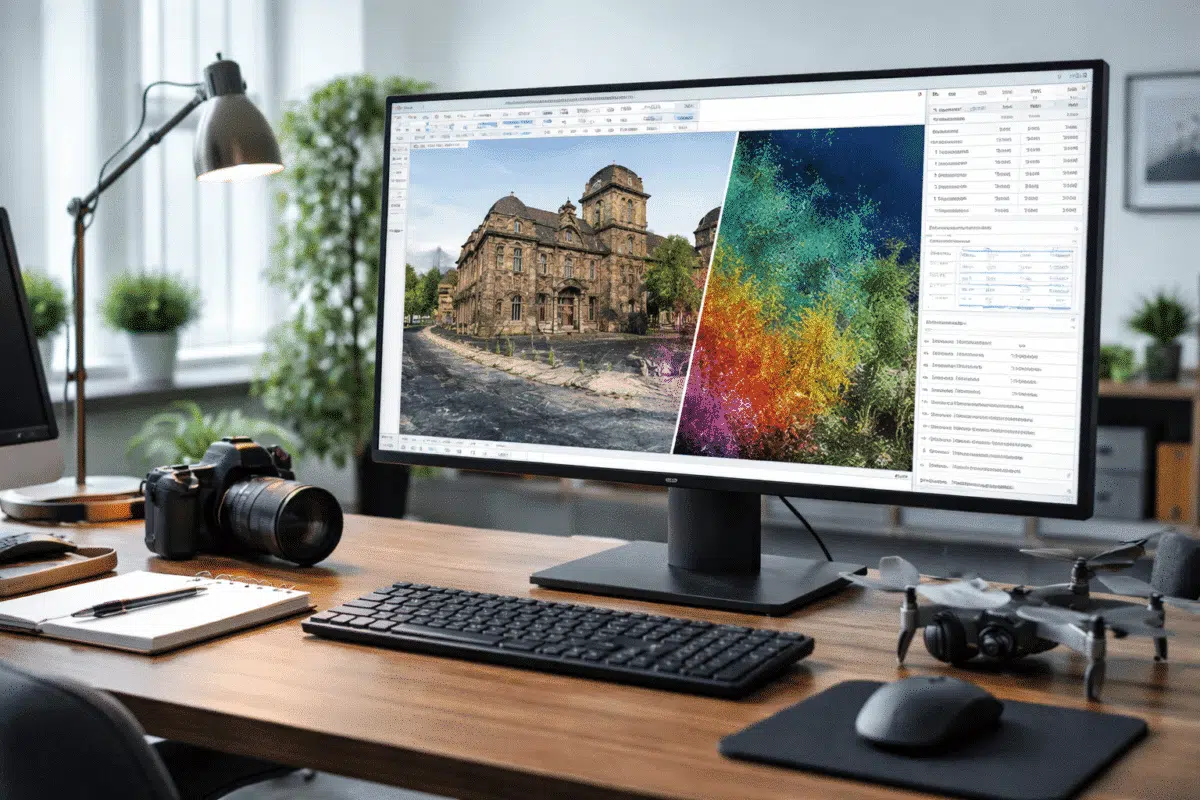
Agisoft Metashape 2.3 is a meaningful update for anyone building maps, orthomosaics, or high-detail 3D models from photos and laser scans. While earlier versions already delivered robust photogrammetry, this release focuses on three practical themes: higher-quality surface appearance (texturing), more flexible camera and lens modeling, and stronger tools for LiDAR and large-scale production workflows. The result is a version that feels more “field-ready” for mixed sensor projects, big datasets, and repeatable reporting.
In this article, we’ll walk through the most important changes in Metashape 2.3 and explain what they mean in real projects—from UAV mapping and construction monitoring to heritage digitization and laser scan alignment.
1) Better Texturing: A More Natural Look with Fewer Artifacts
For many users, the last mile of a 3D deliverable is how the model looks. Even when geometry is excellent, textures can still show seams, exposure jumps, or “patchwork” patterns—especially on reflective materials, rooftops, or complex facades. Metashape 2.3 introduces a new texturing approach designed to reduce those visual problems while preserving sharp detail.
Natural blending mode
The headline addition is a new Natural blending mode in the Build Texture dialog. In practical terms, this mode aims to choose and combine source images in a way that produces smoother transitions and more believable tonal consistency across the surface. Instead of emphasizing purely mathematical blending, it favors results that look closer to what a human would expect from a single coherent photograph.
When it helps most:
- Outdoor scenes with changing illumination (clouds, shadows moving during flight).
- Large objects captured over time, where exposure/white balance differs between batches.
- Architectural and heritage models where seams on walls and columns are highly visible.
Best practice tip: If you’re comparing texture modes, keep all other parameters identical (resolution, texture size, color correction settings) and rebuild textures only, so you can evaluate the real difference. Natural blending often shines when your image set includes subtle exposure changes that traditional blending modes struggle to hide.
2) New Camera Models for Fisheye Lenses and Hyper-Hemispheric Optics
Modern photogrammetry is no longer limited to standard perspective lenses. Action cameras, inspection rigs, and specialized imaging systems often use fisheye optics to capture more coverage in fewer shots. The challenge is that fisheye projection differs from conventional camera geometry, and if the projection model is wrong, alignment can drift or residual errors can increase.
Metashape 2.3 adds support for additional fisheye camera models—specifically Equidistant Fisheye and Equisolid Fisheye—including support for hyper-hemispheric lenses in the Camera Calibration workflow.
Why this matters
- Improved alignment stability: Better lens modeling reduces systematic errors during camera optimization.
- More accurate geometry: Correct projection helps maintain scale and shape, especially near the edges of the frame.
- Expanded hardware choices: You can work more confidently with wide-angle inspection cameras and non-traditional rigs.
Practical guidance: If you’re processing fisheye imagery, make sure you select the correct camera model before heavy processing. A quick test alignment (with a subset of images) can confirm whether the chosen model produces reasonable reprojection errors and stable camera poses.
3) Pro Edition Enhancements: Camera Axes Control for Calibration
For advanced workflows, small calibration details can have big downstream effects—especially in mixed-sensor projects where camera orientation conventions vary across devices. Metashape 2.3 (Professional edition) introduces a Camera axes option in the Camera Calibration dialog.
This feature is valuable when you need explicit control over how camera coordinate axes are interpreted, which can matter when integrating external orientation sources or when working with systems where axis conventions differ from typical photogrammetry expectations.
Use cases include:
- Projects combining image-based photogrammetry with external navigation/orientation data.
- Workflows that rely on precise interpretation of sensor orientation for QA and reporting.
- Special camera rigs where default axis assumptions aren’t ideal.
4) LiDAR and Hybrid Processing Improvements (Pro Edition)
LiDAR has become mainstream in surveying, corridor mapping, forestry, and industrial inspection. Many teams now deliver hybrid outputs: LiDAR for reliable geometry and photogrammetry for high-quality texture and color. Metashape 2.3 expands LiDAR-related tools and reporting so you can calibrate, align, and document these datasets more effectively.
GNSS bias support in LiDAR calibration
One of the most practical additions is GNSS bias support in the LiDAR Calibration dialog. In real-world acquisition, GNSS-derived trajectories and reference frames can contain systematic offsets. If those biases aren’t handled properly, you may see consistent misalignment between LiDAR strips, between LiDAR and imagery, or between the dataset and ground control.
With GNSS bias support, Metashape can incorporate bias handling during LiDAR calibration, helping you reduce persistent shifts and improve overall consistency—particularly valuable for high-accuracy deliverables and projects where ground truth validation is required.
Match depth maps option for Align Laser Scans
Metashape 2.3 also adds a Match depth maps option for aligning laser scans. Conceptually, this helps the software use depth-based information more directly when aligning scans, which can strengthen results in challenging environments (repetitive geometry, partial overlap, or scenes where classic point matching is less stable).
Why it helps:
- Better alignment robustness in complex interiors and industrial scenes.
- Improved hybrid workflows where depth information complements feature-based matching.
- Potentially cleaner registration when scan overlap is limited or noisy.
New report content for laser scans
Documentation is part of professional deliverables. Metashape 2.3 introduces a Laser Scans section in processing reports, making it easier to include scan-specific details in a standardized output. In addition, the Generate Report dialog includes options to add LiDAR-focused visualizations such as LiDAR separation imagery—useful for illustrating alignment quality and scan-to-scan consistency.
If you deliver to clients who expect defensible QA artifacts (engineering firms, public administrations, infrastructure owners), these report enhancements can save time and improve transparency.
Classify Overlap Points
Large LiDAR datasets often include overlapping regions, especially when flight lines or scan positions cover the same area multiple times. Metashape 2.3 adds a Classify Overlap Points command in the Tools → Point Cloud menu. This helps identify and categorize points that come from overlapping coverage.
How you might use it:
- Quality checks to understand redundancy and coverage consistency.
- Filtering strategies to reduce noise or reduce point density in overlaps.
- Preparing more uniform point clouds for downstream CAD/GIS workflows.
5) DEM and Orthomosaic Usability Updates
Metashape 2.3 includes multiple improvements that map-makers and GIS users will notice quickly—especially those creating DEMs, DSMs, and orthomosaics as standard deliverables.
Legend range option for DEM palette
When presenting elevation data, consistent visualization matters. The new Legend range option in the DEM Palette dialog makes it easier to control how elevation colors are mapped and displayed. This can be especially useful when comparing multiple sites or time steps where you want the same range and color distribution for visual consistency.
Interior cylindrical projection coordinate system adjustment
For specialized deliverables, Metashape supports cylindrical projections (for example, interior cylindrical workflows). In this release, the orthomosaic and DEM in interior cylindrical projection were updated to use a right-handed coordinate system. For teams integrating outputs with other software, consistent coordinate conventions help reduce confusion and avoid unexpected axis flips during import/export.
6) Batch Processing: Depth Threshold for Mask Generation
Masking can dramatically improve alignment and dense reconstruction by excluding irrelevant regions: props, moving objects, background clutter, and unwanted geometry. Metashape 2.3 introduces a Depth threshold parameter for the Generate Masks command in the Batch Process dialog (Pro edition feature set).
This option gives you another lever to automate masks in a way that respects depth information. For repeatable pipelines—especially in production or enterprise environments—this helps reduce manual cleanup while keeping masks aligned with the geometry you actually care about.
Where it’s useful:
- Turntable/object scanning where background removal should be consistent.
- Indoor captures with clutter behind the subject.
- Multi-session projects where you want the same mask logic applied across chunks.
7) Faster Deliverables: Parallel Network Processing for Independent Tasks
One of the most valuable “quiet upgrades” in Metashape 2.3 is improved support for parallel processing over a network when tasks are independent. In practical terms, this means that in certain situations Metashape can distribute separate tasks to different nodes so they run at the same time instead of waiting in a strict linear sequence.
What this can change in a real workflow:
- If you generate multiple exports (orthomosaic, DEM, report, tiled model), more of them can be processed concurrently.
- Network resources are used more efficiently, which can reduce total turnaround time.
- Teams running “deliverables factories” (many projects per week) benefit from higher throughput.
For enterprise users, this is a clear signal that Metashape continues to evolve not only as a desktop photogrammetry tool, but also as a production-grade processing system that scales with hardware.
8) Updated Python to 3.12
Automation is central to modern photogrammetry workflows. Many Metashape power users rely on Python scripts for repeatable pipelines: importing camera data, applying consistent settings, running batch steps, exporting deliverables, and generating custom QA outputs.
Metashape 2.3 updates its embedded Python to Python 3.12. This is a strong step forward for long-term maintainability, performance, and compatibility with modern Python tooling. If you maintain scripts, you should still validate them—especially if they depend on older language behaviors or third-party modules—but in most cases this update improves the overall scripting environment.
Tip for script maintainers: Test your production scripts on a small “known” dataset first. Pay special attention to string handling, file paths, and any external dependencies you load into the Metashape Python environment.
Who Should Upgrade to Metashape 2.3?
Metashape 2.3 is not just a minor refresh. It targets common pain points that affect quality and productivity:
- 3D artists and visualization teams benefit from the new Natural blending texture mode and improved visual coherence.
- Surveyors and GIS professionals gain better DEM visualization control and more consistent projection behavior in specialized workflows.
- LiDAR and hybrid teams get expanded calibration, alignment, classification, and reporting tools—especially valuable for QA and deliverable documentation.
- Organizations using network processing can see meaningful time savings from parallelization of independent tasks.
- Power users who automate pipelines can take advantage of the Python 3.12 update for modern scripting.
Conclusion
Agisoft Metashape 2.3 brings practical improvements across the full pipeline: more natural-looking textures, stronger lens models for fisheye optics, expanded LiDAR calibration and reporting, smarter batch processing controls, and better performance scaling via network parallelization. If your projects involve large datasets, mixed sensors, or consistent production deliverables, this release is designed to save time while improving output quality.
Call to action: If you’re upgrading, consider creating a small benchmark project (your typical dataset) and documenting processing times and quality metrics (alignment error, point density, texture seams). This makes it easy to prove the value of 2.3—and to standardize settings for your team.
FAQ: Agisoft Metashape 2.3 New Features
Is Natural blending always the best option for textures?
Not always, but it’s often a strong choice when your imagery has exposure differences or when seams are highly visible. For controlled lighting and uniform captures, other modes may perform similarly—testing is recommended.
Do the new fisheye models matter if I use a normal drone camera?
If you only use standard perspective lenses (common on mapping drones), you may not notice this change. But it’s a big improvement for action cameras, inspection rigs, and specialty lenses.
Which features are Professional edition only?
Several LiDAR and advanced calibration options are part of the Professional feature set (for example, GNSS bias support in LiDAR calibration and some laser scan alignment/reporting enhancements). Always confirm your edition and licensing before planning workflows around Pro-only tools.
Will the Python 3.12 update break my scripts?
Many scripts will continue to work, but it’s wise to test. If your scripts rely on older Python behaviors or third-party packages, validate them on a small project before moving to production.
