

 Italiano
 Français
 Deutsch
 Español
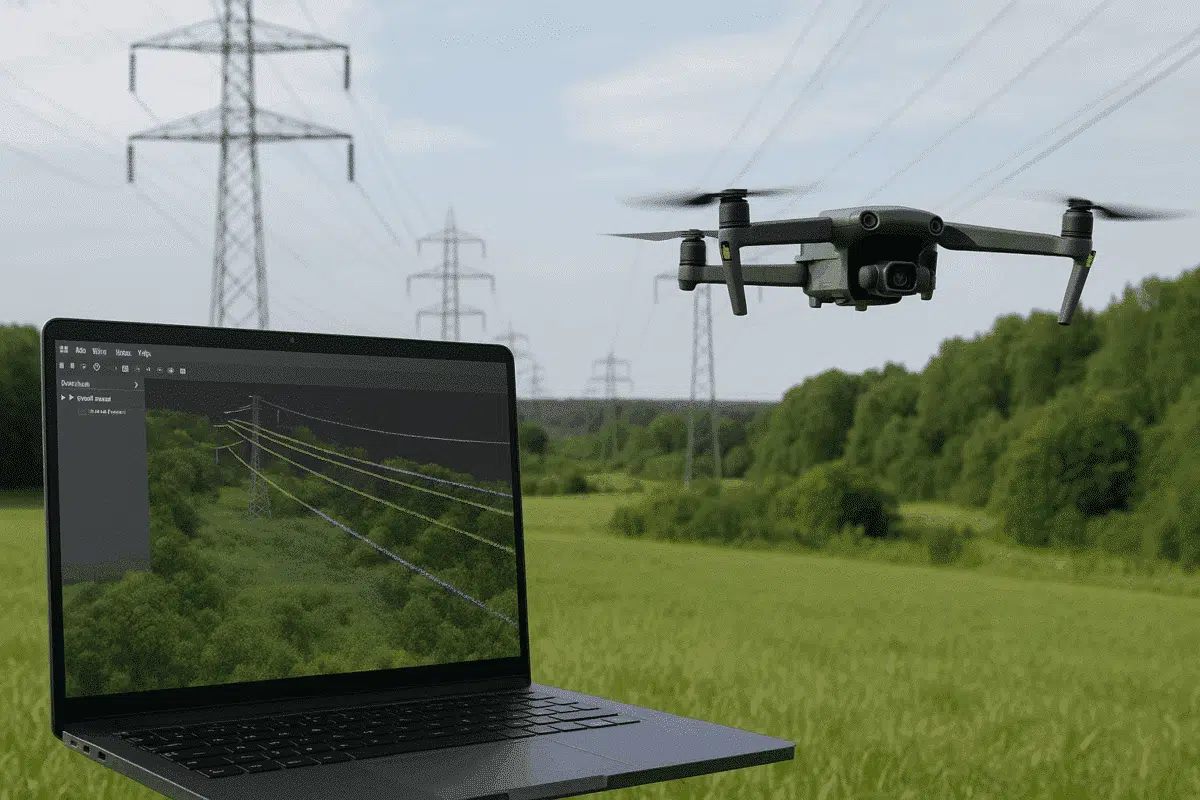
Agisoft Metashape Professional is one of the most versatile photogrammetry platforms for turning aerial imagery into accurate 3D data models. Beyond terrain mapping and orthomosaic creation, Metashape can also be used for specialized infrastructure applications — including powerline detection and analysis. By combining drone-based image acquisition with Metashape’s dense cloud classification tools, users can identify and isolate powerlines for engineering inspections, maintenance planning, and safety assessments.
This article outlines a complete workflow for detecting powerlines in Agisoft Metashape, from data acquisition to point cloud classification and post-processing, ensuring accurate results for utility and energy projects.
Why Detect Powerlines with Photogrammetry?
Detecting and analyzing powerlines has traditionally required specialized LiDAR systems or manual inspection. However, modern drone photogrammetry workflows can produce comparable results at a fraction of the cost. Using high-resolution imagery and precise camera positioning, Agisoft Metashape generates dense point clouds detailed enough to reveal powerline geometry when proper flight parameters and processing settings are applied.
Key benefits of using Metashape for powerline detection include:
- Affordable and flexible workflow using standard RGB cameras.
- High-resolution 3D data for identifying sagging, alignment, or vegetation proximity.
- Integration with GIS or CAD software for infrastructure management.
- Support for both aerial and terrestrial datasets for complete spatial coverage.
While Metashape doesn’t include automatic powerline extraction like some dedicated LiDAR tools, its classification, filtering, and visualization capabilities allow for semi-automated powerline detection when data is properly processed.
Step 1: Data Acquisition and Flight Planning
The quality of powerline detection depends heavily on image quality and geometry. Drones must capture fine linear features such as cables, insulators, and pylons, which requires optimized flight parameters and camera setup.
Recommended Equipment
- Drone platform: DJI Matrice 350 RTK, Mavic 3 Enterprise, or similar RTK-enabled UAV.
- Camera: 20MP or higher RGB sensor with mechanical shutter.
- Optional: LiDAR module for combined datasets (Metashape supports LiDAR + photogrammetry workflows).
Flight Tips
- Fly parallel to the powerline path at a safe altitude (30–60 m above lines).
- Use oblique imaging angles (20–30°) to capture cable visibility from multiple perspectives.
- Ensure 80% forward and 70% side overlap for accurate 3D reconstruction.
- Collect RTK or PPK GNSS data for centimeter-level accuracy.
Capture images during daylight with consistent lighting and minimal wind. Avoid harsh shadows that can obscure cable visibility.
Step 2: Image Alignment and Dense Cloud Generation
Once the imagery is imported into Agisoft Metashape, the next steps involve aligning photos and generating the 3D point cloud.
Align Photos
- Open Metashape and create a new project.
- Import your photos via Workflow > Add Photos.
- Select Workflow > Align Photos with high accuracy.
- Enable Generic Preselection and Reference Preselection if GPS data is available.
This process reconstructs the camera positions and sparse point cloud, forming the base for dense reconstruction.
Build Dense Cloud
- Select Workflow > Build Dense Cloud.
- Choose High or Ultra High quality for best results.
- Use Mild filtering mode to preserve thin structures like cables.
The resulting dense point cloud should capture fine linear elements of the powerlines, especially when the flight geometry and overlap are well planned.
Step 3: Identifying Powerlines in the Point Cloud
After generating the dense cloud, the next task is to detect and isolate powerlines. Because powerlines are thin and often elevated above the ground, they appear as small linear clusters of points in the 3D data.
Visual Identification
Switch to the Dense Cloud view and adjust visualization parameters:
- Use the Color by Elevation or Color by RGB mode to differentiate line heights from terrain.
- Rotate and zoom in to inspect linear structures that correspond to wires between towers.
- Apply selection tools (Rectangular or Lasso selection) to highlight cable sections.
In areas with strong vegetation or terrain contrast, powerlines may stand out clearly due to their elevated position and distinct geometry.
Point Cloud Filtering
To isolate powerlines more effectively:
- Use the Classify Ground Points tool to remove terrain and buildings.
- Switch to Filter by Class and hide ground points to reveal elevated structures.
- Manually select and reclassify powerline points as a separate category (e.g., “Powerline”).
Although this requires manual input, it provides a reliable way to cleanly separate cables from other elements like trees or pylons.
Step 4: Semi-Automated Detection and 3D Measurement
While Agisoft Metashape does not include a dedicated powerline extraction algorithm, advanced users can integrate Python scripting or external analysis tools to semi-automate detection based on geometric patterns.
Using Python Scripting in Metashape
With the Metashape Python API, you can detect potential powerline segments by analyzing clusters of elevated, linear point distributions:
import Metashape

doc = Metashape.app.document
chunk = doc.chunk

# Identify high-altitude points (example threshold)
powerline_points = [p for p in chunk.point_cloud.points if p.coord.z > 15]

# Save as new class
for p in powerline_points:
    p.class_id = 10  # Class 10 = Powerline (user-defined)
chunk.point_cloud.classifyGroundPoints()
doc.save()
This example identifies elevated linear structures based on height thresholds, which can be refined by combining height, color, and geometric attributes.
3D Measurements and Clearance Analysis
Once powerlines are classified, you can measure clearances and distances between lines and surrounding objects:
- Use the Measure tool to calculate vertical and horizontal distances.
- Export classified points as .LAS or .LAZ for further analysis in GIS or CAD software.
- Integrate with QGIS, ArcGIS, or CloudCompare for automated clearance checks or vegetation risk assessment.
These steps enable precise engineering assessments without needing LiDAR-specific hardware.
Step 5: Exporting Powerline Data
When your classification and detection are complete, you can export the point cloud and associated metadata for external analysis or visualization.
- Go to File > Export Points.
- Choose output format: LAS, LAZ, or XYZ.
- Enable “Export Classes” to preserve the Powerline classification.
- Optionally, export as OBJ for visual rendering in 3D modeling software.
These files can then be used in specialized inspection systems or integrated into asset management platforms.
Best Practices for Reliable Powerline Detection
- Fly closer to the subject (without breaching safety limits) to increase cable visibility.
- Use high-resolution cameras with low ISO and fast shutter speeds to avoid motion blur.
- Apply Mild filtering during dense cloud generation to retain thin structures.
- Perform manual verification — powerlines are subtle features that often require visual confirmation.
- Integrate with LiDAR datasets if available for improved accuracy and automation.
Applications of Powerline Detection with Metashape
Detecting powerlines with Agisoft Metashape supports various industrial and research applications, including:
- Utility inspection: Identify sagging lines, damaged components, or vegetation encroachment.
- Safety assessment: Evaluate clearance from buildings, roads, or trees.
- Infrastructure mapping: Combine with orthomosaics for comprehensive asset management.
- 3D visualization: Produce high-fidelity models for planning and simulation.
Conclusion: Using Metashape for Efficient Powerline Detection
While Agisoft Metashape is not a specialized powerline mapping tool, its high-resolution photogrammetry capabilities make it perfectly suitable for detecting and analyzing powerlines from drone imagery. By optimizing data acquisition, using careful dense cloud settings, and leveraging manual or scripted classification, users can generate accurate, actionable data for utility management and engineering projects.
Integrating Metashape outputs with GIS or CAD platforms further enhances the value of your dataset, enabling advanced analysis like clearance measurement and vegetation risk detection. With the right workflow, you can achieve cost-effective, accurate powerline detection using tools already familiar to photogrammetry professionals.
