

 Italiano
 Français
 Deutsch
 Español
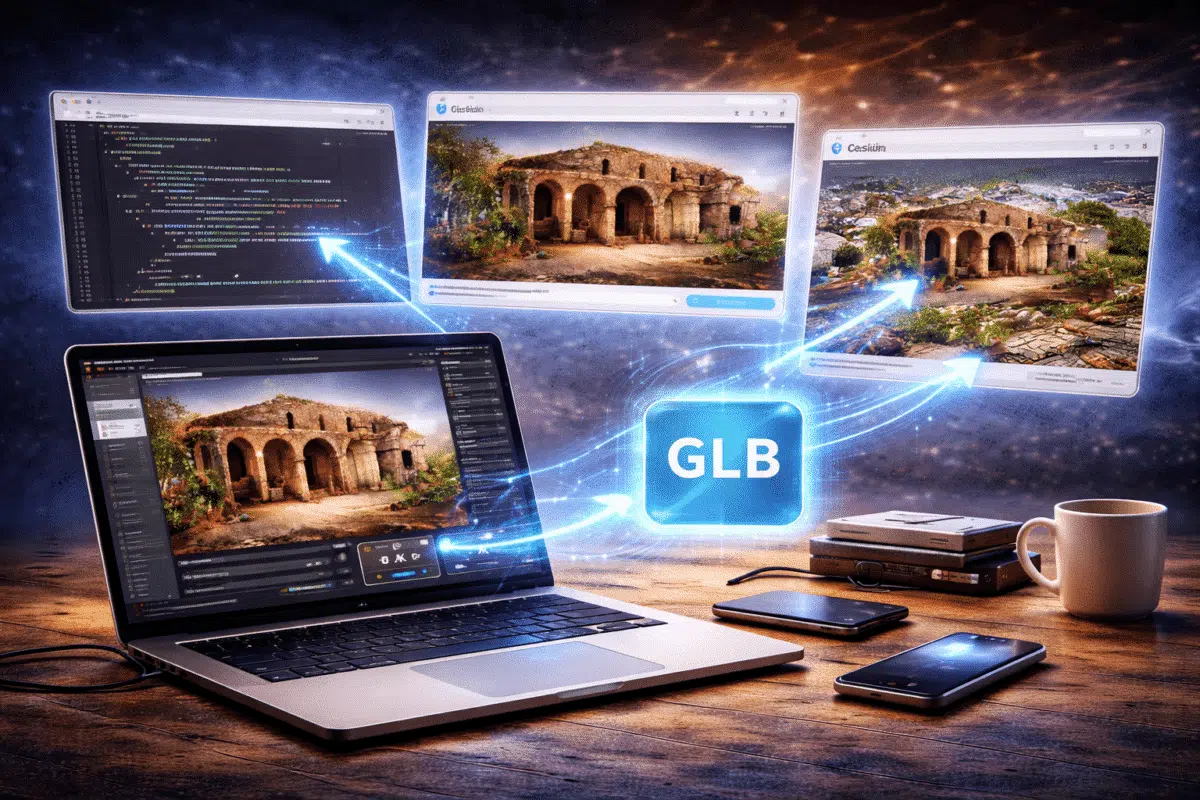
Photogrammetry software such as Agisoft Metashape allows professionals to generate highly detailed 3D models from photographs captured by drones, cameras, or smartphones. These models are widely used in fields such as surveying, cultural heritage documentation, construction monitoring, and digital twin creation.
However, many projects require more than just generating a 3D model. Often the goal is to share the model online so that clients, researchers, or the general public can explore it interactively through a web browser.
This is where web-based 3D viewers become extremely valuable. By converting Metashape models into formats optimized for WebGL rendering, it is possible to display photogrammetry models directly in web pages without requiring specialized software.
In this guide, we explain how to prepare Metashape models for the web and explore several popular technologies that allow you to create interactive online 3D viewers.
Why Use Web-Based 3D Viewers?
Interactive web-based 3D visualization has become increasingly popular in recent years. Instead of downloading large 3D files or specialized viewers, users can simply open a web page and interact with a model directly in their browser.
Web-based viewers provide several advantages:
- Easy sharing of 3D models
- No software installation required
- Accessible on desktop and mobile devices
- Interactive exploration of complex environments
- Integration with websites and digital platforms
These features make web viewers particularly useful for digital heritage projects, educational content, engineering presentations, and geospatial visualization.
Preparing Metashape Models for Web Visualization
Before publishing a Metashape model online, it is important to optimize the dataset for real-time rendering.
Photogrammetry models often contain millions of polygons and extremely high-resolution textures. While this level of detail is useful for analysis, it can cause performance issues in web browsers.
Optimization steps typically include:
- Reducing polygon count
- Optimizing texture resolution
- Cleaning unnecessary geometry
- Exporting in web-friendly formats
Reducing polygon count is particularly important. Large models can be simplified using the Decimate Mesh tool in Metashape.
For web visualization, models typically perform well when reduced to between 100,000 and 1 million polygons, depending on scene complexity.
Choosing the Right Export Format
Once the model has been optimized, the next step is exporting it in a format compatible with web-based rendering technologies.
Common formats for web visualization include:
- GLTF / GLB
- OBJ
- FBX
Among these formats, GLTF has become the most widely used standard for web-based 3D applications. Often referred to as the “JPEG of 3D”, GLTF is designed specifically for efficient transmission and rendering of 3D assets.
GLTF files store geometry, materials, and textures in a compact format that can be easily loaded by modern web browsers.
Using Sketchfab for Web Viewing
One of the easiest ways to publish Metashape models online is through platforms such as Sketchfab.
Sketchfab provides a cloud-based service that allows users to upload 3D models and automatically generate an interactive viewer.
The process is straightforward:
- Export the optimized model from Metashape
- Upload the file to Sketchfab
- Adjust lighting and viewer settings
- Embed the viewer in a website
Sketchfab provides an embed code that can be inserted into web pages, allowing visitors to interact with the model directly within the site.
This approach requires minimal technical knowledge and is widely used in digital heritage and educational projects.
Building Custom Web Viewers with Three.js
For developers who want full control over their visualization environment, libraries such as Three.js provide powerful tools for creating custom 3D viewers.
Three.js is a popular JavaScript library that simplifies the use of WebGL for rendering 3D graphics in browsers.
Using Three.js, developers can:
- Load GLTF models
- Create interactive camera controls
- Add lighting and shadows
- Customize user interfaces
A typical Three.js workflow for displaying a Metashape model involves loading the GLTF file and rendering it inside a WebGL scene.
This approach allows developers to create fully customized viewers tailored to specific projects.
Using Cesium for Large Geospatial Models
For very large geospatial datasets, such as drone mapping projects covering entire cities or landscapes, specialized web visualization frameworks may be required.
Cesium is one of the most powerful platforms for streaming and displaying massive 3D geospatial datasets in web browsers.
Cesium supports advanced technologies such as 3D Tiles, which allow large models to be streamed progressively based on camera position.
This makes it possible to visualize extremely large photogrammetry datasets without loading the entire model at once.
Metashape models can be converted into formats compatible with Cesium using additional processing tools.
Optimizing Performance for Web Rendering
Performance optimization is crucial when publishing photogrammetry models online.
Large models can easily overwhelm browser-based rendering systems if they are not properly optimized.
Important optimization strategies include:
- Reducing mesh complexity
- Limiting texture resolution
- Using efficient file formats
- Compressing textures
- Using progressive loading techniques
Balancing visual quality with performance is essential to ensure a smooth user experience.
Applications of Web-Based Photogrammetry Models
Web-based 3D viewers enable many new applications for photogrammetry models.
Some common use cases include:
- Virtual museums and digital heritage archives
- Architectural visualization
- Interactive educational content
- Construction monitoring platforms
- Digital twins for infrastructure
Because users can explore models directly in their browsers, web-based viewers dramatically increase accessibility and engagement.
The Future of Web-Based 3D Visualization
Advances in WebGL, WebGPU, and real-time rendering technologies are rapidly improving the capabilities of browser-based 3D visualization.
As internet bandwidth and graphics performance continue to improve, it will become increasingly common to view complex photogrammetry models directly online.
Future developments may include:
- AI-based model compression
- Real-time collaborative viewing
- Integration with augmented reality
- Cloud streaming of massive 3D datasets
These technologies will make web-based visualization an essential component of photogrammetry workflows.
Conclusion
Agisoft Metashape enables the creation of extremely detailed photogrammetry models, but sharing these models effectively often requires converting them into web-friendly formats.
By optimizing geometry, reducing texture sizes, and exporting models in efficient formats such as GLTF, it is possible to create interactive web-based 3D viewers that run directly in modern browsers.
Whether using simple platforms like Sketchfab or advanced frameworks such as Three.js and Cesium, web-based visualization allows photogrammetry models to reach a wider audience and unlock new possibilities for interactive exploration.
As web technologies continue to evolve, the integration of photogrammetry and browser-based 3D viewers will become an increasingly powerful tool for sharing and presenting spatial data.
