

 Italiano
 Français
 Deutsch
 Español
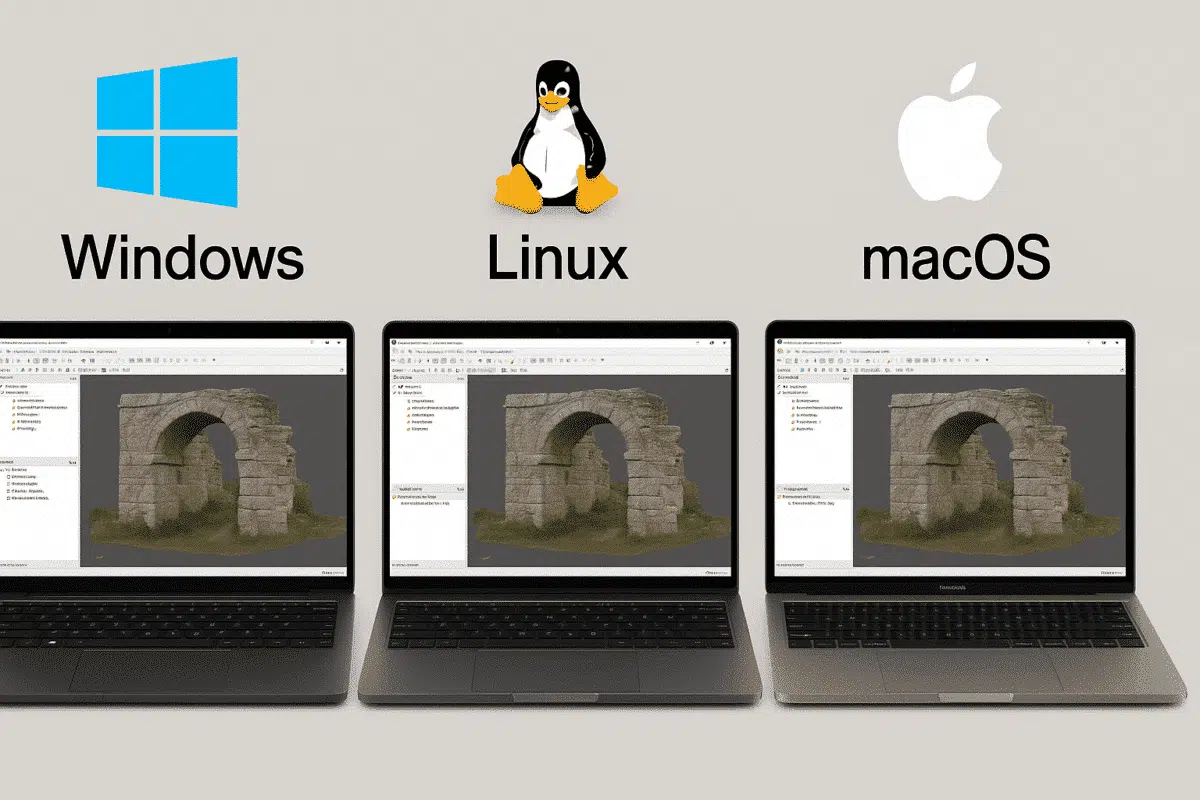
When testing professional photogrammetry software such as Agisoft Metashape, many users begin their 30-day free trial on one operating system, often Windows. Later, some realize they would prefer to run the software on Linux or Mac, especially for performance or workflow reasons. This raises an important question: does the trial transfer between operating systems? Let’s explore how Agisoft licensing works and what options you have if you switch platforms.
How the Agisoft Metashape Trial Works
The trial version of Metashape is designed to give potential users a full-featured, time-limited opportunity to explore the software. Once you download and install the trial on Windows, you are granted access for 30 days. However, the trial is linked to the system where it was first activated. This means that if you attempt to install Metashape on Linux or Mac afterward, the trial period will not automatically transfer.
Agisoft offers installers for Windows, Linux, and macOS separately. Each installation is considered independent, and the trial cannot be shared across different platforms. In other words, if you began your evaluation on Windows, you cannot simply continue the same trial on Linux or Mac.
Options for Switching from Windows to Linux or Mac
Although the trial itself is not transferable, there are practical ways to continue testing Metashape on your preferred operating system:
- Start a new trial: In many cases, you can download the Linux or Mac installer directly from the Agisoft website and request a separate trial key. This provides a fresh 30-day evaluation period.
- Purchase a Pro license: If you are convinced Metashape fits your workflow, buying a license is the most flexible solution. Licenses are cross-platform, meaning you can activate them on Windows, Linux, or Mac.
- Deactivate and reactivate: With a node-locked license, you can deactivate it on one machine and reactivate it on another system, including different operating systems.
In practice, professionals who need to evaluate performance on multiple systems often contact Agisoft support for guidance. The company is generally accommodating, especially for institutions or businesses considering a purchase.
How Pro Licenses Work Across Operating Systems
If you move beyond the trial stage, a Metashape Professional license offers full flexibility across platforms:
- Node-Locked License: This type is tied to one computer but can be transferred. You must deactivate it on the first system before reactivating it on another, whether it’s Windows, Linux, or macOS.
- Floating License: Managed through a license server, floating licenses allow multiple installations across different operating systems. The number of simultaneous users is defined by the seats purchased.
This system ensures that once you invest in a Pro license, you are not restricted by the operating system. Many production environments rely on this flexibility, especially when combining Windows workstations with Linux servers for heavy processing.
Why Users Switch to Linux or Mac
There are several reasons why a trial user on Windows might later decide to switch:
- Performance: Linux often provides better performance for computation-heavy tasks like dense cloud generation or mesh reconstruction.
- Integration: Some workflows require Linux servers for network processing or integration with existing infrastructure.
- Stability: Mac and Linux environments may be preferred in academic or research contexts due to long-term stability and compatibility.
Agisoft Metashape is fully compatible with these platforms, making it a strong choice for institutions that value cross-OS support.
Tips for Smooth Transition Between Systems
If you are planning to move your work from Windows to Linux or Mac, keep these tips in mind:
- Backup projects: Always save your Metashape projects (.psx files) and images. These are fully portable between operating systems.
- Check hardware requirements: Ensure your new system meets the GPU and CPU requirements for Metashape. Linux builds, for example, may require additional drivers.
- Contact support: If you need to extend or restart your trial on another OS, reach out to Agisoft. They may provide a temporary solution for evaluation purposes.
Conclusion: Trial vs Pro License Across Platforms
To summarize, the Agisoft Metashape trial is not transferable from Windows to Linux or Mac. Each operating system installation is independent. However, once you purchase a Professional license, you gain full flexibility across all supported platforms. Node-locked licenses can be rehosted, while floating licenses allow simultaneous use across multiple operating systems. For users serious about long-term photogrammetry projects, investing in a Pro license ensures you are not limited by OS choice.
If you are currently on a trial and considering switching platforms, the best step is to download the Linux or Mac installer from the official website and contact Agisoft if you need additional evaluation time. For professional use, acquiring a Pro license unlocks the full potential of Metashape across any system you choose.
