

 Italiano
 Français
 Deutsch
 Español
Agisoft Metashape is a powerful photogrammetry tool—but even the most experienced users sometimes run into issues. From alignment failures to texture errors, knowing how to troubleshoot common problems can save you hours of frustration. In this guide, we cover the top 10 errors in Metashape and how to fix them step by step. 1. Photo […]
Author Archives: admin

Agisoft Metashape is a professional-grade photogrammetry software used for 3D modeling, mapping, and reconstruction. But which operating system—Mac, Windows, or Linux—offers the best performance in 2025? Whether you’re processing drone imagery or building high-resolution 3D models, the OS you choose can significantly affect your workflow speed, compatibility, and stability. Let’s compare the three major platforms. […]
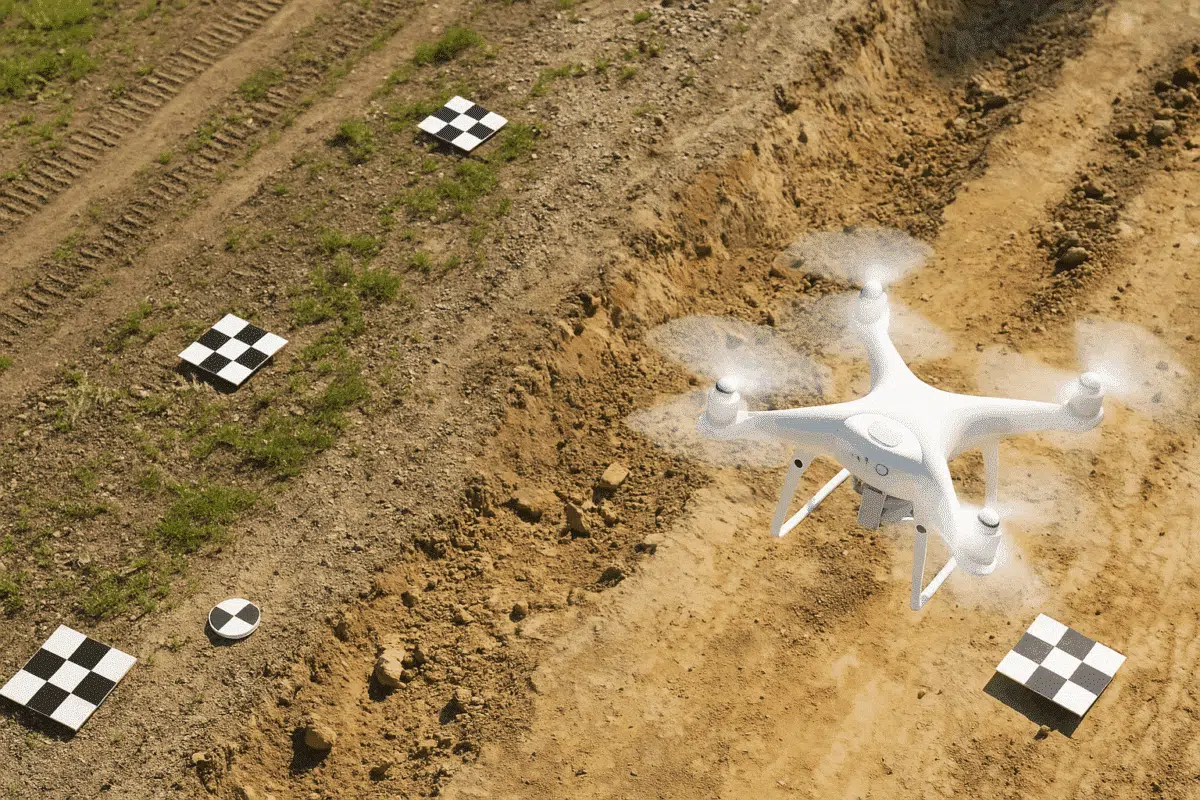
Georeferencing is essential for producing accurate, real-world scaled 3D models and maps. Ground Control Points (GCPs) play a vital role in this process by anchoring your photogrammetry data to known Earth coordinates. In this guide, we’ll walk you through how to use GCPs in Agisoft Metashape to boost accuracy and reduce spatial error. What Are […]
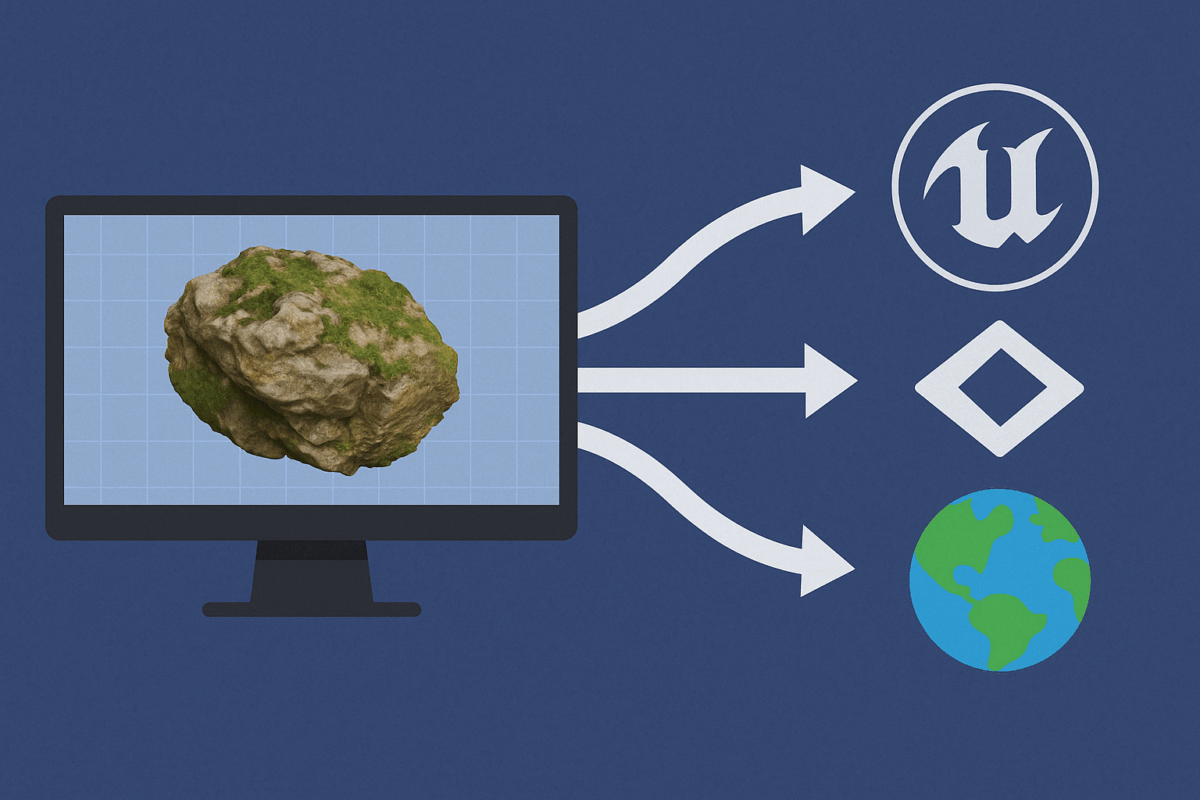
Agisoft Metashape is widely used to generate high-resolution 3D models from drone imagery or photogrammetric scans. But exporting those models into real-time engines like Unity, Unreal Engine, or web-based platforms like CesiumJS requires specific settings and optimizations. This guide walks you through the best export settings and formats to ensure smooth integration and high performance […]
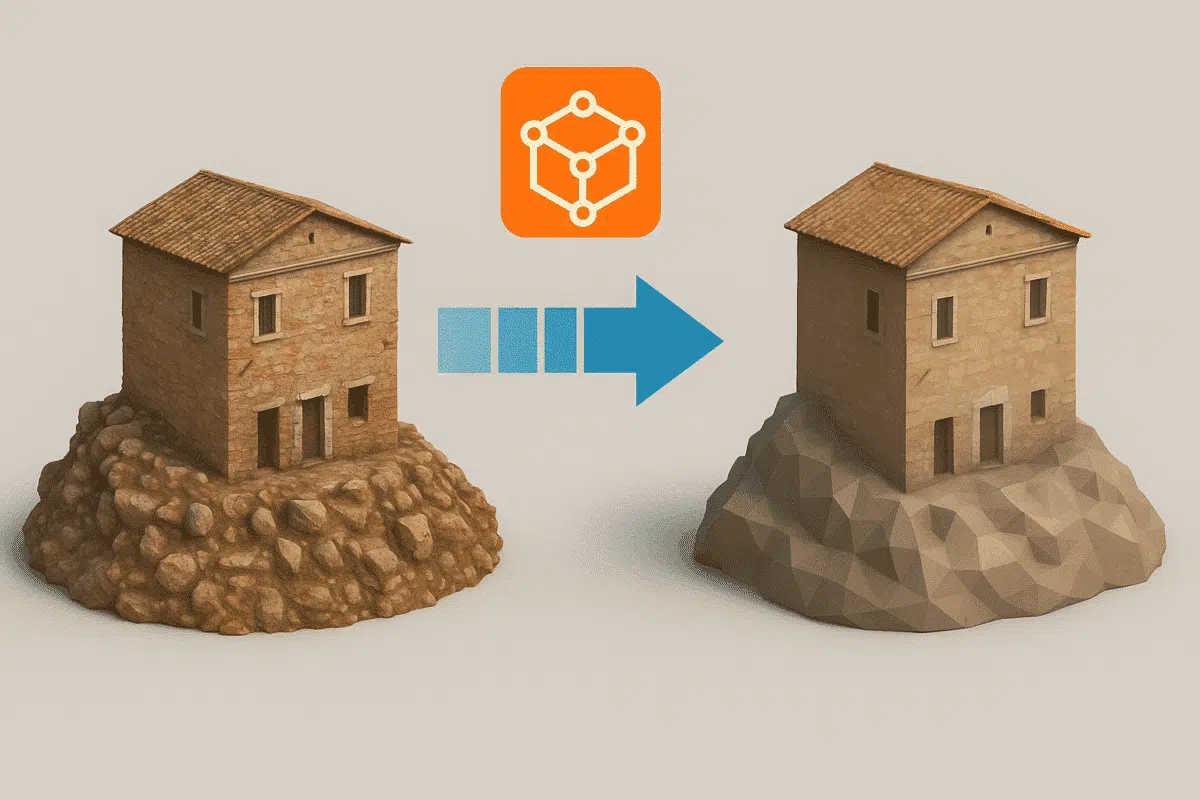
Agisoft Metashape produces highly detailed 3D models from drone imagery or close-range photos. However, these models can quickly become massive in size—making them hard to share, view, or use in real-time environments. In this guide, you’ll learn how to reduce model size in Metashape without sacrificing too much detail, optimizing your workflow for export, collaboration, […]
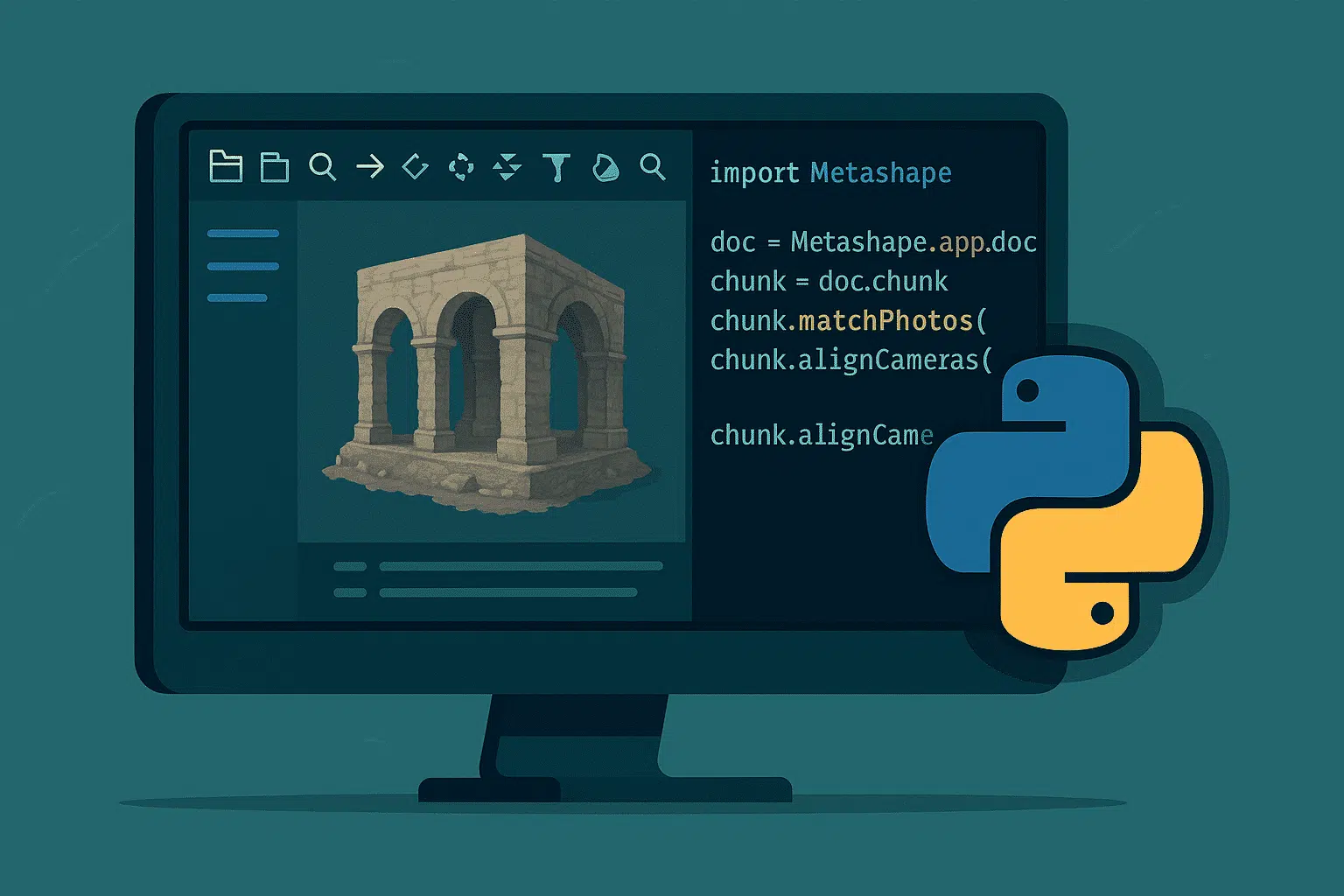
Agisoft Metashape includes a powerful Python API that enables users to automate complex photogrammetry tasks. Whether you’re working on drone mapping, architecture, or archaeological documentation, scripting in Metashape can save hours of manual clicking. In this article, we’ll share five ready-to-use Python scripts that can dramatically streamline your workflow. Why Use Python Scripting in Metashape? […]
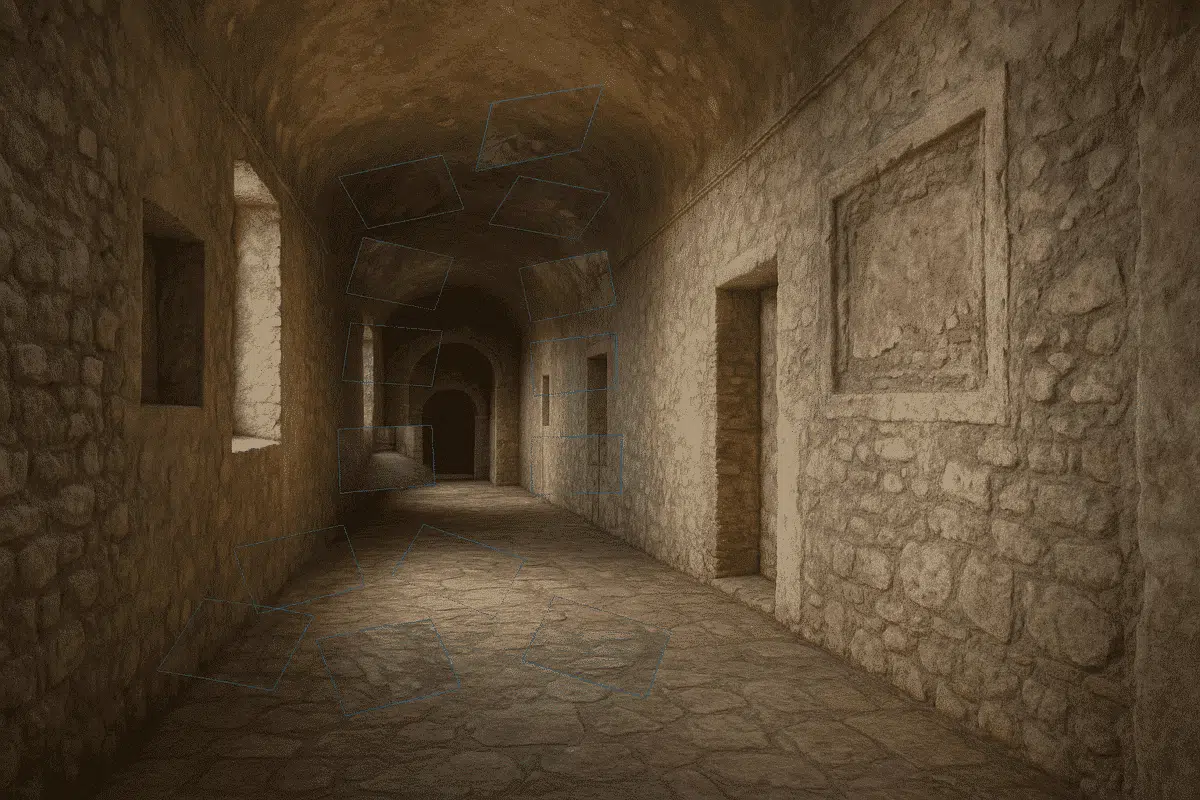
Agisoft Metashape is well-known for its ability to process aerial and outdoor datasets, but it also offers powerful tools for generating 3D models of indoor and enclosed spaces. Whether you’re capturing architectural interiors, tunnels, industrial rooms, or even caves, Metashape can accurately reconstruct confined environments if you follow the right workflow. This guide explains how […]
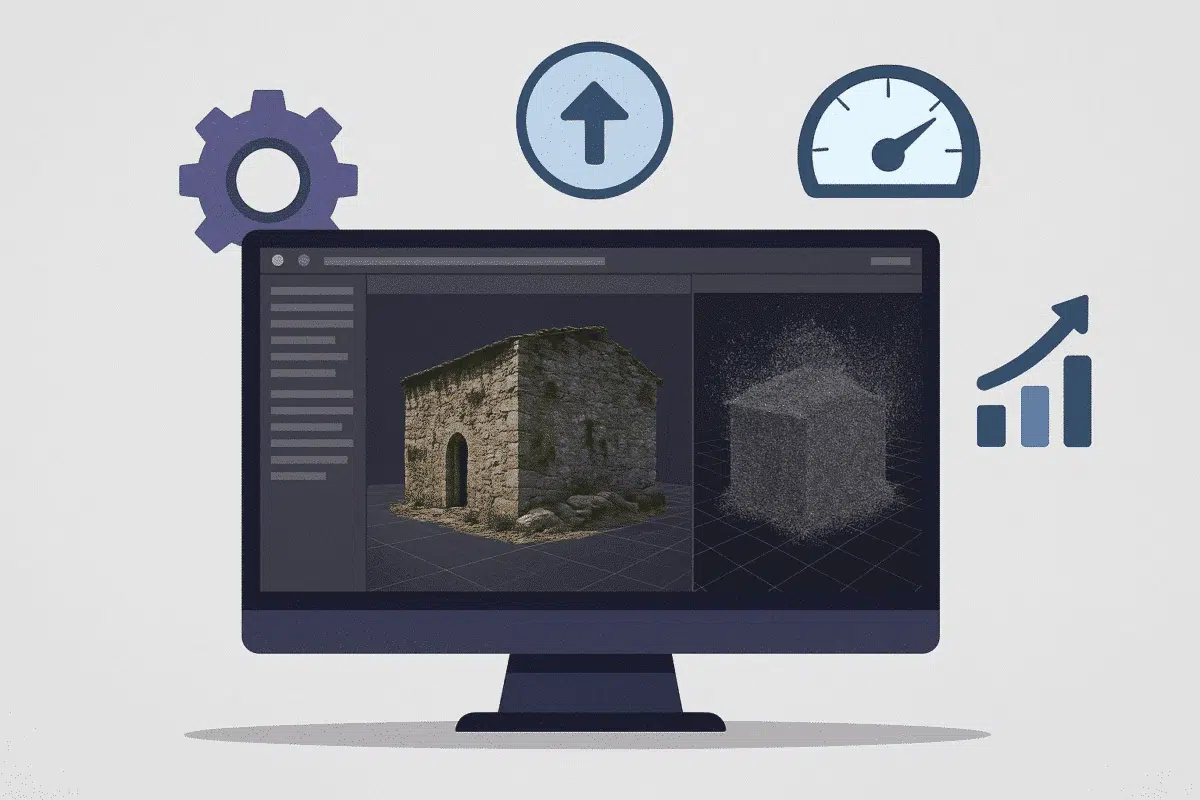
Agisoft Metashape is one of the most powerful photogrammetry tools available—but high-resolution processing can take hours or even days. Fortunately, you can dramatically improve performance with the right settings and workflow. In this guide, we’ll explain how to speed up your Metashape processing in 2025 by adjusting key settings without compromising on quality. 1. Align […]
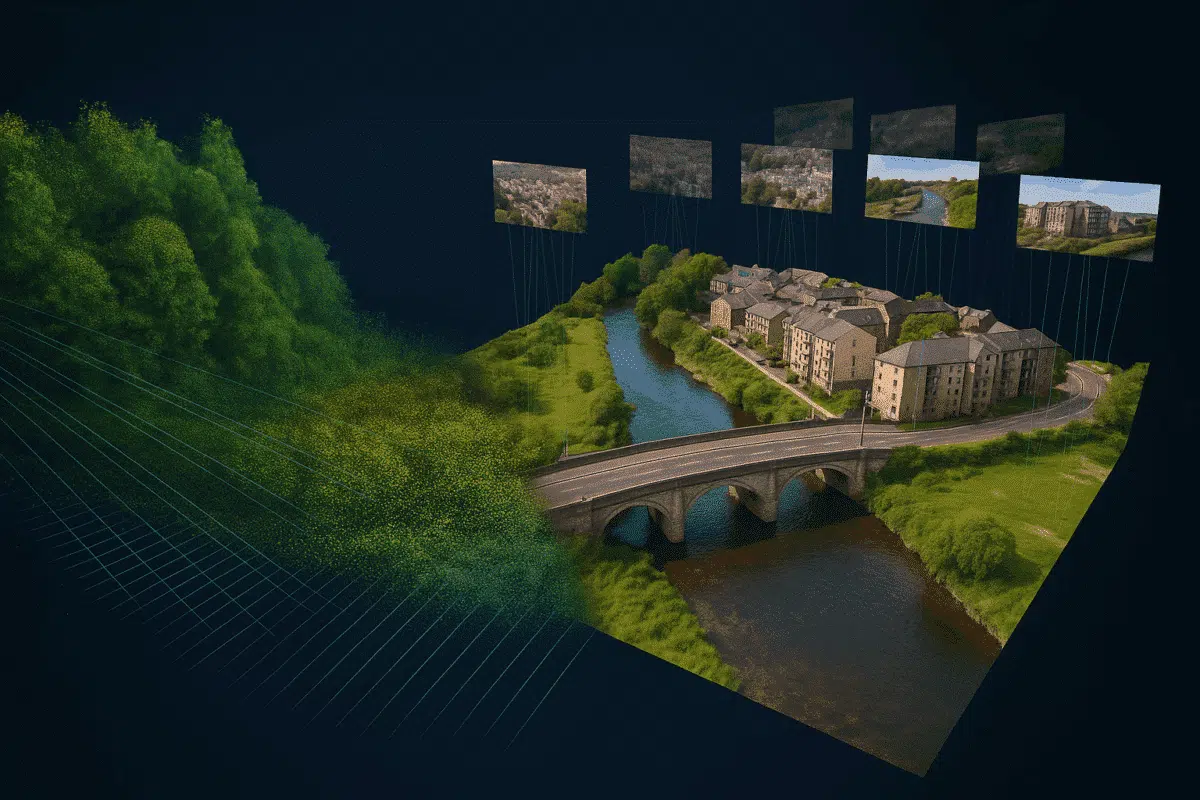
LiDAR technology is transforming 3D mapping with laser-based precision, but what happens when you combine it with Agisoft Metashape’s photogrammetry capabilities? Many professionals are exploring hybrid workflows to maximize accuracy and model detail. In this article, we explain whether and how you can use LiDAR data in Metashape, and when hybrid processing makes sense. Does […]
One of the most effective ways to improve model quality and reduce noise in Agisoft Metashape is by removing unwanted backgrounds from images. While manual masking is tedious, Metashape offers powerful options for automatic background masking. This article explains the available methods, step-by-step workflows, and how to automate masking with Python scripts. Why Mask Backgrounds? […]
