

 Italiano
 Français
 Deutsch
 Español
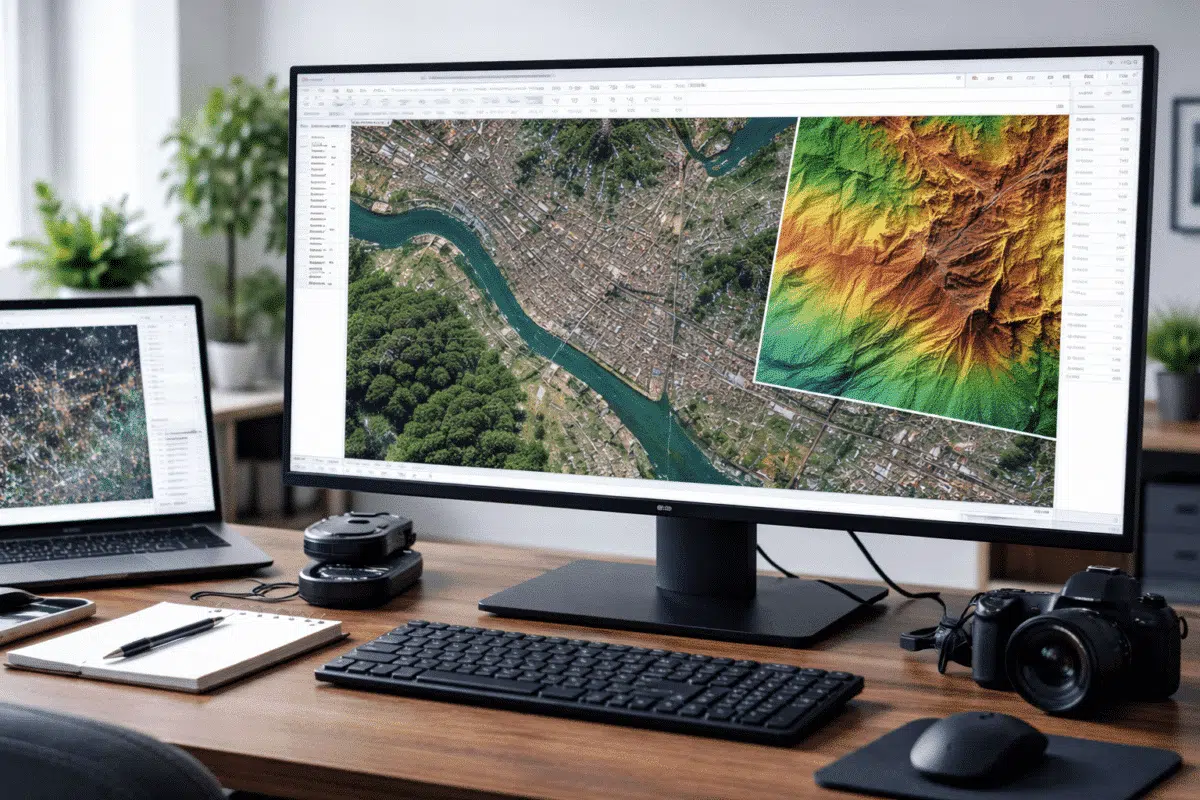
Satellite imagery has become an essential data source for large-scale mapping, environmental monitoring, urban planning, and geospatial analysis. While photogrammetry is traditionally associated with drone or aerial photography, modern photogrammetric software is increasingly capable of handling satellite images with impressive results. includes dedicated tools and workflows that allow users to process satellite imagery and generate orthomosaics, digital elevation models (DEMs), and other geospatial products.
This article provides a comprehensive overview of how satellite imagery can be processed in Metashape, focusing on recommended workflows, supported data types, accuracy considerations, and practical tips. The goal is to help GIS professionals, remote sensing analysts, and mapping specialists understand when and how Metashape can be effectively used for satellite-based projects.
Understanding Satellite Imagery in a Photogrammetric Context
Unlike UAV or close-range imagery, satellite images are captured from much higher altitudes and usually come with predefined geometric models and metadata. Depending on the satellite platform, images may be delivered as single scenes, stereo pairs, or multi-view datasets, often accompanied by rational polynomial coefficients (RPCs) or other sensor models.
In Metashape, satellite imagery is treated differently from conventional photographs. Instead of estimating camera parameters entirely from image content, the software relies heavily on existing metadata to establish the initial geometry. This approach ensures that large-scale scenes can be processed efficiently while maintaining geospatial consistency.
Supported Satellite Data Types
Metashape supports a wide range of satellite imagery formats commonly used in remote sensing and mapping. These include:
- Optical satellite images with embedded RPC information
- High-resolution commercial satellite datasets
- Multispectral imagery (with some workflow limitations)
- Stereo and multi-view satellite acquisitions
Most satellite providers deliver imagery that is already radiometrically corrected and georeferenced. Metashape can use this information directly, reducing the need for manual intervention during the initial stages of processing.
Project Setup for Satellite Imagery
The first step in processing satellite imagery in Metashape is creating a new project and adding the image files. When satellite images are loaded, Metashape automatically detects RPC metadata if present and switches to a satellite-specific processing mode.
At this stage, it is important to verify:
- The coordinate reference system (CRS) assigned to the project
- The correct interpretation of RPC or sensor metadata
- The spatial extent and overlap of the imagery
For large territories, using a projected coordinate system suitable for the region can improve numerical stability and simplify later analysis.
Image Alignment with RPC-Based Geometry
In satellite imagery workflows, image alignment differs from classic feature-based photogrammetry. Instead of estimating camera positions from scratch, Metashape refines the existing satellite geometry using tie points extracted from overlapping images.
This refinement step improves relative alignment between scenes and helps correct small inconsistencies in the original metadata. While the number of tie points is usually lower than in drone imagery, they are sufficient to enhance spatial coherence across the dataset.
Alignment parameters should be chosen carefully. Excessively aggressive settings may increase processing time without providing meaningful accuracy improvements, especially for very large scenes.
Ground Control Points and Accuracy Considerations
One of the most important factors in satellite imagery processing is absolute accuracy. While satellite metadata provides a good initial geolocation, it may not always meet the precision requirements of engineering or cadastral applications.
To improve accuracy, Metashape allows the use of ground control points (GCPs). These can be imported from external GIS datasets or surveyed control networks. When properly distributed across the area of interest, GCPs significantly enhance positional reliability.
Best practices for GCP usage include:
- Placing control points near the edges and center of the scene
- Avoiding clustering of points in a single area
- Using independent checkpoints to assess accuracy
For regional or continental-scale projects, GCPs may be optional, but for high-precision mapping they are strongly recommended.
Dense Reconstruction and DEM Generation
Once alignment is complete, Metashape can generate dense elevation data from satellite imagery. This step uses stereo or multi-view information to estimate surface geometry, resulting in a digital surface model (DSM) or digital elevation model (DEM).
Compared to UAV data, satellite-derived DEMs typically have lower spatial resolution, but they are extremely valuable for large-area analysis. Typical applications include:
- Terrain modeling for infrastructure planning
- Hydrological analysis and watershed studies
- Environmental and land-use monitoring
Processing parameters should be adapted to the resolution and quality of the source imagery. Higher settings do not always lead to better results and may unnecessarily increase computation time.
Orthomosaic Creation from Satellite Images
Orthomosaics are one of the most common outputs from satellite imagery processing. In Metashape, orthomosaics are generated by projecting imagery onto the reconstructed surface while preserving correct scale and geometry.
The software supports several blending and color correction options that help create visually consistent mosaics, even when images were captured under different lighting conditions or at different times.
When working with satellite data, orthomosaics are often used as base layers in GIS systems, making it important to ensure correct CRS definition and export settings.
Handling Large Areas and Performance Optimization
Satellite imagery projects often cover vast territories, sometimes hundreds or thousands of square kilometers. Efficient project management is therefore essential.
Recommended strategies include:
- Dividing very large areas into manageable chunks
- Using appropriate downscaling factors for preview processing
- Leveraging network or distributed processing when available
These approaches help balance processing time, memory usage, and output quality.
Limitations and Practical Constraints
While Metashape is a powerful tool for satellite imagery processing, it is important to understand its limitations. Not all satellite datasets are suitable for dense 3D reconstruction, particularly those with limited overlap or low radiometric quality.
Additionally, multispectral imagery may require preprocessing or band selection to achieve optimal results. Metashape focuses primarily on geometric reconstruction and orthophoto generation rather than advanced spectral analysis.
Typical Use Cases for Satellite Imagery in Metashape
Satellite imagery processing in Metashape is particularly well suited for:
- Regional mapping and cartography
- Environmental monitoring and change detection
- Large-scale infrastructure and corridor studies
- Disaster assessment and post-event analysis
In many workflows, satellite data processed in Metashape complements UAV or airborne surveys, providing context and continuity across different spatial scales.
Best Practices for Reliable Results
To achieve the best outcomes when processing satellite imagery, consider the following guidelines:
- Verify metadata and CRS settings before processing
- Use GCPs whenever high positional accuracy is required
- Adapt processing parameters to the resolution of the imagery
- Validate results using independent reference data
Careful planning and validation are key to producing reliable geospatial products.
Conclusion
Satellite imagery processing in Agisoft Metashape opens up powerful possibilities for large-scale mapping and geospatial analysis. By combining satellite sensor metadata with photogrammetric refinement, the software enables users to generate orthomosaics and elevation models suitable for a wide range of professional applications.
While satellite data presents unique challenges compared to drone imagery, a well-designed workflow—supported by proper coordinate systems, control points, and parameter choices—can deliver accurate and consistent results. For GIS specialists and remote sensing professionals looking to integrate satellite data into their production pipeline, Metashape represents a flexible and reliable solution.
