

 Italiano
 Français
 Deutsch
 Español
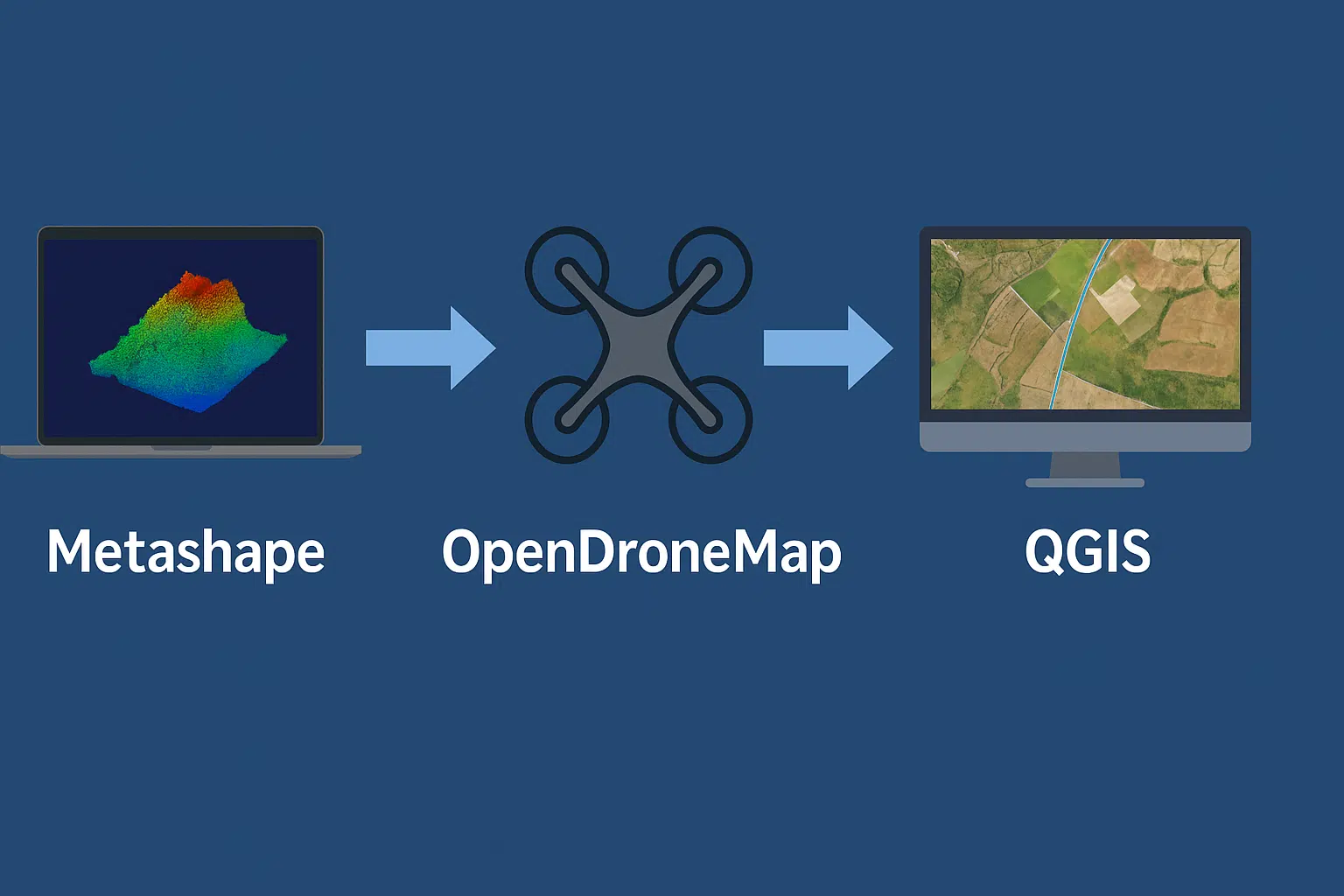
Combining Agisoft Metashape, OpenDroneMap, and QGIS offers professionals a powerful, cost-effective pipeline for drone-based GIS mapping and analysis. Whether you’re in surveying, agriculture, or environmental research, this hybrid workflow enables the creation of georeferenced 3D models, orthomosaics, and vector maps—all with free or low-cost tools. Here’s how to set up a full GIS workflow using these platforms in 2025.
Why Combine Metashape with OpenDroneMap and QGIS?
Agisoft Metashape is known for high-quality photogrammetric processing and is often used to generate dense clouds, DEMs, and orthophotos. OpenDroneMap (ODM) is an open-source alternative that complements Metashape’s workflow—especially for batch processing and server-side jobs. Finally, QGIS brings GIS functionality, enabling vector editing, spatial analysis, and map publishing.
Step 1: Capture Aerial Photos
- Use a drone with GPS-enabled camera (RTK/PPK optional but ideal)
- Plan your flight to ensure at least 75% front overlap and 60% side overlap
- Maintain consistent altitude, sharp focus, and avoid motion blur
Export the photos in JPG or TIFF format, and ensure metadata (EXIF/GPS) is intact.
Step 2: Generate Initial Outputs in Metashape
Use Agisoft Metashape (Standard or Pro) to align images and build the following:
- Dense Cloud
- Digital Elevation Model (DEM)
- Orthomosaic
Export the orthomosaic as a GeoTIFF and the DEM as a .tif or .xyz file for interoperability.
Step 3: OpenDroneMap for Open Processing and Verification
Install ODM locally or use WebODM for a user-friendly interface. Upload the same image set used in Metashape to cross-validate outputs or perform batch cloud processing.
- Use it for open, auditable output validation
- Generate 2D orthophotos, 3D textured models, and point clouds
- Export results in LAS, GeoTIFF, and OBJ formats
This step is especially useful when collaborating with NGOs, universities, or open data projects that require FOSS compliance.
Step 4: Load into QGIS for Spatial Analysis
Open QGIS (free, open-source GIS software) and load the outputs:
- Orthomosaic GeoTIFF (as raster layer)
- DEM file for elevation data (and to derive slope, hillshade, contour lines)
- Point cloud (LAS/LAZ) via plugins like PDAL or CloudCompare
- Vector overlays (e.g., shapefiles or GeoJSON for roads, zones, etc.)
QGIS supports rich styling, spatial joins, buffer analysis, and exporting professional map layouts (PDF, PNG, web tiles).
Bonus: Automating with Python and Processing Models
All three tools support scripting:
- Metashape: Python scripting for automation (align, export, batch)
- ODM: REST API or command-line automation
- QGIS: PyQGIS for automating vector/raster operations
Combining Python with this pipeline allows scalable and repeatable GIS production workflows—ideal for companies or large-scale mapping campaigns.
Use Cases for the Metashape + ODM + QGIS Pipeline
- Environmental monitoring and land use analysis
- Archaeological mapping and documentation
- Precision agriculture with NDVI/thermal integration
- Urban planning and infrastructure analysis
- Disaster response and change detection
Conclusion
By combining Metashape, OpenDroneMap, and QGIS, professionals can create a robust, flexible GIS workflow—mixing commercial-grade processing with open-source power. Whether you’re working solo or part of a large team, this hybrid stack lets you build high-quality orthomosaics and 3D data products while reducing licensing costs and increasing transparency.
As open photogrammetry tools continue to evolve, this pipeline will only become more powerful. Start with what you have, experiment, and scale up as your project grows.
