

 Italiano
 Français
 Deutsch
 Español
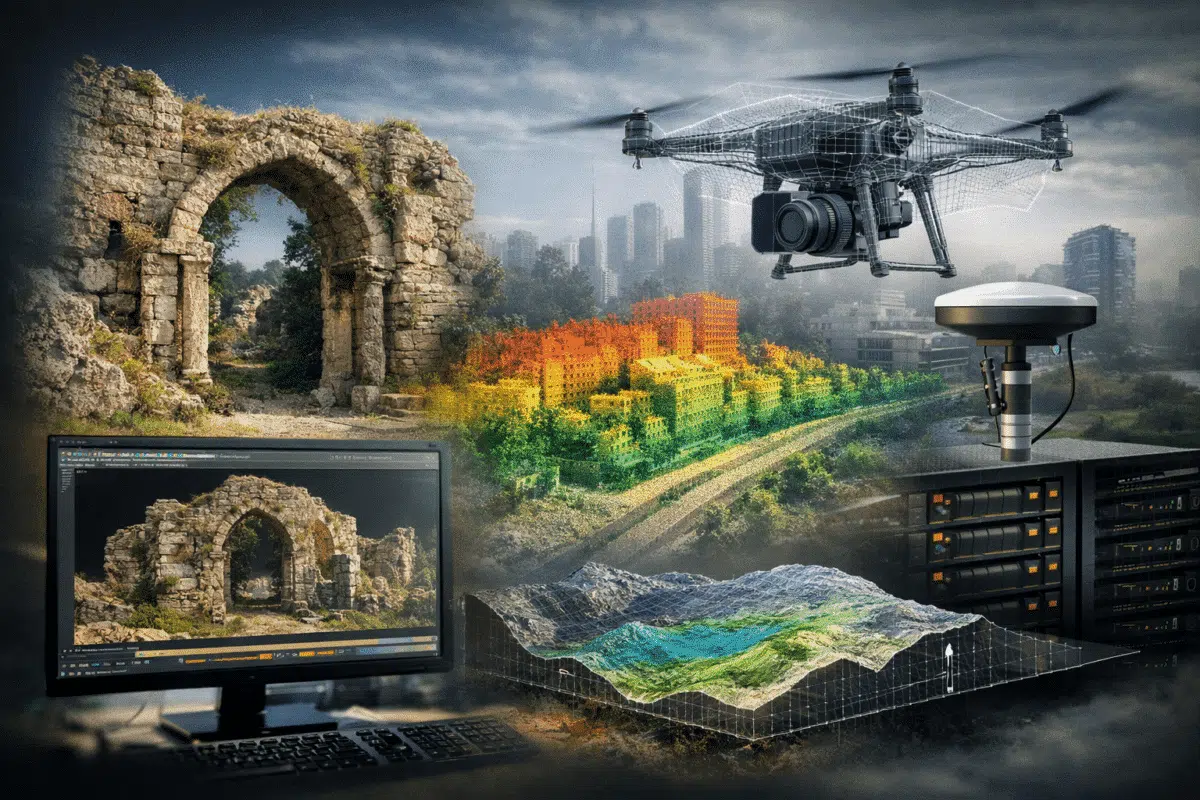
When a new version of Agisoft Metashape is released, most discussions focus on the list of new features. While this is useful, professional users are usually more interested in a different question: how does this update change daily work in real projects? Agisoft Metashape 2.3 is not just an incremental update, but a version that significantly improves the stability, quality, and scalability of professional workflows. Instead of adding isolated tools, it strengthens the entire processing pipeline, making photogrammetry and LiDAR integration more predictable, more efficient, and more visually compelling.
In this article, we will not simply describe what is new. We will analyze how Metashape 2.3 changes the way professionals approach surveying, cultural heritage documentation, digital twins, and visual-grade 3D production.
Before Metashape 2.3: The Real Bottlenecks in Professional Projects
Before version 2.3, many workflows in Metashape were already powerful but required a high level of manual intervention. Textures were often technically correct but visually inconsistent, especially in complex lighting conditions. Hybrid projects that combined LiDAR and photogrammetry were possible, but they demanded experience, trial-and-error alignment, and additional validation steps. Processing large datasets meant carefully scheduling tasks to avoid hardware bottlenecks, and network processing was useful but not always straightforward.
In short, Metashape was already a professional-grade tool, but the workflow felt more like a laboratory environment than an industrial one. Each project required fine-tuning, troubleshooting, and constant quality control. Metashape 2.3 changes this perspective by making workflows more robust and more production-oriented.
After Metashape 2.3: A Shift Toward Industrial-Grade Workflows
With version 2.3, Metashape moves closer to being a complete 3D data production platform. The improvements in texturing, LiDAR handling, and parallel processing reduce uncertainty and increase reproducibility. Results are more consistent between projects, which is crucial for professionals who work on standardized deliverables.
This version emphasizes reliability over experimentation. Instead of finding workarounds, users can focus on optimizing quality and efficiency. This is particularly important in enterprise environments where time, hardware resources, and project predictability have direct economic value.
Texturing: From Technical Mapping to Visual-Grade Models
The introduction of the Natural blending mode changes the role of Metashape in many industries. Traditionally, textures generated in photogrammetry were primarily meant for measurement and interpretation. They were accurate but not necessarily attractive. With Metashape 2.3, textures can reach a level that is suitable for visual communication, museums, digital twins, and even cinematic environments.
Natural blending focuses on selecting the best photographic data for each surface area based on viewing angle, image sharpness, and color consistency. The result is a texture that looks more uniform, with fewer seams and less visible blending artifacts. This reduces the need for external texture editing in tools such as Photoshop or Substance Painter.
For professionals, this means that Metashape becomes a single-step solution not only for geometry but also for presentation-quality visual assets. This is a major shift for workflows in cultural heritage, architecture, and VR development.
LiDAR and Photogrammetry: A Mature Hybrid Workflow
One of the strongest improvements in Metashape 2.3 is the way LiDAR data is treated. Instead of being a secondary input, LiDAR is now fully integrated into the core processing pipeline. The introduction of GNSS bias correction allows surveyors to compensate for systematic positional errors, improving the accuracy of merged datasets.
Depth map matching between LiDAR and image-based data stabilizes alignment and reduces distortions in complex environments. Classification of overlap points and height-based colorization further enhance data analysis and visualization. These features make Metashape a true 3D data fusion platform, capable of handling aerial imagery, terrestrial scans, and drone-based LiDAR in a unified workspace.
For surveyors and engineering professionals, this reduces the need to split workflows across multiple software platforms. Metashape becomes a central hub for 3D geospatial processing.
Parallel Processing and Network Scalability
Metashape 2.3 introduces improvements in parallel task execution that significantly benefit studios and enterprises. Processing independent tasks simultaneously allows better use of multi-core CPUs, GPUs, and distributed networks. Large projects can be completed faster, with fewer idle resources.
For companies managing multiple projects at once, this translates directly into higher productivity. Network processing becomes a strategic advantage rather than a technical feature. Universities, research centers, and surveying companies with cluster systems will immediately notice improved throughput.
Project Reliability and Predictability
Another major improvement is the increased stability of batch processing. Metashape 2.3 reduces the number of failed tasks and unpredictable behaviors, especially in large heterogeneous datasets. This is critical in professional environments where processing pipelines must be repeatable and verifiable.
Predictability is often more important than raw speed. Knowing that a project will complete successfully without manual supervision allows teams to automate workflows and scale operations.
Who Benefits Most from Metashape 2.3
Surveyors and Geomatics Professionals
Improved LiDAR handling, GNSS bias correction, and better reporting tools make Metashape 2.3 ideal for high-precision surveying projects.
Cultural Heritage and Archaeology
The Natural blending mode enables photorealistic models that are suitable for museums, digital archives, and public exhibitions.
Architecture and Digital Twin Developers
Metashape 2.3 provides both metric accuracy and visual quality, two key requirements for digital twin creation.
Film, VR, and Virtual Production
The ability to generate visually consistent assets directly from photogrammetry positions Metashape as a viable production tool for entertainment industries.
Standard vs Professional After Metashape 2.3
While the Standard edition remains powerful for pure photogrammetry, the Professional edition becomes increasingly attractive with version 2.3. Advanced LiDAR processing, network workflows, and reporting features are now central to many modern projects. For businesses dealing with hybrid data and large-scale production, Professional is no longer optional but strategic.
Metashape 2.3 as a Platform, Not Just Software
Metashape is evolving beyond photogrammetry. It is becoming a 3D processing engine capable of supporting digital twins, smart cities, and industrial monitoring. Version 2.3 strengthens this vision by unifying geometry, texture, LiDAR, and processing automation into a coherent system.
Conclusion: A Workflow Upgrade, Not Just a Version Update
Agisoft Metashape 2.3 is not simply about new tools. It is about changing expectations. It transforms Metashape from a powerful technical application into a stable, industrial-grade production platform. For professionals who rely on accuracy, efficiency, and visual quality, this version represents a major step forward.
More automation, higher reliability, better integration, and improved visual output make Metashape 2.3 a strategic upgrade rather than a cosmetic one. It is a foundation for the next generation of 3D workflows.
