

 Italiano
 Français
 Deutsch
 Español
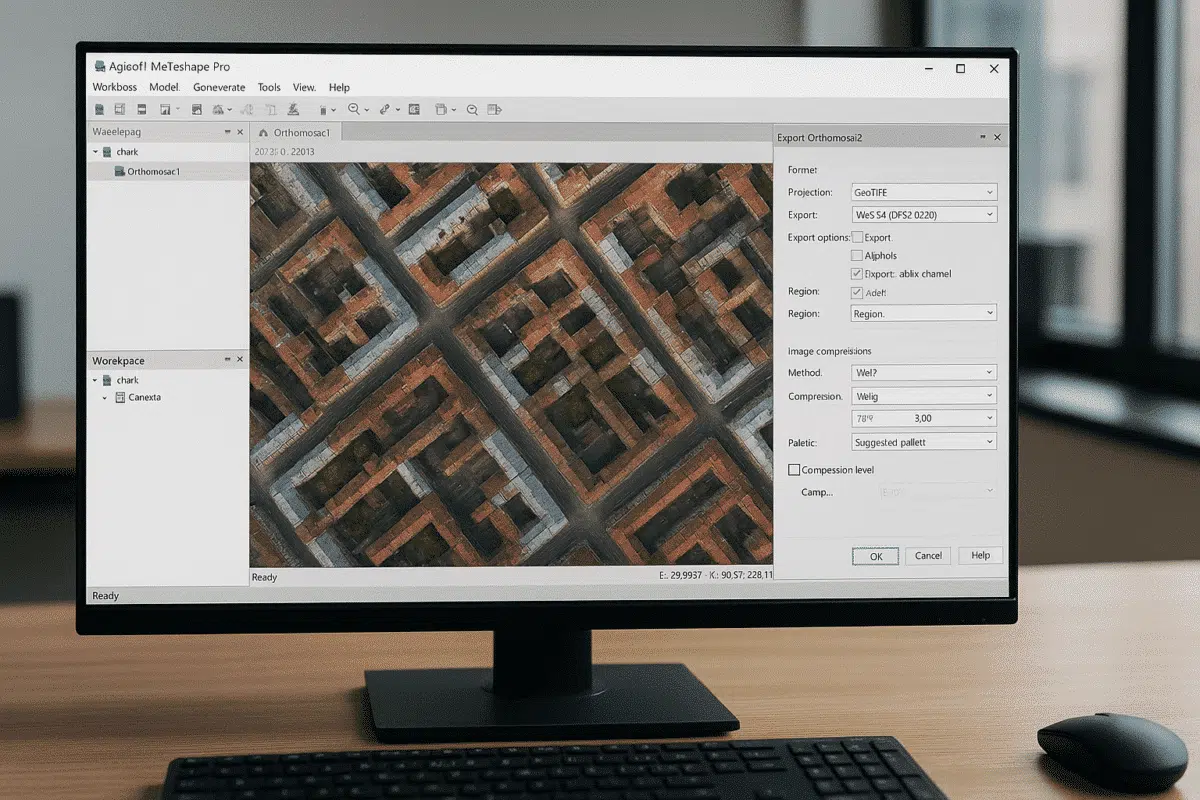
Agisoft Metashape 2.2.3 is the newest stable release of the well-known photogrammetry software, available in both Standard and Professional editions and downloadable directly from the official Agisoft website. This version represents the most recent update in the 2.2.x series and introduces a set of bug fixes along with several targeted enhancements for users working with high-resolution orthomosaics and advanced satellite or planetary datasets.
In this article, we take a detailed look at what’s new in Metashape 2.2.3, how it affects everyday workflows, and why upgrading may bring immediate benefits to professionals who rely on the software for demanding 3D reconstruction and mapping projects.
Metashape 2.2.3: A Release Focused on Quality and Stability
According to the official changelog, Metashape 2.2.3 (build 21752, released on December 7, 2025) introduces:
- Bug fixes for both Standard and Professional editions.
- New WebP compression support for exporting orthomosaics as GeoTIFF (Professional).
- Support for processing RPC imagery from Mars and Moon missions (Professional).
This is a refinement-oriented release: on one side it stabilizes the many features introduced throughout the 2.2.x cycle, and on the other, it adds highly specialized capabilities that can significantly streamline specific workflows—especially web-based orthomosaic publishing and planetary photogrammetry.
WebP Compression for GeoTIFF Orthomosaics: Faster, Smaller, More Efficient
The most relevant improvement for the majority of Metashape Professional users is the introduction of WebP compression for exporting orthomosaics as GeoTIFF.
Until now, exporting large georeferenced orthomosaics often resulted in extremely heavy files, particularly when working with:
- large-area drone surveys (precision agriculture, quarries, environmental monitoring);
- high-resolution urban mapping;
- infrastructure inspection projects with very dense imagery.
The WebP format, originally developed by Google, is designed to significantly reduce file size while maintaining high visual quality. In practice, this means:
- smaller GeoTIFF files that are easier to store, transfer, and load;
- reduced storage consumption on servers, NAS devices, and cloud systems;
- improved performance for online GIS viewers and tile-based map services.
For professionals publishing orthomosaics on web platforms or cloud-based GIS tools, this improvement can streamline workflow performance and reduce operational costs. Users can also experiment with different WebP compression levels to find the optimal balance between visual fidelity and storage size—especially important when fine details (rooftops, cables, vegetation structure) are essential for interpretation.
RPC Imagery for Mars and Moon: Bringing Planetary Photogrammetry into Metashape
Another notable enhancement in Metashape 2.2.3 Professional is the new capability to process RPC (Rational Polynomial Coefficient) imagery from Mars and Moon datasets.
RPC models are widely used in satellite photogrammetry and describe image geometry using polynomial coefficients rather than simple camera models. Metashape already supported RPC workflows, but release 2.2.3 extends this functionality to support datasets from planetary missions.
This is particularly valuable for:
- research institutions studying planetary topography and geology;
- universities teaching remote sensing and extraterrestrial mapping;
- scientific teams integrating planetary satellite imagery into DEMs and 3D modeling workflows.
With RPC support for Mars and Moon imagery, Metashape becomes an even more versatile photogrammetry environment—not limited to Earth-based surveys but fully capable of supporting planetary remote sensing. Users benefit from the familiar interface and powerful 3D reconstruction tools while working with data acquired far beyond our planet.
Bug Fixes and Under-the-Hood Improvements
Alongside new features, Metashape 2.2.3 includes a variety of general bug fixes applicable to both the Standard and Professional editions.
While Agisoft does not list every fix individually, these improvements generally address:
- stability during processing of very large or distributed projects;
- handling of specific input and output formats;
- minor interface issues or inconsistencies that emerged after major feature expansions.
The end result is a more robust software environment with fewer crashes, fewer unexpected behaviors, and more predictable performance—especially on multi-GPU workstations or network-based processing setups.
The Bigger Picture: Key Advances Introduced in the 2.2.x Series
To fully appreciate the importance of version 2.2.3, it is useful to look at the major innovations introduced throughout the broader 2.2.x series. These include significant advances in LiDAR processing, laser scanning, and orthomosaic quality.
- Advanced LiDAR and laser scan support: improved handling of structured terrestrial scans, aerial LiDAR datasets, boresight calibration, cloud-to-cloud comparison, and accuracy visualization.
- Enhanced orthomosaic generation: tools for generating textures based on orthomosaics, improved blending, experimental rooftop edge optimization, and export flexibility.
- Pansharpening for multispectral imagery: combining high-resolution panchromatic bands with multispectral data for sharper orthomosaics.
- Automatic AprilTag detection and updated control target workflows.
- Align cameras by reference: ideal for problematic datasets, water surfaces, and scenarios where initial metadata is reliable.
Metashape 2.2.3 builds on top of this ecosystem, stabilizing the platform and introducing key improvements that support highly specialized use cases.
Should You Upgrade to Metashape 2.2.3?
The official download page lists version 2.2.3 as the latest stable release. Users already working with any earlier 2.2.x version will benefit immediately from the bug fixes and optimizations. Owners of 1.x licenses can also upgrade to 2.x at no additional cost, though Professional edition users must re-enter their activation key due to the updated licensing system.
In summary:
- If you’re already using Metashape 2.2.x, upgrading to 2.2.3 is strongly recommended.
- If you’re still on 1.x, the 2.x series represents a major leap forward, especially for LiDAR, laser scans, and advanced workflows.
- Standard edition users will mainly benefit from stability improvements; Professional-only features such as WebP and RPC enhancements remain exclusive.
Before updating, it is always good practice to:
- backup your most important projects;
- test the new release on a representative dataset;
- check compatibility for custom Python scripts or plugins.
Conclusion: A Polished Release Worth Installing
Metashape 2.2.3 may not be a feature-packed revolution, but it is a significant refinement update that enhances stability, performance, and functionality for many workflows.
On one hand, WebP compression for GeoTIFF orthomosaics offers tangible efficiency benefits. On the other, RPC support for Mars and Moon imagery expands the software’s capabilities into planetary photogrammetry. Combined with the latest bug fixes, this release provides a more reliable and streamlined experience for professionals working across surveying, UAV mapping, environmental monitoring, archaeology, engineering, and scientific research.
Suggested image (16:9, no text): A widescreen monitor displaying Agisoft Metashape with a large urban orthomosaic open and the export panel showing WebP compression options, set in a modern professional workspace.
