AGISOFT METASHAPE SUPPORT

Agisoft Metashape Support and Technical Guidance

Find the right path for licensing, activation, installation, Floating deployments, processing workflows and university environments—with clear guidance from an Agisoft Authorized Reseller and direct access to official Agisoft resources.

Browse Support Topics

Contact Support

04
SUPPORT PRIORITIES

LICENSING

Edition and license model

ACTIVATION

Workstation and server context

WORKFLOWS

Acquisition and processing

DEPLOYMENT

Teams, labs and infrastructure
RIGHT QUESTION. RIGHT RESOURCE. FASTER ANSWER.

Drone Emotions Srl is an Agisoft Authorized Reseller and Training Center. We help customers connect licensing and deployment decisions with the correct official documentation, practical workflow resources and professional training.

CHOOSE YOUR SUPPORT PATH

Start with the type of help you need

A licensing question, a deployment issue and a photogrammetry workflow problem require different information. Select the closest category to reach the most useful next step.

01

Licensing & Activation

Edition selection, Node-Locked or Floating, commercial or Educational use, activation context, rehosting and purchasing guidance.

✓ License selection

✓ Activation context

✓ Quotations and orders

02

Installation & Infrastructure

Workstation planning, hardware context, isolated environments, Floating license servers and shared organizational deployments.

✓ Hardware planning

✓ Floating environments

✓ Deployment review

03

Processing & Workflow

Image acquisition, alignment, control points, orthomosaics, DEMs, 3D models, classification, calibration and performance.

✓ Official tutorials

✓ Practical articles

✓ Advanced training

04

Universities & Multi-User

Educational eligibility, research use, shared laboratories, concurrent access, institutional purchasing and curriculum support.

✓ Eligibility review

✓ Lab configurations

✓ Academic training

WHO CAN HELP

Use the channel that matches the question

Clear ownership reduces delays. Drone Emotions, Agisoft’s official technical resources and professional training each serve a different purpose.

DRONE EMOTIONS SRL

Licensing and customer guidance

Contact us for pre-purchase advice, quotations, orders placed through Drone Emotions, license configuration, deployment planning and help identifying the correct technical resource.

✓ Edition and license model

✓ Commercial and Educational purchasing

✓ Order and delivery questions

✓ Initial deployment guidance

OFFICIAL AGISOFT RESOURCES

Product documentation and software issues

Use Agisoft’s official channels for current product documentation, release-specific instructions, confirmed software behavior, bug investigation and community technical discussions.

✓ Official Knowledge Base

✓ Tutorials and manuals

✓ Product forum

✓ Version-specific guidance

TRAINING & CONSULTATION

Project-specific workflow development

Choose structured training or consultation when the objective is to develop repeatable expertise, optimize a workflow or evaluate decisions around your own project and deliverables.

✓ Workflow design

✓ Quality-control methods

✓ Team capability development

✓ University and company courses

LICENSING AND ACTIVATION

Define the licensing context before troubleshooting

The fastest route to an answer begins with four facts: the Metashape edition, the license model, the permitted-use category and the environment in which the software is being activated.

For a Node-Locked license, identify the active workstation and whether a transfer is required. For Floating licensing, include the license-server environment, the number of concurrent seats and the client computers involved. Never publish a license key in a forum or public message.

✓ Confirm Standard or Professional

✓ Confirm Node-Locked or Floating

✓ Confirm commercial or Educational use

✓ Record the current Metashape version and operating system

✓ Describe the activation or deployment environment without sharing the license key

Request Licensing Help

RELATED GUIDES

Resolve the decision before the issue

Professional vs Standard and license models →
Compare editions, Node-Locked and Floating configurations.

Metashape for universities and research →
Plan users, laboratory access, infrastructure and training.

Educational license eligibility →
Review purchaser and permitted-use requirements.

Why buy from an Authorized Agisoft Reseller →
Verify the role of Drone Emotions and the value of an authorized channel.

OFFICIAL AGISOFT TUTORIALS

Start with a documented workflow

These links open current resources hosted in Agisoft’s official Knowledge Base. Use them as a technical starting point and verify that the instructions correspond to the Metashape version installed on your computer.

AERIAL MAPPING

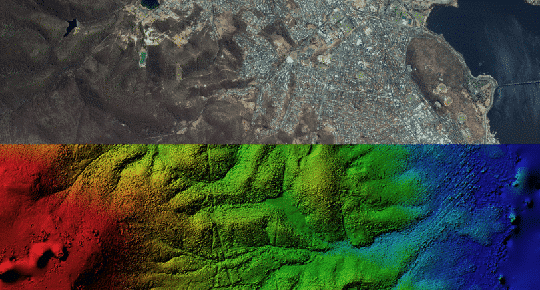
Orthomosaic and DEM without GCPs

Generate an orthomosaic and elevation model from aerial imagery when Ground Control Point data is not being used.

Open Tutorial
GEOREFERENCING

Orthomosaic and DEM with GCPs

Build accurate georeferenced orthomosaics and elevation models using measured Ground Control Point data.

Open Tutorial
ACCURACY CONTROL

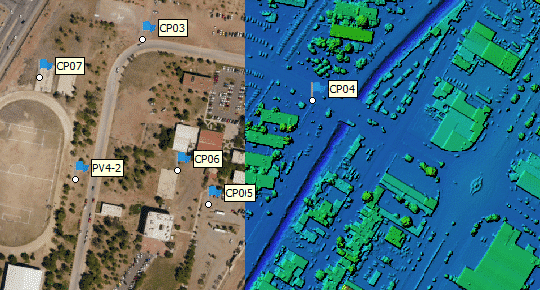
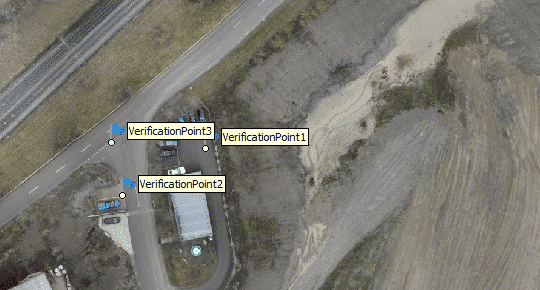
Control points and checkpoints

Use markers for project referencing and independent checkpoint validation of aerial-survey accuracy.

Open Tutorial
3D RECONSTRUCTION

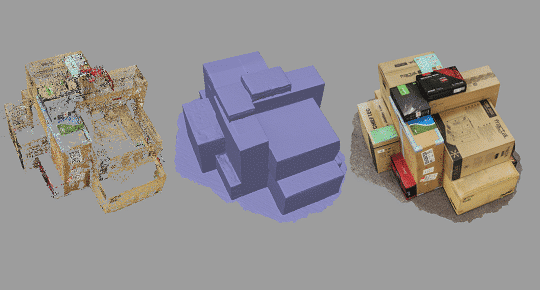
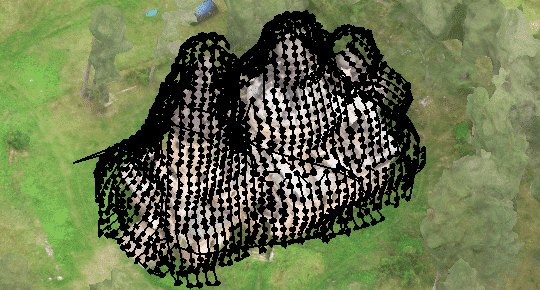
3D model generation

Follow the principal workflow for creating a detailed three-dimensional model from a photographic dataset.

Open Tutorial
MEASUREMENTS

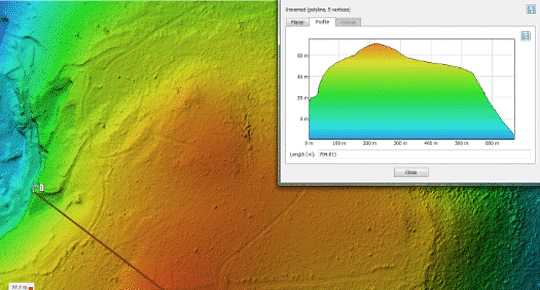
DEM-based measurements

Perform distance, area, elevation and volume-related measurements using a digital elevation model.

Open Tutorial
TERRAIN MODELLING

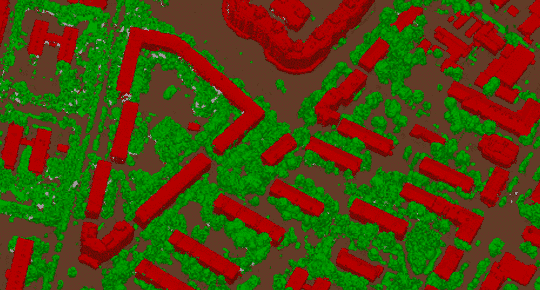
Point-cloud classification and DTM generation

Classify point-cloud data and use the resulting ground class to produce a digital terrain model.

Open Tutorial
FLIGHT PLANNING

Automated mission planning

Review the workflow for planning image acquisition around structures with complex three-dimensional geometry.

Open Tutorial
REMOTE SENSING

Satellite image processing

Process satellite imagery accompanied by Rational Polynomial Coefficient data in Metashape Professional.

Open Tutorial
CLOSE-RANGE CONTROL

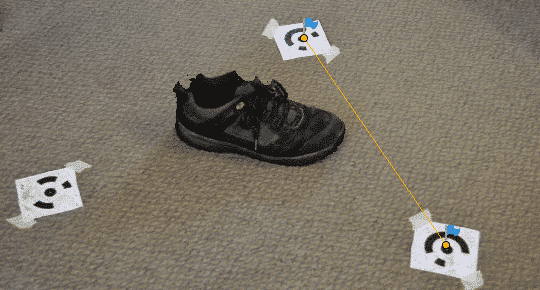
Coded targets and scale bars

Use coded targets and calibrated scale bars to establish scale and support controlled close-range projects.

Open Tutorial
MULTISPECTRAL DATA

Reflectance calibration

Calibrate multispectral image data using reflectance panels for a consistent radiometric workflow.

Open Tutorial

ACQUISITION AND PERFORMANCE

Prevent common problems before processing

Reliable photogrammetry begins with appropriate image acquisition, sufficient computing resources and quality-control elements suited to the required output.

Planning and image acquisition

Memory requirements for processing →
Estimate peak memory use for common operations and project types.

General image capture tips →
Review equipment choices and avoid frequent acquisition mistakes.

Aerial survey capture tips →
Plan image acquisition for aerial mapping projects.

Terrestrial shooting scenarios →
Capture buildings, facades, monuments and other terrestrial subjects.

Close range and quality control

Close-range object acquisition →
Improve datasets captured around individual objects.

Whole-body and head acquisition →
Review recommendations for multi-camera human capture.

Calibrated scale-bar placement →
Download guidance created by Cultural Heritage Imaging.

Manual point-cloud classification →
Download recommendations for manual classification work.

BEFORE CONTACTING SUPPORT

A precise request produces a faster diagnosis

Include enough context to reproduce or understand the issue. Remove confidential project information and never send a license key through a public forum or an unsecured public page.

01. Metashape edition, version and build number

02. Operating system and relevant hardware

03. Node-Locked or Floating license context

04. Exact error message and the step that triggers it

05. Screenshot, processing log or console excerpt when relevant

06. Steps already attempted and their outcome

07. Dataset size, image type and intended deliverable

SUPPORT REQUEST

Use a clear subject line

Example: “Metashape Professional Floating activation on Windows Server”. A descriptive subject helps route the request correctly from the beginning.

Do not include:

License keys, passwords, personal data, restricted imagery or confidential project coordinates unless a secure exchange method has been agreed.

Prepare a Support Email

FREQUENTLY ASKED QUESTIONS

Agisoft Metashape support questions

Use these answers for initial orientation. License terms, software behavior and system requirements can change, so confirm release-specific details through current official Agisoft documentation.

Download installers only from Agisoft’s official website or from a verified link supplied with your legitimate purchase. Avoid unofficial mirrors. Before installing an update, review the applicable release notes and confirm compatibility with your production environment.

A Node-Locked license is intended for one active workstation at a time. Moving it normally requires the existing activation to be released before activation on the replacement computer. Follow the current official activation instructions and contact the seller or Agisoft if the original machine is no longer accessible.

A Floating license server makes a defined number of concurrent sessions available to permitted client computers. The correct configuration depends on the server environment, network access, number of simultaneous users and the current Agisoft licensing tools.

Provide the Metashape edition and version, number of purchased concurrent seats, license-server operating system, client operating systems, network or VPN context, exact error message and the point at which the connection fails. Do not include the license key in a public message.

Offline or restricted-network scenarios require the activation method supported by the applicable license and current licensing system. Describe the isolated environment before deployment so the correct official procedure can be confirmed.

For an order placed with Drone Emotions, contact [email protected] and include the order reference and purchaser details. For an order placed directly with Agisoft or another reseller, contact the organization that processed that purchase.

Use Agisoft’s official technical channels for reproducible product defects and version-specific software behavior. Include the version and build, operating system, processing log, minimal reproduction steps and a description of the expected and actual result.

Hardware requirements depend on image count, image resolution, processing settings, sensor type, desired outputs and acceptable processing time. Begin with the official memory-requirements guidance, then evaluate the complete workflow and representative datasets rather than one specification in isolation.

Eligibility depends on the purchaser and the intended non-commercial educational or academic use. Review the dedicated Educational eligibility guide and confirm the current official terms before ordering, especially for laboratories, funded research and mixed academic-commercial projects.

Support addresses a defined question, order, activation context or technical issue. Training develops repeatable skills across acquisition, processing, quality control and deliverables. Consultation is more appropriate when the objective is to design or optimize a project-specific workflow.

DRONE EMOTIONS WORKFLOW RESOURCES

Turn technical answers into stronger workflows

Go beyond individual questions with structured scenarios, practical technical content and professional learning designed around real photogrammetry decisions.

01 — TECHNICAL SCENARIOS

Analyse workflow decisions

Explore structured situations that connect project requirements, processing choices, quality control and expected deliverables.

View Scenarios

02 — KNOWLEDGE BASE

Find practical technical guidance

Access workflow guides, software updates, troubleshooting articles and technical explanations maintained by Drone Emotions.

Knowledge Base

03 — PROFESSIONAL TRAINING

Develop lasting expertise

Move from troubleshooting to structured capability development through workshops, online courses and personal consultation.

View Pro Training

OFFICIAL RESOURCES

Continue with Agisoft’s official channels

For definitive product documentation and current licensing details, use the resources published and maintained by Agisoft LLC.

Knowledge Base

Official tutorials, activation instructions, processing guidance and release-specific technical articles.

Agisoft Forum

Community discussions about processing methods, scripts, hardware, datasets and software behavior.

Licensing Options

Official definitions and current conditions for available Agisoft Metashape license configurations.

NEED HELP CHOOSING THE NEXT STEP?

Send us the context, not just the error

Describe your edition, license model, environment, objective and the exact point where assistance is required. We will address reseller-related questions or direct you to the most appropriate official resource.

Request Support

Drone Emotions Srl
Agisoft Authorized Reseller & Training Center
[email protected]
800 984 535 · +39 347 433 3302